In This Article
Follow BestForAndroid


💡 The short answer
- What P2P isYou buy from or sell to another person, and the platform holds the seller’s crypto in escrow until the payment is confirmed.
- Biggest riskReleasing crypto before the money is in your account. A screenshot or a text message does not prove a payment.
- On the platformCheck 4 things: escrow and disputes, the trader’s record, the full cost after fees, and the payment method.
- On the phoneUse app-based two-factor codes, install from official sources, keep Android updated and stay off public Wi-Fi.
Buying cryptocurrency no longer means sitting at a desktop and wrestling with a trading screen. A modern Android phone can check prices, run a trade and message the other party from almost anywhere.
One way to do it is peer-to-peer (P2P) trading, where the platform pairs you with another person and the two of you settle on a price and a payment method. The catch is that you are dealing with a stranger, and mistakes are expensive. The FBI’s latest Internet Crime Report counted 181,565 complaints involving cryptocurrency, with $11.37 billion in reported losses. That total covers every kind of crypto complaint, not only P2P deals, but it gives a sense of the money involved.
Platforms do not all offer the same protection, and the phone brings its own risks. Google’s yearly Android security review says Play Protect identified more than 27 million new malicious apps from outside Google Play. Before you trade, it helps to know how P2P exchanges work, what to look for when you pick one, and how to secure the device you trade on.
What Makes P2P Crypto Trading Different?
| P2P platform | Order-book exchange | |
|---|---|---|
| Who you trade with | A buyer or seller you pick from a list of offers | Whoever the matching system pairs with your order |
| Who sets the price | The person who posted the offer | The market, through the order book |
| How you pay | Directly to the other person, by bank transfer, payment app or another listed method | From a balance already held on the exchange |
| What protects you | Escrow and a dispute process | The exchange settles both sides itself |
| Typical speed | Minutes to hours, depending on the payment | Usually seconds |
A traditional cryptocurrency exchange matches buy and sell orders through its own trading system. On a P2P platform you choose an individual buyer or seller and agree the terms of the transaction with them.
The appeal is flexibility, above all with local payment methods. Depending on the platform and where you live, you might pay by bank transfer, a digital payment service or another supported option.
Most established P2P platforms also run an escrow system. The platform holds the cryptocurrency while the buyer makes the agreed payment, then releases it to the buyer once the seller confirms the money has arrived. The details vary from one platform to the next, but a typical trade goes like this:
- The buyer picks an offer and enters an amount. The platform locks that much of the seller’s crypto in escrow.
- The buyer pays the seller directly, using the method named in the offer, before the timer on the order runs out.
- The buyer marks the order as paid inside the app.
- The seller opens their own bank or payment app and checks that the money has arrived, in full and from the right person.
- The seller releases the crypto, and the platform moves it to the buyer’s account.
- If the two sides disagree, either one can open a dispute and the platform’s support team reviews the evidence.
Escrow does not remove every risk, but it does stop a seller from taking your money and keeping the coins. That matters when you have never met the person on the other side. It cannot stop a buyer from faking a payment, which is why step 4 matters more than any other.
Why Android Users Might Prefer P2P Platforms
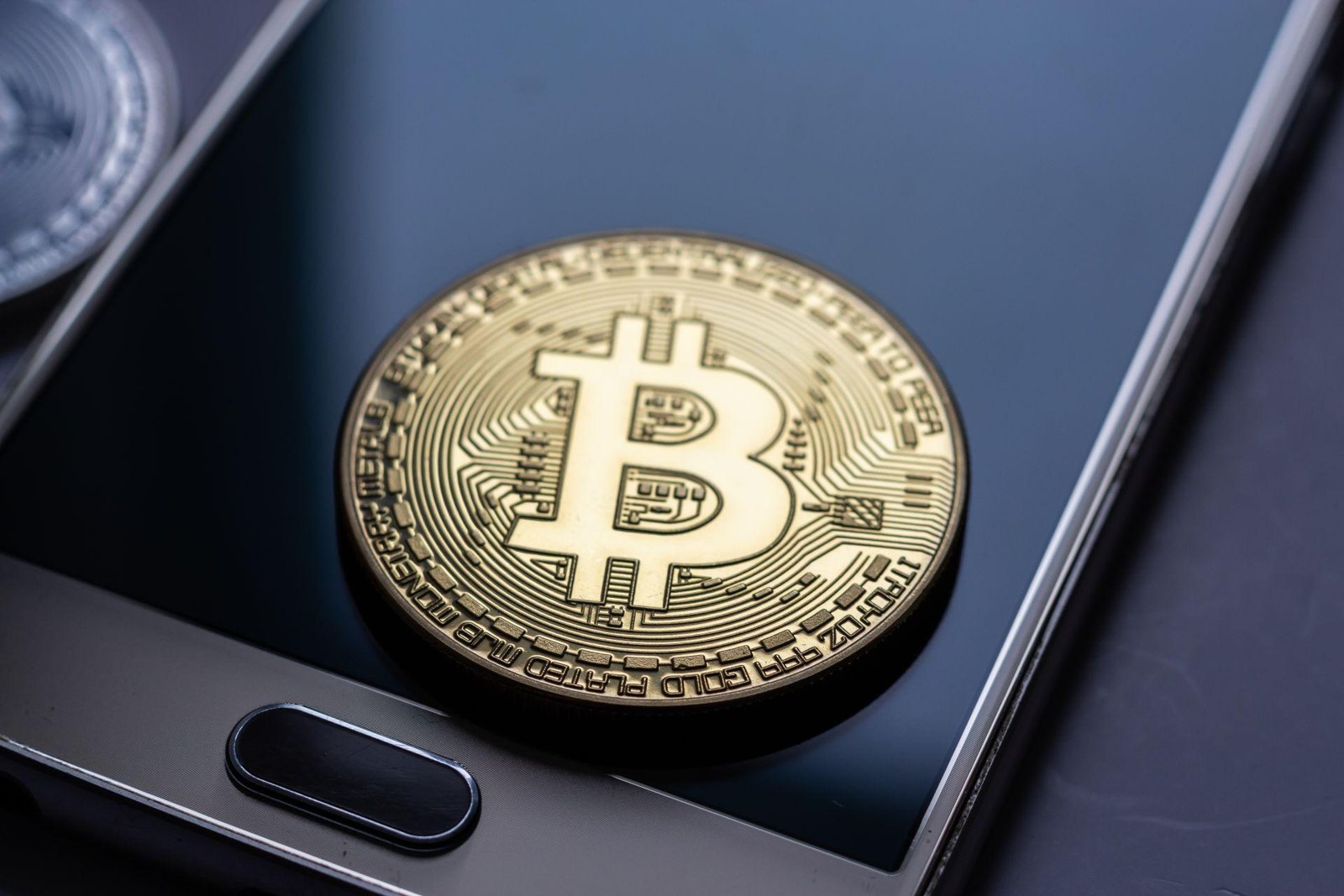
The main advantage of trading on a phone is access. You can browse offers, message the other party and watch a trade’s progress without a computer nearby. There are four practical reasons this is useful, and each comes with a catch.
| Reason | What you get | The catch |
|---|---|---|
| Flexible payment options | P2P marketplaces often support several payment methods, so it is easier to find an offer that fits the services available in your country. | Some methods let the payer dispute a transfer after the trade. |
| More control over transactions | You can usually review individual offers before accepting one, and compare prices, payment conditions and seller histories. | The best-looking price is not always the safest offer. |
| Convenience while travelling | If you move between places a lot, mobile access makes it easier to watch your account and see what is on offer. | Payment availability and local regulations vary a lot by country. |
| Direct communication | Many platforms have built-in messaging, so buyer and seller can clarify payment details and sort out small problems without switching apps. | Scammers use the same chat to pull you onto another messaging app. |
A phone adds one wrinkle of its own: the payment happens in a different app. You will be switching between the exchange and your banking app, so turn on notifications for both, and confirm the amount inside the banking app. A notification preview or a text message is not enough.
All of that makes P2P trading on a phone appealing, but convenience should never be the only reason to pick a platform.
What to Look for When Choosing a P2P Crypto Exchange
Choosing a platform takes more than comparing advertised prices. A low exchange rate or a tempting offer says nothing about whether the transaction is safe. Check these four things before you start.
1. Escrow and Dispute Resolution
Look at escrow first. Find out how the platform holds cryptocurrency during a transaction, and what happens if the buyer or the seller does not meet the agreed conditions.
Then read the dispute process. A platform should give you a clear way to report a problem and submit evidence when a trade goes wrong. Learn how an appeal works before you need one, and keep your own records: a screenshot of the order page and the bank’s transaction reference are the obvious things to save.
2. Seller Reputation and Verification
Most P2P marketplaces show data on each trader, including completed transactions, feedback and completion rate.
Those numbers tell you whether a seller has an established trading history. As a rule of thumb, a trader with hundreds of completed orders and a completion rate above 95% is a safer bet than a new account with a slightly better price. A verified account adds some confidence, although verification alone does not guarantee honest behaviour.
For a closer look at available platforms and their features, this overview of the best p2p Crypto exchange options can be a useful starting point when comparing different services.
3. Fees and Exchange Rates
An offer can look attractive until you add the fees and the exchange-rate spread. Compare the quoted price with the wider market rate, and check whether the platform charges extra for certain payment methods or for withdrawals. Your payment provider may apply its own charges as well.
Here is a made-up example. The market price for 100 USDT is $100. An offer at $101.50, paid through an app that adds a 1% fee, costs you about $102.52, roughly 2.5% over the market. On a small trade that is the price of convenience. On a large one it adds up.
4. Supported Payment Methods
Payment flexibility is one of the main reasons people use P2P platforms in the first place. Supported methods differ between exchanges and countries, though. Before you accept an offer, make sure the payment method is available to you and that the account details match the platform’s requirements.
🔑 Match the name
- The name on the payment should match the verified name on the trader’s profile. Binance’s P2P rules, for example, bar payments from someone else’s account, because the real account holder can dispute the transfer later and the bank may freeze yours. If the names differ, send the money back to the account it came from and cancel the order.
Turn down any request to move the conversation or the payment outside the official platform. Once you leave it, a dispute becomes much harder to resolve.
Android Security: Protecting Your Crypto Transactions
A reputable exchange is only part of the job. The phone needs protecting too, particularly if you use it for financial accounts. A compromised handset can expose login credentials, personal information and other sensitive data.
Five basic precautions are worth the ten minutes they take.
Five ways to protect the phone you trade on
- Use two-factor authentication. Turn on 2FA wherever it is offered. An authenticator app or a hardware security key is generally better than relying on SMS codes alone.
- Download apps from official sources. Install exchange apps only from the official website or a trusted app store. Be wary of ads, messages and links that point to an unfamiliar APK download.
- Keep your device updated. Android security updates and app updates fix known vulnerabilities. Check for them regularly, and do not put them off indefinitely.
- Avoid public Wi-Fi for sensitive transactions. Public networks add risk. Use a network you trust for financial accounts, and do not enter sensitive details on an unfamiliar connection.
- Never share verification codes or recovery phrases. A legitimate exchange representative should not ask for your password, 2FA codes or wallet recovery phrase. Treat an unexpected request for any of them as a warning sign.
Text-message codes are the weak option because a thief who persuades your carrier to move your number to a new SIM receives them in your place. Codes from an app never travel over the phone network. If your exchange supports them, Google Authenticator is one widely used choice.
App at a glance
Google Authenticator
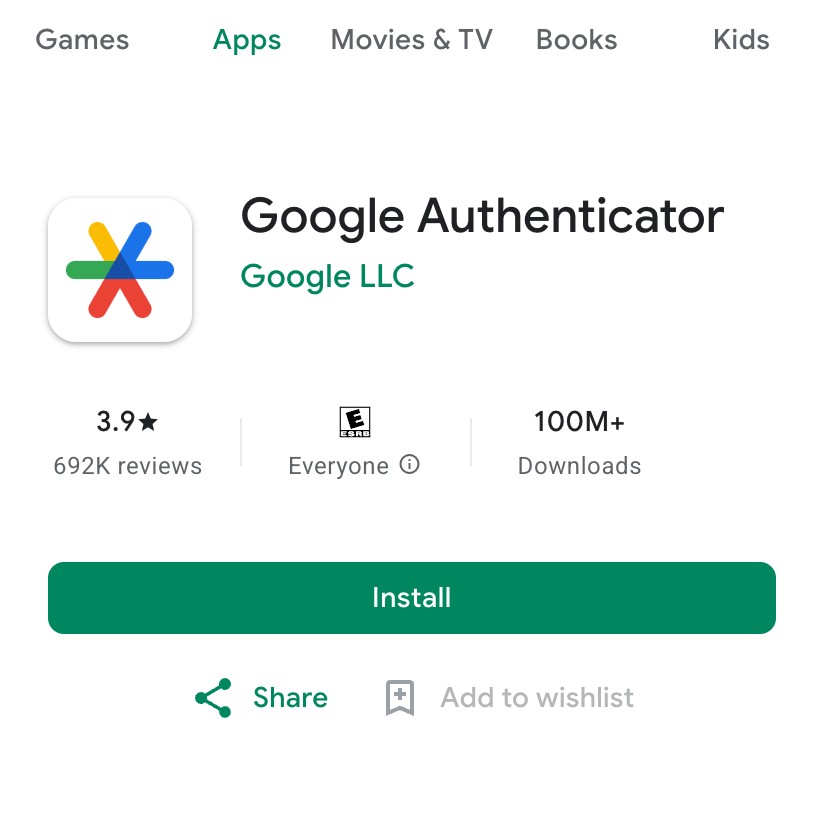
Google’s code generator for two-step sign-in, and one way to stop relying on text messages for an exchange login.
For any exchange that supports app codes
- 3.9Play rating
- 100M+Downloads
- OfflineCode generation
- FreePrice
- StandoutCodes are generated on the phone itself, so they keep working with no signal and no data connection.
- Worth knowingCodes stay on one phone unless you sync them to a Google Account or export them, so a lost handset can lock you out.
Other authenticator apps work the same way, so use the one you already trust. Whichever you pick, save the backup codes the exchange gives you when you switch 2FA on. They are the way back in if the phone is lost.
Android also has a built-in check for apps. Google Play Protect runs a safety check on apps before you download them from the Play Store and looks for harmful apps that came from other sources. It is on by default. To confirm, open the Play Store, tap your profile icon, choose Play Protect, then Settings, and see that ‘Scan apps with Play Protect’ is switched on. Google says the service scans more than 350 billion apps a day.
Cryptocurrency users should also understand why private keys need protecting and how to choose a secure way to store them. Bitcoin.org provides a useful overview of cryptocurrency wallet security, including practical advice on protecting funds held through online services.
For more detailed advice on protecting digital assets, see BestForAndroid’s guide on how to secure your crypto wallet on Android.
Common Mistakes to Avoid When Trading P2P
Even experienced crypto users slip up when they trade directly with other people. The five most common mistakes are easy to prevent.
| Mistake | Why it costs you | Do this instead |
|---|---|---|
| Trusting screenshots as payment confirmation | A screenshot does not prove that money has arrived, and it is easy to fake. | Check your actual bank or payment account. |
| Releasing crypto too early | Once escrow is released, you are unlikely to get the coins back. | Release only after you have confirmed the payment yourself. |
| Ignoring unusually attractive offers | A price far better than every other offer is often bait. | Give it extra scrutiny, starting with the trader’s history. |
| Moving transactions outside the platform | Chats and payments made elsewhere leave the platform with nothing to review. | Keep messages and payments inside the official trade. |
| Rushing through verification | A wrong account number or amount is hard to undo. | Check account details, payment information and conditions before you confirm. |
Small mistakes carry a high price in cryptocurrency, because a completed transfer can be difficult or impossible to reverse.
Frequently Asked Questions
Is P2P crypto trading safe on Android?
It can be, if the platform uses escrow and you confirm every payment in your own bank or payment app before you release crypto. The phone also needs app-based 2FA and current security updates.
What does escrow do in a P2P trade?
The platform locks the seller’s crypto when the order opens and releases it to the buyer only after the seller confirms the payment. That stops a seller from keeping both the money and the coins.
Should I release crypto when the buyer sends a payment screenshot?
No. Screenshots and text messages can be faked. Open your banking or payment app and check that the full amount has arrived from the named buyer.
Why is an authenticator app better than SMS codes?
The app generates codes on the phone, so a SIM swap cannot redirect them to someone else. Google Authenticator’s codes also work with no network connection.
Can a P2P crypto payment be reversed?
The crypto side usually cannot. Some bank and payment app transfers can be disputed by the payer, which is one reason platforms want payments to come from an account in the trader’s own name.
Is P2P crypto trading legal?
It depends on the country. Rules on crypto, payment methods and identity checks differ widely, so check local regulations and the platform’s terms before you trade.
Is P2P Crypto Trading Worth Considering on Android?
P2P trading is a practical option for Android users who value payment flexibility and direct access to other traders. It works differently from a conventional order book, and it suits people who need another way to buy or sell digital assets.
How well it goes depends heavily on the platform, its security features, the payment methods on offer and the behaviour of the individual trader.
Before you choose an exchange, compare escrow protection, verification requirements, fees and dispute procedures. On the Android side, keep the device updated, use strong authentication and install apps only from trusted sources.
A phone makes crypto trading more convenient, but the decisions still need care. A few minutes spent checking the details before each transaction is usually worth more than grabbing the fastest offer.
✅ What to remember
- Escrow firstUse a platform that holds the crypto during the trade and has a clear dispute process.
- Confirm the payment yourselfCheck your bank or payment app before you release. A screenshot is not proof.
- Match the nameThe payer’s name should match the trader’s verified profile.
- Count the full costAdd platform fees, payment charges and the spread to the quoted price.
- Secure the phoneApp-based 2FA, official downloads, current updates and no public Wi-Fi for trades.