In This Article
Follow BestForAndroid


💡 What actually matters on a phone
- LoginBiometric unlock with a passcode fallback, new-device alerts and an inactivity timeout.
- PaymentsA wallet sheet instead of a card form. Check the withdrawal route before the deposit route.
- Live videoA quality selector beats a 4K badge. Live tables can burn 500 MB to 1.2 GB an hour.
- LayoutPortrait first, bottom navigation, touch targets you can hit without looking.
- WalletOne balance across casino and sportsbook. Split wallets turn one app into three.
- ControlsDeposit caps, session clocks and limit changes inside the same account area.
Most casino sessions now start on a phone. Industry trackers put more than 70% of live-dealer play on mobile, which means a casino app has to behave like a wallet, a video player and an account hub at the same time, on a screen the size of a hand.
Fast-session games make those demands obvious. An aviator game apk lives or dies on whether the interface stays responsive through rounds that last seconds rather than minutes. The features that decide it are unglamorous: quick authentication, payments without a card form, video that degrades gracefully, and controls built for a thumb.
Biometric login cuts out the password step
Face ID, Touch ID and Android’s BiometricPrompt stopped being premium extras a while ago, and mobile casino apps now ship biometric unlock on both platforms as a matter of course. The implementation is what varies. Stronger builds keep device-bound credentials in the Secure Enclave or StrongBox and rotate the session token server side, so a stolen handset does not hand over a reusable key.
Face authentication on a current handset typically completes in under half a second, which is the difference between opening the app during an advert break and deciding not to bother. Browser play still leans on saved passwords, and that single extra step is most of why a native app feels quicker between short sessions.
What a login should include besides the fingerprint
- A passcode fallback that does not fall back to an emailed link.
- An alert when the account is opened on a new device.
- Automatic logout after inactivity, with a length you can see.
- A session list in the account area, so you can end one remotely.
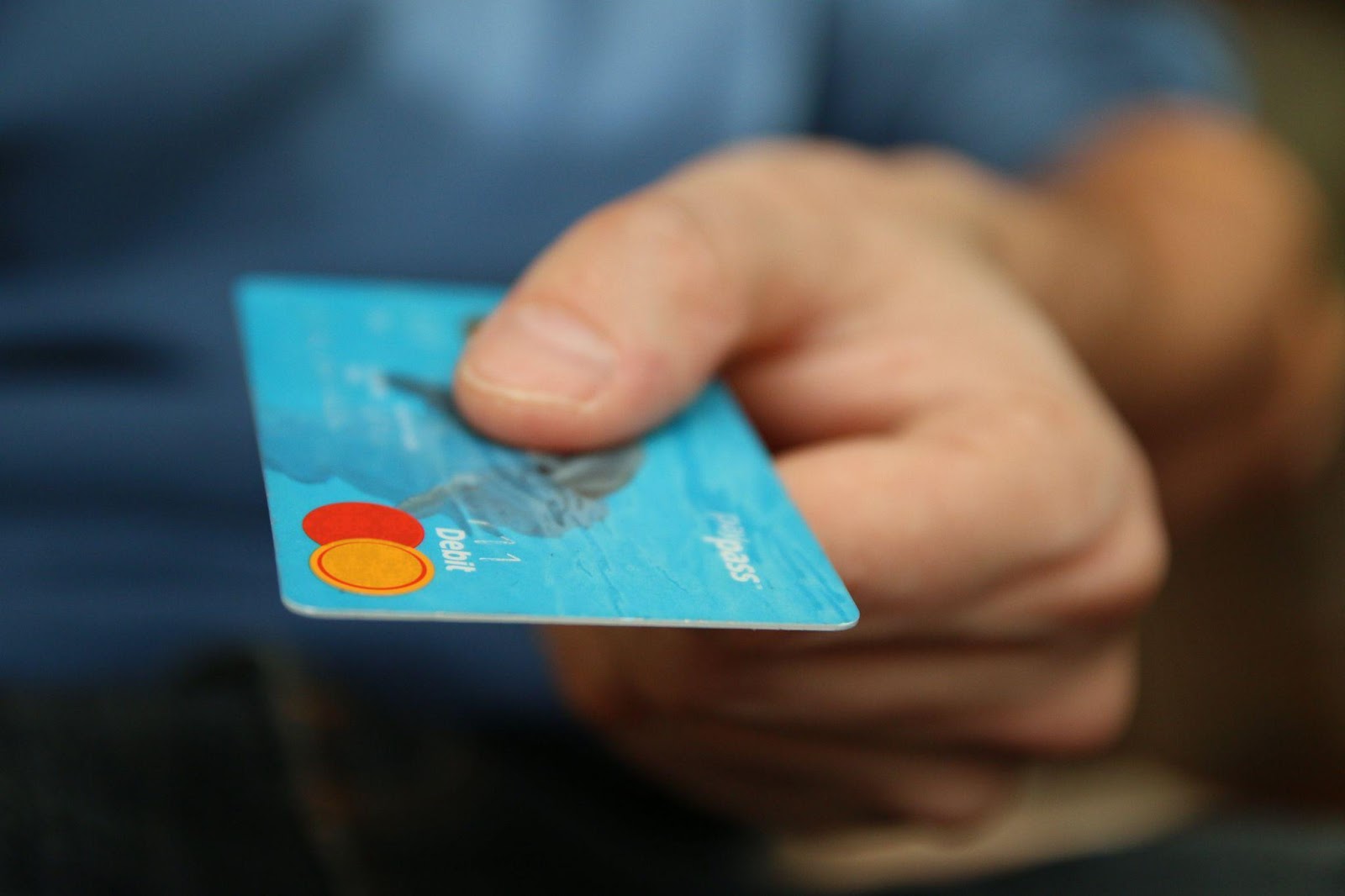
Wallet payments remove the card form
With Apple Pay or Google Pay the sheet opens, biometric authentication confirms the payment and the balance updates within seconds. Comparisons of mobile cashiers still put those two, along with PayPal, among the fastest deposit routes available on a phone, and wallet deposits are now offered by a couple of dozen casino brands rather than a handful.
Withdrawals are far less uniform, and they are the half worth checking first. Cash-outs may run on debit rails, through PayPal or through another e-wallet, with processing anywhere from minutes to a full day. For crypto deposits, scanning a QR code is the only sane option on a phone; copying a long wallet address by hand on a touchscreen is how funds go missing.
Check the cashier in this order
- Find the withdrawal methods and their stated times before you deposit anything.
- Confirm the deposit route and the withdrawal route can be the same one.
- Look for a minimum withdrawal that is not higher than your usual balance.
- Check whether verification is required before the first cash-out or after it.
Adaptive streaming beats a 1080p badge
Live casino is video with an interactive betting layer stacked on top, and testers generally treat 5 to 10 Mbps as the practical connection floor for keeping cards readable. What matters more than the headline resolution is what happens when the connection dips. Strong platforms step down instead of freezing, and the main studios can move from 1080p to 720p and then to 480p without dropping the round.
Latency on a well-built app sits around 200 to 400 ms on Wi-Fi, with cellular usually adding more. The data cost is the figure most players never check until the bill arrives. A quality selector and a Wi-Fi default are worth more than a 4K badge on selected tables, and apps that step down earlier report buffering in a fraction of a percent of sessions.
| What you are playing | Roughly per hour | What that means on a 5 GB plan |
|---|---|---|
| Slots, heavier titles | 40 to 100 MB | Dozens of sessions before you notice |
| Live tables at reduced quality | 150 to 500 MB | An evening, if you set the selector yourself |
| Live tables at full quality | 500 MB to 1.2 GB | One evening of blackjack can take the lot |
| Battery, live video | 15% to 30% of a charge | An hour of live play costs about a quarter of the phone |
Portrait layouts reduce small-screen mistakes
The better mobile lobbies are portrait first, with bottom navigation and touch targets in the 44 to 48 px range that mobile interface work has settled on. The accessibility guidance behind that number is public: WCAG sets a minimum target size precisely because small controls produce mistaken taps, and a mistaken tap in a betting interface costs money rather than a page load.
Game shows work well in portrait because the wheel or bonus area is large and the betting panel stays simple. Speed blackjack and lightning-style roulette benefit from the same restraint. It is also worth checking whether an operator’s exclusive titles are visibly downgraded on a phone, since the weaker apps ship a reduced version and hope nobody compares.
Small-screen warning signs
- A confirm button sitting next to a repeat-bet button, both thumb sized.
- A lobby that only works in landscape, so the keyboard covers the stake field.
- Stake steppers that change value on a swipe rather than a tap.
- No visible undo between selecting a stake and placing it.
One wallet works better than separate products
A single wallet removes the friction between the casino and the sportsbook. A shared balance lets you go from a slot to a sports bet without a second login or an internal transfer, and on a phone that extra step matters more than it does on a desktop, because every one of those steps is a full screen.
Cross-product rewards only work when casino, sports and poker balances interact cleanly. Split wallets make an operator feel like three products sharing one icon, and they hide the one number a player most needs to see, which is the total actually at stake across everything open.
| Moment | Shared wallet | Split wallets |
|---|---|---|
| Slot to sports bet | Tap the section and bet | Transfer, wait, then bet |
| Checking the balance | One figure covers everything | Three figures, none of them the total |
| Bonus funds | Tracked against the same balance | Often stranded in the product that issued them |
| Withdrawal | One request | Consolidate first, then request |
Limits, verification and notifications belong in the app
Deposit caps, session clocks and reality checks are common enough now that their absence is the signal. The useful version keeps time played, money spent and the limit controls in the same account area, rather than putting the limits behind a support ticket while the deposit button stays one tap away.
Mobile verification lives or dies on camera design. Good document capture gives lighting guidance, checks for glare before it uploads and cuts the number of repeat attempts, which is the difference between a five-minute check and an abandoned account. Native apps also add push notifications, and those are worth having only when they stay narrow.
The only notifications worth keeping on
- Payout status, from request through to arrival.
- A limit reached, while there is still time to stop.
- A bonus close to expiry, once rather than daily.
- Security events: a new device, or a changed payment method.
Constant banners for newly added games become noise within a week, and noise is what makes people turn the whole category off, including the alerts that matter.
Native app or web app
A native casino app usually takes 50 to 250 MB of storage and can reach Face ID, the device wallet and full notification support. A progressive web app skips the download, updates itself and works the same on any handset, but biometric and push support stay more limited, particularly on iOS. Plenty of operators still lean on the browser, which is the honest answer for anyone who does not want another icon.
| Consideration | Native app | Web app in the browser |
|---|---|---|
| Storage | 50 to 250 MB on the phone | Nothing installed |
| Biometrics | Full device support | Limited, especially on iOS |
| Notifications | Reliable, and configurable | Patchy by platform |
| Updates | A download each time | Always current |
| Leaving | Uninstall, and clear the account | Close the tab |
Before the session starts
Every feature above makes play smoother, and smoother is a double-edged property in this category. The same three taps that reach a table also reach it at midnight after a bad run, with a notification as the prompt. Work on problem gambling consistently points at speed and availability as risk factors in their own right, which is why the limit tools are worth setting up in the same session as the biometric login.
Set these up first
- Check that online play is legal where you are, and which regulator the operator names.
- Set a deposit limit in the account area before the first deposit, not after.
- Turn on the session clock and leave the reality check at its shortest interval.
- Keep security alerts on and promotional alerts off.
✅ What to remember
- Judge the cashier by withdrawalsDeposit speed is easy. The route and timing out are what separate operators.
- Graceful beats sharpA stream that drops to 480p and keeps dealing is better than one that buffers at 1080p.
- Watch the dataLive tables can use 1.2 GB an hour and about a quarter of the battery.
- One balanceA shared wallet shows the total at stake; split wallets hide it.
- Limits with the loginSet the deposit cap and session clock while you are setting up biometrics.