In This Article
Follow BestForAndroid


💡 The short answer
- Start withOne conversion, one format and a break-even CPA, all set before the first headline is written.
- Before trafficTest the pixel or postback with a real signup or purchase, and check that it records once.
- First testOne GEO group, one device group and three to five headline and image pairs.
- Then scaleRaise budgets roughly 20% to 30% at a time, and only after CPA holds through a full conversion window.
Native ads only pay off when they are tied to a hard number. A first campaign needs one conversion, one format and a clear CPA limit before a single headline gets written.
Native ads are paid units that take on the look of the page around them: a headline and thumbnail in a news feed, a row of recommended links under an article, a sponsored story on a publisher’s site. That fit is what earns them attention, and it is also why a careless launch can lose money quietly.
Lock one conversion and a break-even CPA
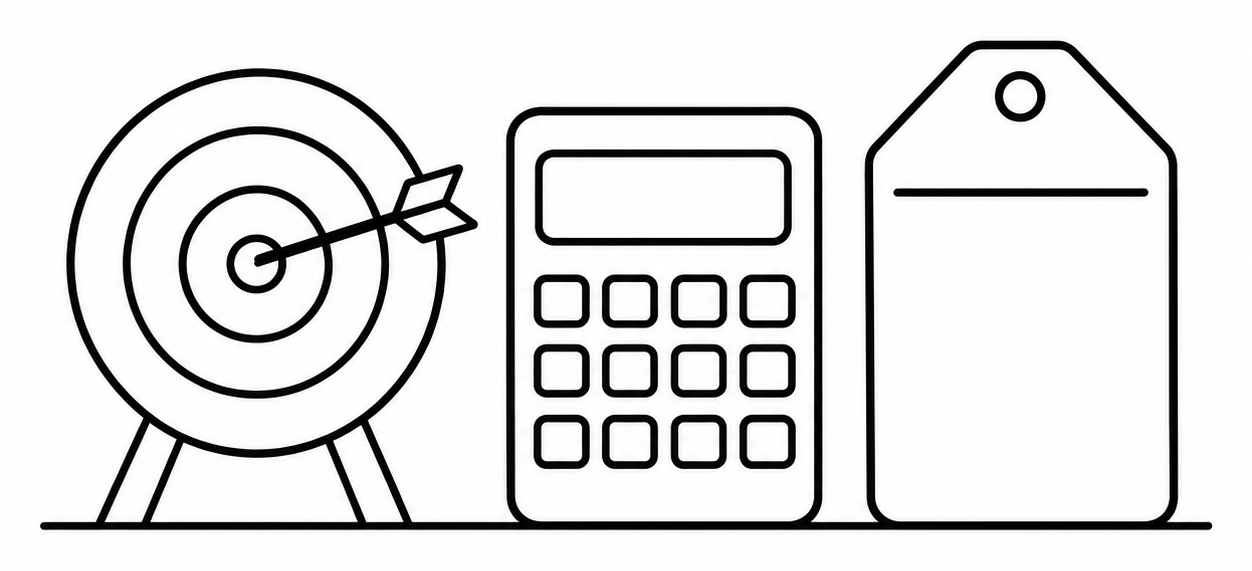
Every native plan starts with deciding what counts as a win. Pick one primary action for the first launch: a signup, a purchase, an install or a lead. Keep it to one per ad group. Two goals in the same group blur the data, and no bid adjustment can fix that afterwards.
Next, set a break-even CPA, the most you can pay for one action without losing money. Start from the payout or margin per sale and subtract processing and fulfillment fees; what’s left is the ceiling. Your target CPA sits below it, so there’s room for profit and for being wrong. Take a hypothetical affiliate offer with a $50 approved payout. If the goal is $2 of commission for every $1 of media spend, the target CPA is $25 before other costs. That target is a separate number from the break-even ceiling.
Native inventory may be bought on CPM or CPC, with other arrangements depending on the platform, so confirm the actual billing event instead of assuming every network bills the same way. Keep how the campaign is billed apart from how you judge it. In a conversion-focused CPM campaign, impressions set the bill, while acquisition cost tells you whether it worked. A quick estimate connects the two.
| Worked example | Scenario A | Scenario B |
|---|---|---|
| CPM | $4 | $4 |
| Click rate | 0.3% | 0.3% |
| Clicks per 1,000 impressions | 3 | 3 |
| Cost per click | about $1.33 | about $1.33 |
| Landing-page conversion rate | 5% | 1% |
| Actions per 1,000 impressions | 0.15 | 0.03 |
| CPA | about $26.67 | about $133.33 |
Same CPM, same click rate, and the CPA in the second column is five times higher. Against the $25 target from the affiliate example, even scenario A runs a little over. Do this math before launch. If break-even looks out of reach at realistic click and conversion rates, don’t launch yet: fix the payout, the page or the GEO first.
Format is worth testing because attention differs between formats. In a 2013 study by IPG Media Lab and Sharethrough, which combined eye tracking with a consumer survey, people looked at native ads 53% more often than at display ads. That is one study’s finding, not a forecast for a new campaign, and attention on its own doesn’t prove profitable sales.
Forecast traffic and size the test budget
A launch budget has to buy enough data to judge the result. Small budgets produce noise, and plenty of advertisers end up pausing a winner because the test never reached a fair sample.
Before committing money, use the traffic forecasting tool inside the ad platform. Many large networks offer an impression estimator by GEO and device. Enter the target country group, the desktop and mobile split and a bid range, check the projected daily impressions, then turn those into expected clicks and actions.
| Step | Assumption | Per day |
|---|---|---|
| Projected impressions | From the platform’s estimator | 200,000 |
| Clicks | 0.25% click rate | 500 |
| Actions | 2% conversion rate | 10 |
Those figures are a hypothetical plan: assumptions to test, not promised results or a universal minimum sample.
Size the budget to that reality. No fixed minimum fits every GEO. Competitive markets need higher bids and bigger daily caps to win auctions, and smaller ones need less. Set a total test cap from the expected acquisition cost, the conversion delay and the money you can afford to risk; there is no universal daily multiple of CPA that proves a campaign has enough data. If the budget can’t support many variants, test fewer of them rather than pushing exposure past what the business can absorb.
And don’t spread a thin budget across too many segments at once. One GEO group and one device group are enough to start. Get the volume first and split later.
Choose a native ad network and stick to one format
The supply source shapes everything that follows. Native ad networks pool in-feed placements from many publishers and sell them through one buying interface. Reach, pricing models and quality controls all vary from network to network and region to region, so platform choice deserves real attention before any money moves.
Compare networks on inventory reach, GEO coverage, pricing models and anti-fraud protection. Ask how invalid traffic is filtered, how viewability is measured, and whether support can help with pixel setup and placement blocks. That is why many performance marketers start by evaluating the best native ad network for advertisers before they commit any budget. The point isn’t to chase a label. It’s to check the fit on supply, controls and cost model.
Questions to put to a network
- Invalid traffic. How is it filtered, and how do you report it?
- Viewability. How is it measured, and can you see it per placement?
- GEO coverage. How much inventory is there in your target countries and devices?
- Pricing. Which models are open to a new account: CPM, CPC or CPA?
- Placement blocks. Can you block individual sites and widget IDs?
- Setup help. Will support help with the pixel or postback?
Pick one format for the first run. An in-feed unit with a headline and thumbnail can be a manageable starting point when the platform has relevant supply. Check the actual placement, disclosure and reporting, though, rather than treating any one format as the safe choice.
| Format | What it looks like | Suits | Watch for |
|---|---|---|---|
| In-feed unit | A headline and thumbnail inside a feed of articles or posts | A first direct-response test | Placement, disclosure and reporting differ by platform |
| Content recommendation widget | A block of sponsored links under an article | High click volume at low CPCs | Quality varies by widget and site |
| Sponsored content | A full piece on the publisher’s page, in an editorial style | Brand-led awareness goals | A weaker fit for direct-response tests |
Leave the other two formats for phase two. Testing all three at once splits the budget and muddies the read, while a single format makes winners and losers easy to see.
Confirm the pricing model for that format as well. Most native buys run on CPM or CPC in an auction. CPA is often available only after an account has built some history, or through specific performance settings. Know which model controls spend on day one.
Fix conversion tracking before traffic starts
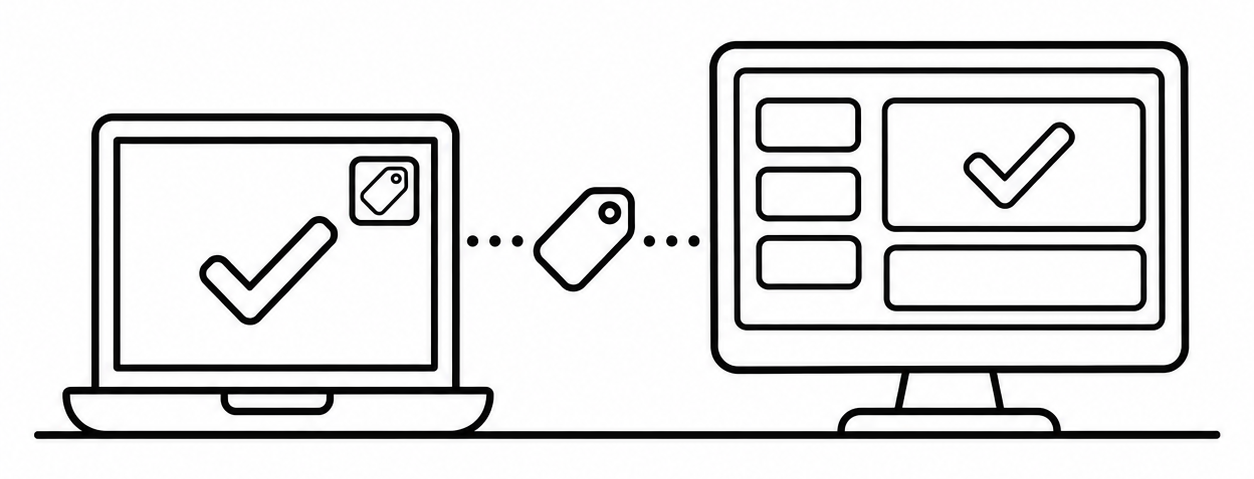
A tracking failure can make a promising launch look like a loss, or a losing one look profitable. The ads get clicks, the actions don’t record, and the buyer cuts bids that might have worked.
Set up conversion tracking with a pixel or a postback, and test it before you buy any traffic.
Tracking test before launch
- Pixel placement. Fire it on the real confirmation page, not on a button click.
- Postback. Confirm the advertiser postback URL passes the click ID back without drops.
- Test action. Run a test signup or purchase. It should appear within the platform’s documented reporting delay, with the correct event identifier.
- Duplicates. Refresh the confirmation page and make sure the action doesn’t count twice.
Track at least two stages: the click to the landing page, and the final action. If you can, add a step in between, such as a form start or an add to cart. That middle signal shows where people drop off. Without it, there’s no way to tell a traffic problem from a page problem.
Set the attribution window to match the sales cycle. Short cycles need a short window, and a trial signup decided the same day doesn’t need a long lookback. For comparison, Google Ads lets advertisers set conversion windows of up to 90 days depending on the conversion source, so check what your native platform allows. Keep time zones and currency settings aligned between the tracker and the ad account, too. A mismatch there creates false CPA swings that can waste days.
Don’t launch until this works. That single test saves more money than any bid trick.
Keep targeting tight without starving volume
New advertisers often over-target. They stack narrow age bands on strict interest filters and long block lists, volume drops to zero, and the algorithm never gets enough data to learn.
For launch, build around three to five high-intent segments. A simple structure works in most GEOs, with GEO, OS, device and connection type as separate controls. That keeps reach broad enough to spend while still cutting waste. Add a lookalike or first-party audience only if the seed list is large and clean. An audience built in a data management platform from past buyers can help; a small or stale list will limit delivery and skew bids.
Set every required brand-safety, eligibility, location and device exclusion before launch. Inside the inventory that’s left, avoid speculative filters that leave too little volume to evaluate. No test requires paying for a placement the business already knows it can’t use.
| Control | Launch setting |
|---|---|
| Segments | Three to five high-intent ones |
| GEO, OS, device, connection type | Separate controls, not stacked filters |
| Lookalike or first-party audience | Only from a large, clean seed list |
| Exclusions | Every required brand-safety, eligibility, location and device exclusion |
| Frequency and time of day | An initial cap and any local-time limits, where supported |
Watch device behavior instead of assuming it. Mobile often brings more clicks at lower prices, and desktop often converts better on forms with many fields. If the budget allows a fair test in each, split them into separate campaigns. If it’s small, start with the device the landing page was designed for: a page built for mobile shouldn’t buy desktop traffic first.
Where the platform supports it, set an initial frequency cap and any local-time restrictions before launch. Then review those limits against exposure and response data as the evidence builds.
Write honest native ad creative and preload tests
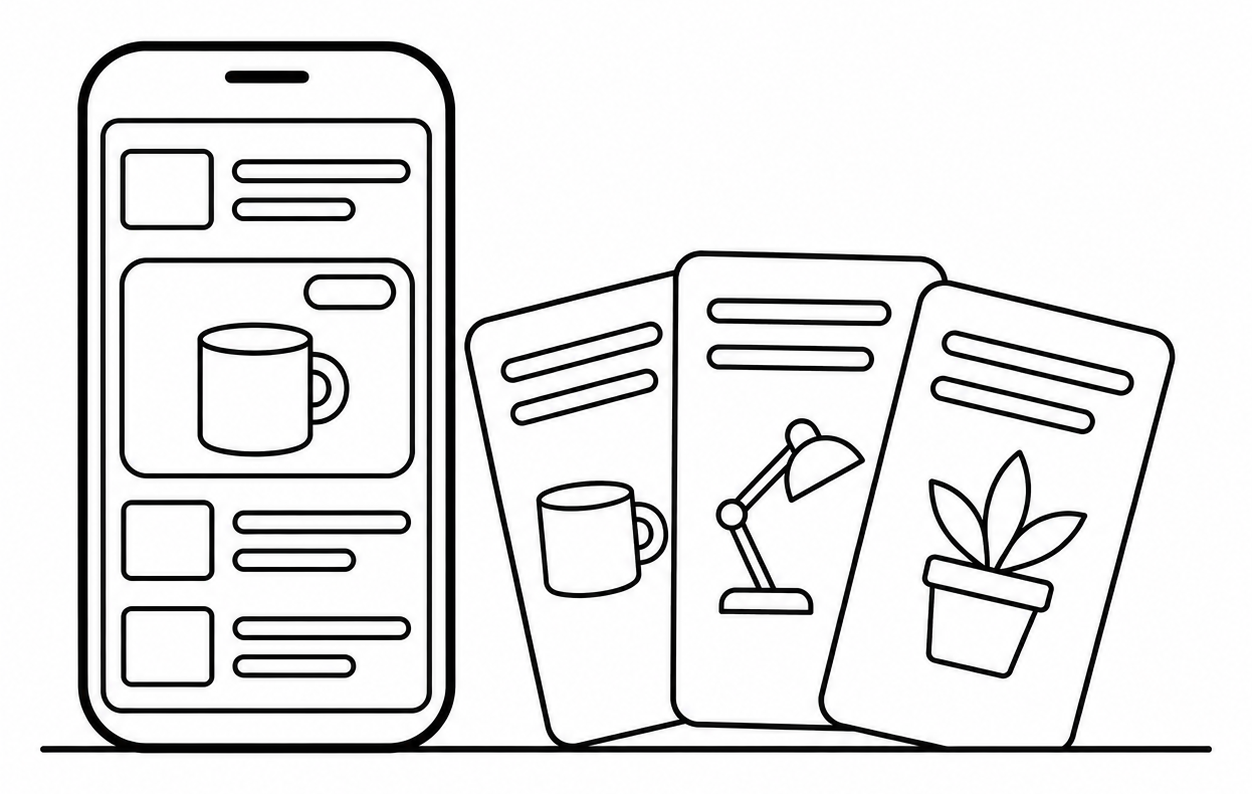
Native creative has to fit the feed without tricking the reader. Publishers expect an editorial tone, and users punish clickbait with fast bounces.
Label every unit as an ad
- Ad disclosure is required. The FTC’s native advertising guide focuses on clear labeling, so readers know paid content is paid, and lists terms people understand, such as “Ad”, “Advertisement” and “Sponsored Advertising Content”.
- The same guide calls labels like “Promoted” or “Promoted Stories” ambiguous at best, so don’t rely on them.
- Keep the label visible, and don’t blur it with design tricks.
Write benefit-led headlines that match what the landing page promises. If the page sells a budgeting template, the headline should name that use. If it collects leads for a demo, the headline should say who the demo helps. Overly promotional copy tends to suppress click rates in native feeds, and so does vague curiosity copy that drives the wrong clicks. Clear copy usually wins.
Match images to the story. Real photos often beat heavy graphics in feeds, and faces, the product in use and simple context shots perform well in many verticals. Skip shocking before-and-after images and crops that hide the product; they raise clicks and lower trust. Keep text out of the thumbnail unless the network allows it and it stays readable at small size.
Load three to five headline and image pairs per ad group from day one. That range gives the system room to test without spreading spend too thin. Change one element at a time: test the headline angle in two variants while the image stays the same, then image style in two more while the headline stays the same. Add teaser text and thumbnail variants where the format supports them. That is how A/B testing gets to a winner quickly.
Keep the path from ad to page tight. The headline, the image and the first screen of the page should feel like one journey. A high click rate that never converts usually signals a mismatch between ad and page rather than bad supply: if people expect a guide and land on a hard sell, they leave. Mirror the ad’s promise above the fold, repeat the core benefit in plain words and make the next step obvious.
Read post-click results and cut bad placements early
Click rate doesn’t pay the bills; post-click performance does. Judge variants on cost per action and action rate, not on CTR alone. A flashy teaser can win clicks and lose money, while a plainer ad with fewer clicks often converts better because it sets the right expectation.
Give each variant enough clicks before judging it. The sample you need depends on the expected conversion rate and the size of the difference you’re testing, which is the idea behind statistical power, and no fixed click count makes a result reliable. Pause immediately for broken pages, disallowed placements or exhausted spending limits. Put more test budget behind a variant only when the evidence and your risk allowance justify it. Write new challengers based on the winner and keep the winner running; don’t replace the whole set at once.
What to check in the first 72 hours
- Invalid traffic reports. Look for the slices the network has flagged.
- Viewability. Low viewability means the impressions had little chance of being seen.
- Spend with zero actions. Pause zero-conversion slices that carry high spend.
- Clicks without page views. Odd click spikes with no matching landing-page views need a flag to support.
When you report suspected fraud, send placement IDs, timestamps and screenshots of the mismatch. Good networks act faster when the evidence is clear.
Use block lists with care. Set risk limits for site and widget IDs in advance, and account for conversion delay. Spending one break-even CPA without a sale doesn’t by itself prove a placement can’t work. Equally, a few conversions don’t justify unlimited further spend at an unsustainable cost. Review GEO and OS splits at the same time, because sometimes one slice drags the average down while the rest sits close to target.
Consider retargeting as a separate effort when the platform supports it and you have the necessary data permissions. A pool of eligible past visitors can get a relevant follow-up, with people who already converted excluded where possible. Measure whether it adds approved actions instead of assuming every credited return visit is an extra sale.
Scale after repeatable results and a full conversion window

Don’t scale on a single good day. Native auctions swing with publisher traffic and competitor bids. Wait until you have enough approved actions across several delivery periods to judge CPA, and let the usual conversion delay pass first. Steady means inside an acceptable band around target, not an exact match every day.
Raise budgets in controlled steps of roughly 20% to 30%. A larger cap can change pacing or reach new inventory. Smaller increases make those changes easier to watch, though they can’t guarantee the same placement mix or acquisition cost. Once a raise has held for two days, expand bids and placements. Add one new GEO or one new device split at a time, give each expansion its own budget and creative test, and don’t merge new supply into the winning campaign right away.
Keep creative testing going while you scale, because winners fatigue as frequency rises. Add one fresh headline and image pair each week, and pause a variant once its click rate drops and its CPA climbs for three days in a row. Keep placement reviews on a schedule as well. What was clean at small spend can turn mixed at larger spend.
Write down what changed and when: bid moves, budget moves, new blocks and new variants, each with a date. The log helps you investigate swings without assuming a sequence of events proves cause, and it speeds up support tickets when traffic quality drops.
Native advertising campaign FAQs
How much budget does a first native ad campaign need?
There is no fixed minimum. Work it out from the platform’s traffic forecast, your expected CPA, the conversion delay and the amount you can afford to risk. If the budget is tight, test fewer variants and segments instead of spreading it thin.
What is a break-even CPA?
It is the most you can pay for one conversion without losing money: the payout or margin per sale, minus processing and fulfillment fees. Set your target CPA below it to leave room for profit.
Should native ads be bought on CPM or CPC?
It depends on what the network offers and which billing event it uses. Either way, judge the campaign on cost per action. CPA bidding is often available only after an account has some history.
How many ad variants should a first campaign launch with?
Three to five headline and image pairs per ad group, changing one element at a time so you can tell what made the difference.
Do native ads have to be labeled?
Yes. The FTC’s guidance says native ads must be clearly identifiable as advertising, using terms such as “Ad” or “Sponsored Advertising Content”. Check the rules in every market you target.
When is it safe to scale a native campaign?
When CPA has held inside an acceptable band across several delivery periods and the conversion window has passed. Then raise budgets about 20% to 30% at a time.
Your first native campaign, in order
- Lock one conversion and work out a break-even CPA.
- Forecast traffic and set a test cap you can afford to lose.
- Choose a network that fits on supply, controls and cost, and one format.
- Test tracking with a real action before buying traffic.
- Target broadly enough to spend, with the required exclusions in place.
- Launch three to five honest, clearly labeled creative pairs.
- Cut bad placements early, based on post-click data.
- Scale in steps of 20% to 30% once results repeat.
Native rewards patience and process. Follow that order and the first launch produces data you can build on, which is what turns a test into a steady channel.