
In This Article
Follow BestForAndroid


How often have you installed an app and absentmindedly tapped accept at a wall of text about permissions? You are not alone. Only 24% of us actually weigh up each permission request on its own merits. Most people skim and move on, which does not make it the right call.
Apps ask us to give them access to our contact lists, location, phone storage and even our microphone. That is a lot of access to give away without at least a moment of reflection.
When you take the time to read the permissions screen, most requests turn out to be self-explanatory and a reasonable fit for the app you are downloading. A few will make you stop and ask why they are there at all. This guide walks through Android’s permission model and shows where the line sits between a normal request and one worth refusing.
Why Your Phone Bothers to Ask at All
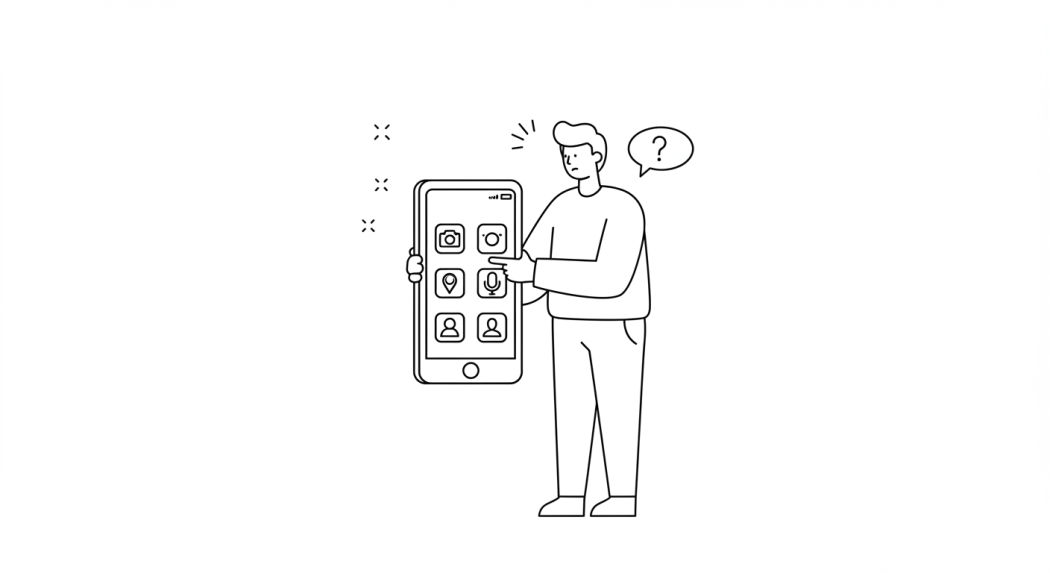
For your protection and security, Android restricts access to sensitive information and device features. Contacts, location and call logs, along with your camera and microphone, each sit behind an individual permission that you control. That is why a newly installed app has to ask before it can reach any of them.
Developers declare every access point their app needs in a manifest file, and that file is the basis of the request Android puts in front of you on install or on first use. Newer Android releases go further with the most sensitive ones: microphone and camera access can be requested per session rather than granted once and then forgotten about.
These requests are a form of damage control. If an app is poorly built, gets hacked, or is simply dishonest by design, the permission you did not grant is the data it cannot leak. The hard part is working out which access an app genuinely needs to do its job.
What Counts as Normal, App by App
Permissions only make sense in context. A request that is obviously fine in one app is out of place in another, so the question worth asking is not how dangerous a permission sounds. It is whether this particular app has any use for it.
Messaging and calling apps typically want contacts, camera and microphone, plus SMS and standard phone permissions for verification. Navigation and map apps work best with precise location and, in some cases, storage.
Photo and video apps ask for camera, storage and media library access, and often location so they can geotag what you shoot. Fitness and health apps tend to want location and sensor data, plus Bluetooth in case you connect a wearable.
Banking and finance apps ask for biometric login, network access and the camera for document scanning. They are unlikely to need your contacts, SMS or call logs, and if one of them does, it should say so in plain language at the moment it asks.
News and reading apps need network access and possibly storage so you can read offline. Location, microphone and contacts should not come into it at all.
| App type | Normal to see | Worth a second look |
|---|---|---|
| Messaging and calling | Contacts, camera, microphone, SMS, phone state | Precise location running in the background |
| Maps and navigation | Precise location, sometimes storage for offline maps | Contacts, microphone, call logs |
| Camera and photo editing | Camera, storage, media library, optional location for geotags | SMS, phone state, accessibility service |
| Fitness and wearables | Location, body sensors, Bluetooth, activity recognition | Contacts, SMS, call logs |
| Banking and finance | Camera for document scans, biometrics, network | Contacts, SMS inbox, call history |
| Casino and betting | Camera for identity checks, biometrics, network, notifications | SMS inbox, contacts, accessibility service |
| News and reading | Network, storage for offline articles | Location, microphone, contacts |
The same pattern holds everywhere. An app that does not need a permission should not be asking for it by default, and any exception should arrive with an explanation you can read before you decide.
The Permissions That Should Make You Pause

Some requests deserve suspicion whatever the app happens to be. If a product does not offer calling or messaging, it has no business with full contact access, your call log or phone state.
The same goes for an account manager or a reading app that wants the microphone or constant location tracking. If a function is not needed for the app to work, and nothing on the screen explains why it is being requested, there is no reason to grant it.
It is worth noticing how little some apps need. Services that are mostly a browser wrapped in an icon, such as ticketing portals, online banking or airline check-in, often require far fewer permissions, because most of the work happens at the browser level rather than on your device.
That applies to any informational resource, whether you are checking travel times for an airline, reading mobile casino expertise from PolskieKasyno or looking up product details from an online retailer. An app offering that level of service while still asking for a broad range of permissions deserves either a closer look or a decision to use the site directly instead.
Google Play Protect scans every app that lands on the device, including anything sideloaded from outside the Play Store. It can warn you about a harmful app and, in some cases, disable or remove it. Paired with a permission system that keeps improving, that gives you two layers working alongside your own judgement.
What a Casino or Betting App Actually Needs

Real money apps are the clearest test of everything above, because they genuinely need more than a news reader does and they have a documented reason for most of it. That makes the outliers easier to spot rather than harder.
A licensed operator will usually want camera access to scan an identity document, biometric or device credential access for login, network access, notifications for account and payment alerts, and sometimes coarse location to confirm you are inside a territory its licence covers. Each of those traces back to an obligation the operator owes its regulator rather than to a growth team.
What should stop you is anything outside that list. No compliance rule asks a betting app to read your SMS inbox, your contacts or your call history, and a request for the accessibility service is a far bigger deal than it looks. Android classes it as a special permission precisely because it lets an app read and act on what is on screen in other apps, including your banking one.
| What it asks for | Why a licensed app asks | When it is a red flag |
|---|---|---|
| Camera | Scanning an ID document or proof of address during verification | It asks on first launch, before an account even exists |
| Biometrics | Locking the account behind the same check that unlocks your phone | It also wants fingerprint or face data sent off the device |
| Location | Confirming you are inside a territory the licence covers | Background tracking that carries on long after the session ends |
| Notifications | Payment confirmations, session reminders, deposit limit alerts | Promotional pushes with no separate switch to turn them off |
| SMS inbox | Nothing. A one-time code can be autofilled without inbox access | Always. This is the single most misused permission in the category |
| Accessibility service | Nothing a gambling app legitimately does | Always. Treat the request itself as a reason to uninstall |
If an operator cannot point to the licence condition behind a request, the request is not compliance. It is data collection wearing a compliance badge, and the fix is the same as anywhere else: deny it, or use the mobile site instead.
Checking for Bad Design Before Installation

Remember that not every broad permission request is trying to expose your data. Some apps lead with everything just in case, or because a developer reused the same code from another project. It is sloppy and it should not get through review, but laziness is a kinder explanation than malice and it is also the more common one.
Common sense covers most of it. A calculator or a unit converter has no use for your location, contacts or messaging access. An app with a wide feature set can justify a longer list, though it is worth asking how much slower and more bloated that makes it feel.
Five checks worth running before you install
- Read the store listingThe description should account for the permissions the app requests. Where it does not, that gap is your answer
- Skim the low reviews firstRecurring complaints about permissions, ads or battery surface there long before they reach the star rating
- Open the Data safety sectionDevelopers have to declare what they collect and share in the Data safety section. A listing that claims to collect nothing while asking for everything is worth distrusting
- Look at the developer’s other appsPatterns repeat. One over-permissioned app from a developer usually means a portfolio of them
- Ask what breaks without itIf the app would work fine with the permission refused, it belongs to an optional feature and can wait until you use that feature
Screenshots help too. Weigh what the app visibly offers against what it is asking for, and when the two do not line up, the install can wait.
Already Said Yes to Too Much?

You might be reading this and thinking about all the apps you have already waved through. The good news is that none of it is permanent, and Android makes the clean-up straightforward.
Open Settings, then Apps, pick the app you want to review, and choose Permissions. Every request it has made is listed there with a toggle beside it. Revoke anything that has nothing to do with what the app does, then use it normally for a day.
If something stops working, that is useful information rather than a failure. The permission was load bearing for a feature you use, and you can grant it back knowing exactly why. If nothing breaks, the app did not need it. Where a permission still looks unrelated and the developer offers no explanation, the website or a better behaved competitor is usually one search away.
Staying in Control When the App Takes Money

Permissions are a privacy control, not a spending control. A casino or betting app can behave impeccably with your data and still cost you more than you meant to spend. Those settings live in a different part of the app, and they deserve the same few minutes of attention.
- Decide the amount before you open the app, and treat it as spent the moment it is deposited rather than as a balance to defend.
- Turn on the deposit limit the operator already offers. It takes about a minute to set and it works because reversing it is deliberately slow.
- Set a session reminder and stand up when it fires, whether you are ahead or behind. Ahead is the harder one to walk away from.
- Never raise the stake to win back a loss. The next round has no memory of what the last one cost you.
- Keep real money play away from the end of a bad day, and switch off the promotional notifications designed to pull you back into one.
- If the limits stop holding, most licensed operators run a self exclusion of 30 days or longer, and GambleAware publishes free confidential advice alongside the National Gambling Helpline on 0808 8020 133.
None of that depends on willpower. It is a handful of decisions made while you are calm, so the version of you 3 hours into a losing session does not get to make them instead.
The Bottom Line on Permissions
Permissions were never designed to be a foolproof safety guarantee. They offer a quick, practical check you can run in a few seconds, and like any quick check they miss things. What they do well is expose mismatch. Most legitimate, well built apps ask only for the access they really need, so a request that has nothing to do with the app’s job is worth treating as a question rather than a formality.
What to carry away
- Match the ask to the jobFunction is the test. A permission no feature uses is a permission no app needs
- Explanation beats reputationA familiar brand asking silently is worse than a small developer explaining clearly
- Money raises the barReal money apps legitimately need more, which is exactly why they owe you a clearer reason for each request
- Nothing is permanentSettings, Apps, Permissions. Revoke, use the app, and let it tell you what it actually needed
Next time you install something, spend the few seconds the permission screen is asking for and check that everything looks right. If a request does not fit, dig into why before you tap accept. Trust your instinct, and when it still does not feel right, the official website is right there.


