
In This Article
Follow BestForAndroid


As Android devices have started to offer an immersive experience as these mobile devices now come equipped with powerful processors, high-end GPUs, and enough RAM that offer optimal performance. If one has such an Android phone bundled with the right setup, then they can get to enjoy an ultimate mobile gaming experience. Whether you’re a casual gamer, an online casino player, or a competitive esports player, having the right combination of hardware and accessories can make all the difference.
Let’s take a look at the ultimate Android phone gaming setups, ranging from high-performance smartphones to the external devices that can help take your gaming experience to the next level.
Choosing the Right Gaming Smartphone
When choosing the Android gaming setup, having a powerful and capable phone works as a foundation. These are the aspects that you need to consider, as they will ensure you are going to experience smooth gameplay with fast response times.
Here we have discussed the key features you must need to look for when searching for an Android gaming phone:
- High Refresh Rate: Choose a phone that has a display with a 120Hz refresh rate. You will experience smooth gameplay with reduced lag. There are dedicated premium gaming phones in the market that offer display panels with a 240Hz refresh rate for extremely smooth visuals.
- Fast Processor & GPU: Devices powered by the latest Snapdragon or MediaTek Dimensity chips provide impressive performance and efficient thermal management.
- Advanced Cooling Systems: Dedicated gaming phones like the ASUS ROG Phone series or the RedMagic devices offer integrated cooling systems, which are specially designed to prevent overheating during extended gaming sessions.
- Ample RAM & Storage: At least 12GB of RAM and 256GB of storage, to make sure resource-intensive games run smoothly and have enough storage space for your game collection.
Essential Gaming Accessories
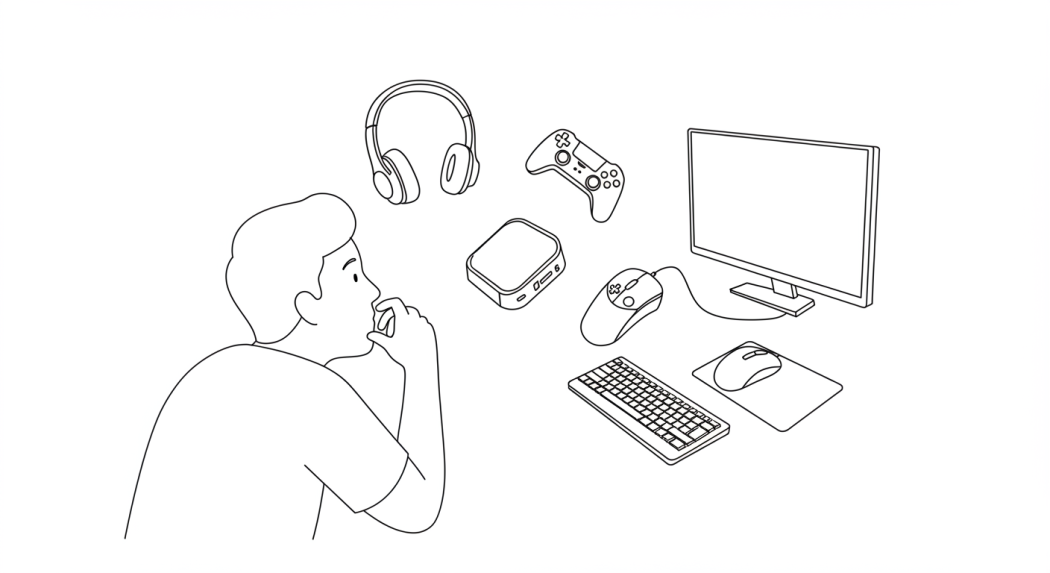
When you pair your Android device with the right accessories then it can significantly improve the responsiveness of your games while enhancing the control you have over the game. This combination actually helps in transforming mobile gaming into an experience that imitates the ones you experience with the console.
Here are some of the essential gaming accessories you can pair up with your Android device:
1. External Controllers
Touch screens sometimes limit the gameplay experience, especially for games from genres like racing, first-person shooter, and platformer games that involve obstacles and challenges. When you add an external controller or a gamepad, it not only increases the responsiveness but precision.
Some of the top external controller choices among Android gamers include:
- Razer Kishi: Specially designed for Android, it is a compact controller that attaches around your phone, providing handheld console-level controls for on-the-go gaming.
- GameSir G8 Plus: Features console-sized buttons and sticks for the best comfort and gaming experience. Offers support for Android phone, tablet, and Nintendo Switch.
- Backbone One: Designed for Android gaming with low-latency response times and offers a reshaped D-pad for better responsiveness and control with various games.
2. Gaming Headphones
When it comes to gaming, sound plays a crucial role as it provides an immersive gaming experience. Whether you are looking for a rich sound during role-playing games or a precise directional audio listening experience in FPS games, investing in a quality headphone is important.
When looking for headphones, here are some options that you might want to consider:
- Sony INZONE Buds: If you are looking for a truly wireless earbuds experience with low-latency gaming mode, then look no further than these, the winner of Red Dot 2024.
- SteelSeries Arctis Nova Pro: Over-ear gaming headset with active noise cancellation (ANC) and premium hi-res capable drivers.
- Razer Hammerhead True Wireless: Features customizable RGB lighting and strong audio performance with THX certified sound and advanced hybrid active noise cancellation.
3. Cooling Fans and Thermals
When gaming sessions go on for extended hours, it can lead to the overheating of the device, no matter how well the thermals are made, which degrades the overall performance. Adding a cooling fan or a thermal can lessen heat buildup while ensuring the frame rate stays stable.
Here are the ones we will recommend:
- Black Shark FunCooler: Attaches to the back of your phone to prevent excessive heat and offers a professional cooling solution.
- REDMAGIC VC Cooler: Uses next-gen graphene cooling tech to quickly cool high-end gaming phones for extended sessions.
- Thermal Paste Modifications: Some gaming enthusiasts and pro gamers apply cooling mods for better heat dissipation, like thermal paste.
Cloud Gaming and Streaming Setups
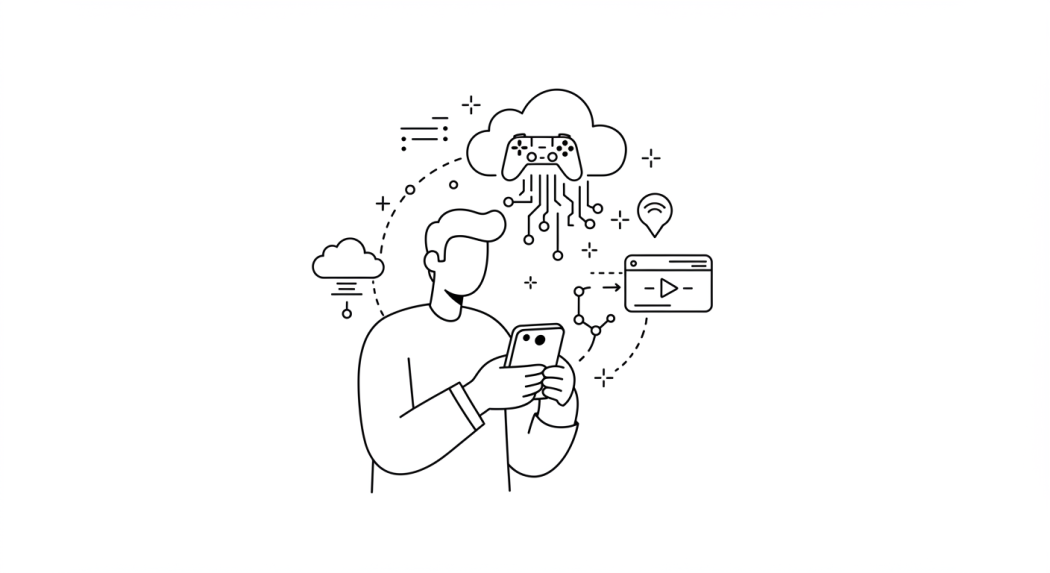
As cloud games have started to gain traction and revolutionize the gaming sector, thanks to the advancements in technology, your Android device can work as a portal and is capable of offering an experience that matches the one offered by high-end PC and gaming consoles.
There are certain streaming services and setups, including GeForce NOW, Xbox Cloud Gaming, and PlayStation Remote Play. Each one of these services offers a mobile experience that is capable enough to compete with the traditional platforms.
To optimize your cloud gaming experience, we recommend that you look into the following aspects:
- Use a Strong WiFi Connection: A dedicated 5GHz WiFi network ensures stable performance with minimal lag, especially for your gaming devices.
- Add a High-Quality Controller: Having a Bluetooth-compatible gamepad can significantly improve the overall responsiveness.
- Use a Portable Monitor: If you love to play games on a larger screen, you should attach your Android phone to an external display via USB-C or HDMI adapters.
Optimizing Battery Life
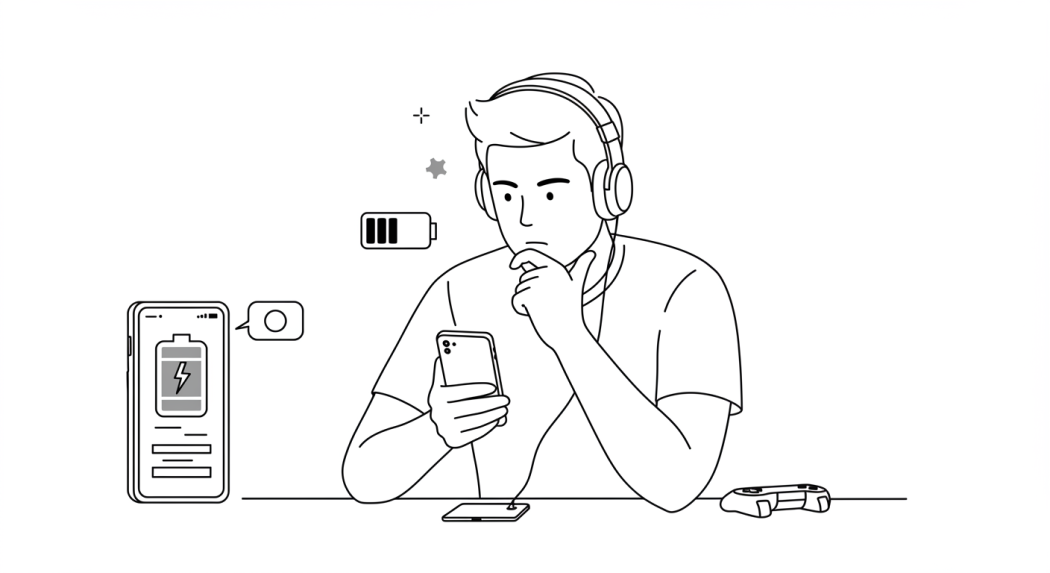
Depending on the overall specifications and the capabilities of your Android phone, gaming can sometimes become challenging. However, there are a handful of workarounds you can implement on your Android phone to extend its battery life.
Here we have mentioned the ones that are going to offer maximum optimization without compromising on the performance:
- Enable Game Mode: Many Android manufacturers add a dedicated game mode that prioritizes performance over background tasks for an enhanced gaming experience.
- Reduce Background Apps: You should make sure unnecessary apps are closed, as it helps free up RAM while enhancing frame rates.
- Use a Fast-Charging Power Bank: When gaming, the device loses battery power at a higher rate. Devices like the Anker 737 Power Bank come in handy and charge without interruptions.
Concluding Thoughts
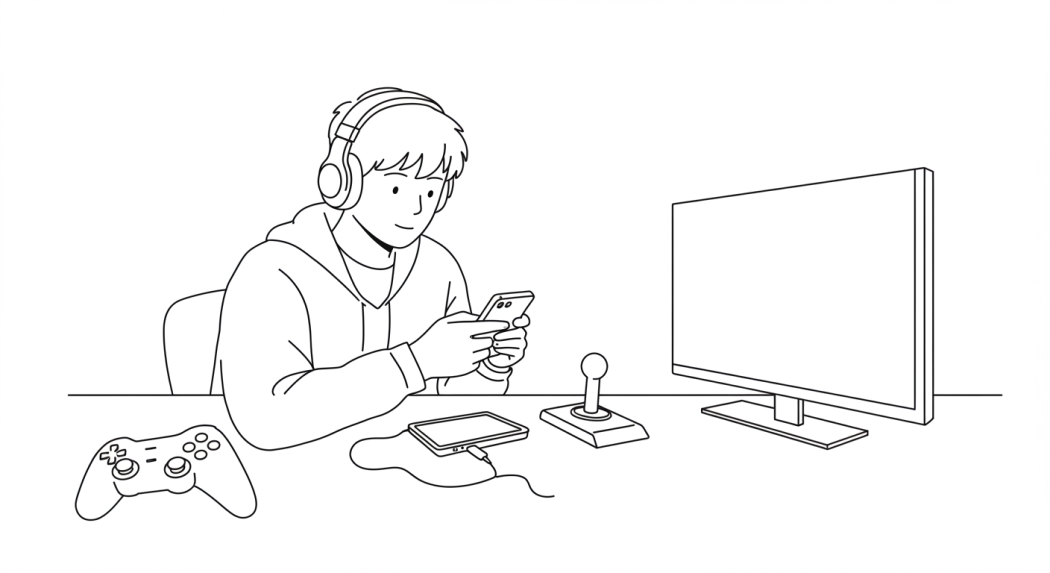
Android gaming has progressed beyond simple mobile gameplay. These modern Android devices and gaming setups provide immersive experiences that match those offered by the dedicated gaming consoles. Whether you’re playing competitive shooters, mobile RPGs, or cloud-based titles, fine-tuning your mobile gaming setup, as we have mentioned in the blog post, with the right hardware and accessories guarantees that you get to experience peak performance.
Invest in a powerful gaming phone, pair it with essential accessories, and optimize your settings to get the best out of your Android gaming experience. Game on!


