
In This Article
Follow BestForAndroid


Without any doubt, Android is one of the most popular mobile operating systems in the world, and currently, over three billion users are actively using this OS on their devices spread across 190 countries. Its success can be clearly seen as it has become the favorite OS for the majority of the mobile manufacturers, including Samsung, LG, Sony, Xiaomi, Motorola, Oppo, and HTC.
Not only is Android the dominant platform in most countries, but it is estimated to run on three-quarters of the smartphones available in the entire world. It therefore comes as no surprise that the Android gaming market has seen significant growth, as increasingly powerful mobile hardware allows gamers to play more impressive and immersive titles on their mobiles.
What Makes a Good Gaming Setup

The best Android gaming setup isn’t just about having the most powerful phone; it’s a combination of factors, including system settings, fast storage, RAM, software tools, and more. Peripherals such as controllers and external monitors also play their part.
Together, they can transform mobile gaming into a more immersive and graphically rich experience that is usually only available in powerful gaming consoles. With that in mind, here’s our guide to getting the best gaming experience out of your Android mobile device.
Gaming Phone Should Be Your Priority
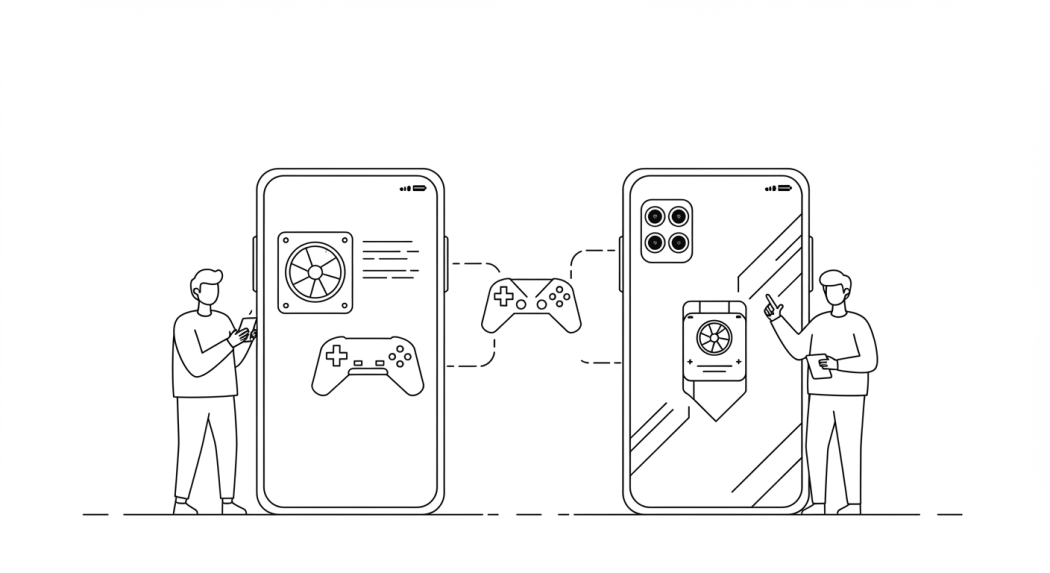
The obvious place to begin with the perfect gaming setup is your Android device. Simply choosing a smartphone better suited for powerful gaming will dramatically enhance a player’s gaming experience.
The best gaming phones offer incredibly powerful processors, lots of RAM, and a top-quality high refresh rate display.
As more and more gaming mobile devices are being designed and developed, customers have already started to see significant price drops, which is making some of the best models more affordable. Either way, there are mobile options readily available out there for serious gamers, no matter their budget.
Top Android Gaming Phones

- Asus ROG Phone 9 Pro: The best gaming phone
- OnePlus 12R
- RedMagic 9S Pro: The best value gaming phone
- Asus ROG Phone 7 Ultimate
- Samsung Galaxy A50: The best budget gaming phone
- Black Shark 5 Pro
- Samsung Galaxy S25 Ultra
Phones that are specifically designed for gaming, such as the ASUS ROG Phone 9 and Red Magic 9, both of these devices offer high-refresh rates, dedicated cooling systems, and optimized gaming software. For those on a budget, the Samsung Galaxy A50 offers remarkable punch, keeping in mind the price tag.
Best Accessories For Immersive Play

Different games require different features, and while mobile devices are capable enough to play most games, the real immersive experience can sometimes be enhanced with the addition of game-specific hardware, which we are going to discuss in this section.
Gaming Controllers
Bluetooth controllers offer a more comfortable and accurate gameplay, especially when it comes to racing games or action-filled titles. Many players prefer controllers as they get to experience a more intuitive way of playing certain titles.
- GameSir G8 Plus / G8 Galileo: Hall-effect joysticks, superb build quality, Bluetooth (G8 Plus) or USB-C (Galileo), works across Android, iOS, Switch, PC.
- Backbone One (2nd Gen): Clamp-on design, pass-through charging, and an all-in-one app for quick game capture and social integration. Excellent ergonomics.
- Razer Kishi Ultra / V2 Pro: Pro-grade triggers, tight USB-C connection for near-zero latency, premium feel. Kishi Ultra for the flagship. V2 Pro adds haptics and macros.
Quality Headset
A good headset removes distractions and allows players to focus on the gaming audio. While bingo is a game that works well on any device, the impressive sound effects and themed music on bingo sites enhance the player experience by making the game more engaging and enjoyable.
Whether it’s the sound of bingo balls, the shout of “Bingo!”, or talking with friends in the chat room, A headset helps recreate that authentic bingo hall atmosphere.
- Audeze Maxwell Wireless: The reigning best gaming headset. Planar magnetic drivers delivering immersive, audiophile-level sound with wireless convenience.
- SteelSeries Arctis Nova Pro Wireless: complete with swappable batteries and wide.
Dedicated Monitors
By connecting your phone to a gaming monitor via a USB-C or HDMI adapter, you can access higher refresh rates and enjoy some big-screen action. This is a great option if you have friends over, as it allows them to see the action unfold.
- ARZOPA Z1FC 16.1″ 1080p 144 Hz Portable Monitor: Super portable, IPS panel, and 144 Hz refresh rate, perfect for silky-smooth visuals when streaming Android games via USB-C.
- KINHANK K16G‑PRO 16″ 2.5K 144 Hz Portable Monitor: QHD resolution, fast refresh, and built-in Android 12. Great if you want phone gaming without tethering, runs apps natively.
Optimize Device Settings
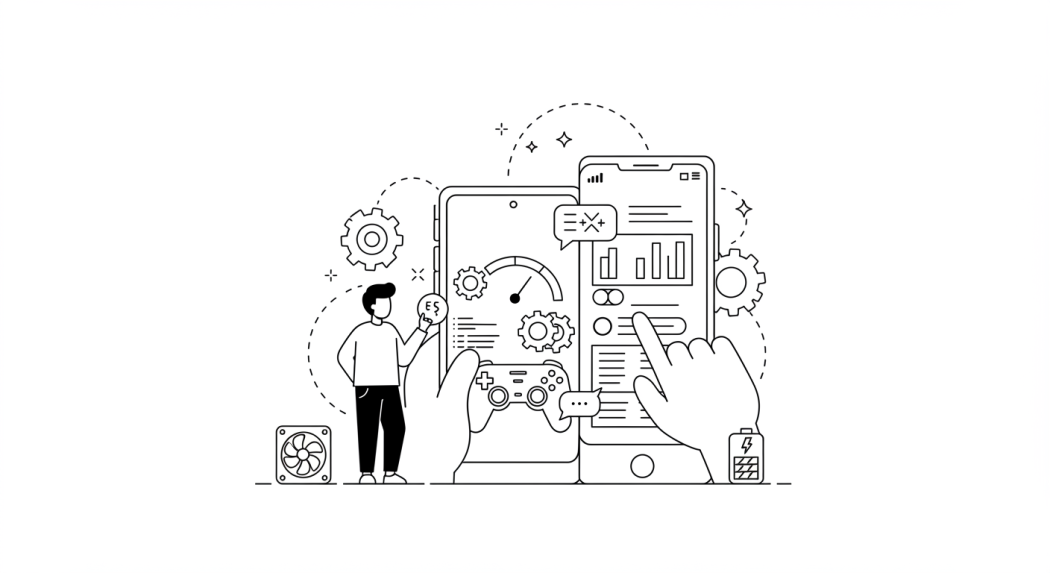
Outside of peripherals, there are multiple ways of improving the performance of any device through simple changes to the Android device settings. These settings include:
- Update Software: The first thing is to ensure your Android phone is running the latest software. Next, check to see if there are any game updates available.
- Game Mode: By enabling game mode, you can optimize the overall performance through prioritizing processor usage.
- Background Apps: All Android mobiles have multiple apps that continue to run in the background, and they secretly eat up processor power and slow your phone down. Make sure all unnecessary apps are closed to improve game performance.
- Battery Saver: Turning off battery saver allows the phone to utilize its maximum gaming power and forces it to not hold anything back.
- Do Not Disturb: Nobody wants to be disturbed when they are gaming, so turn off notifications to avoid any annoying distractions by turning on the DND mode.
- High Refresh Rate: In your phone’s settings, you can adjust motion smoothness and the refresh rate settings to improve the action for fast-paced games such as racing titles or First Person Shooters (FPS) games.
- Audio: Some high-end gaming phones allow players to experience games in Dolby Atmos, creating a more immersive gaming experience.
- Connections: A faster internet connection minimizes annoying lag during online gameplay. Make sure you are connected to the fastest internet available.
Responsible Gameplay

- Keep Track of Time: One can quickly lose track of time when having fun online, especially since you don’t have easy access to the clock or anyone to remind you how long you have been betting. Before starting, set a timer for the duration you want to spend betting and stick to it. Taking breaks in between might also help you stay aware.
- Take Frequent Breaks: If you think about betting all the time or if betting is negatively impacting your life, then it’s time to take a break from betting. Self-awareness plays a significant role in making responsible betting choices.
- Only Bet with Money You Can Afford to Lose: You need to think of the money you use for betting as entertainment money, just like how you spend on movies, tickets, and leisure activities. You must ensure you are not using the cash you need for bills, rent, and food.
Concluding Thoughts

With a few settings tweaks along with the addition of some carefully chosen peripherals, Android mobiles are quickly becoming a pocket-sized gaming console. With thousands of immersive and engaging titles out there for players to enjoy, there is something for everyone to enjoy.


