
In This Article
Follow BestForAndroid


Rabb.it shut down. The watch-movies-together-online category has since matured into multiple competing approaches: dedicated co-watching platforms (Teleparty, Scener, Watchparty), built-in features in major streaming services (Disney+ GroupWatch, Apple SharePlay, Hulu Watch Party), and third-party tools layered on top of YouTube and other public catalogs.
This guide covers 8 ways to watch movies together online which works for which streaming service, whether voice chat is built-in, and the realistic experience for groups of 2 versus 10+ people.
Tested across Pixel 8a, Galaxy S24, OnePlus 12, and macOS Sequoia. Most services run cleanly across platforms; we note OS limitations where they exist.
TL;DR
Best fit: Teleparty (formerly Netflix Party) is the most-used cross-service co-watching extension; works on Netflix, Hulu, Disney+, Max, and Amazon Prime Video. Free, chat-based, syncs playback across viewers.
Good alternative: Discord Watch Together for groups already on Discord (uses Discord Activities; works with YouTube and Spotify). Apple SharePlay for groups all on Apple devices.
Skip if: Your group is all on different streaming services with no overlap. The shared streaming subscription is the bottleneck; the co-watching tool just connects what you all already pay for.
What changed in the co-watching category since 2020
The major streaming services added native co-watching features-2022. Disney+ GroupWatch (up to 7 people), Apple TV+ SharePlay (Apple devices only), Hulu Watch Party (subscribers only), Amazon Prime Video Watch Party (subscribers only). The features improved meaningfully through 2025.
Third-party browser extensions filled the gaps for Netflix and Max. Teleparty (formerly Netflix Party) became the dominant cross-service extension by 2024 with support across all major US streaming services.
Voice chat is usually separate. Most co-watching tools provide text chat; voice chat usually comes through a separate Discord, Zoom, or WhatsApp call. The exception is Apple SharePlay which integrates iMessage and FaceTime voice for Apple-only groups.
Quick take
For small groups (2-7 people) on a single streaming service, use the service’s native co-watch feature (Disney+ GroupWatch, Hulu Watch Party, Prime Video Watch Party). For multi-service groups, Teleparty browser extension.
For groups on Discord, Discord Activities cover YouTube and Spotify well. For all-Apple groups, SharePlay covers most major services natively.
1. Teleparty (formerly Netflix Party)
Best for: Multi-service co-watching with one extension
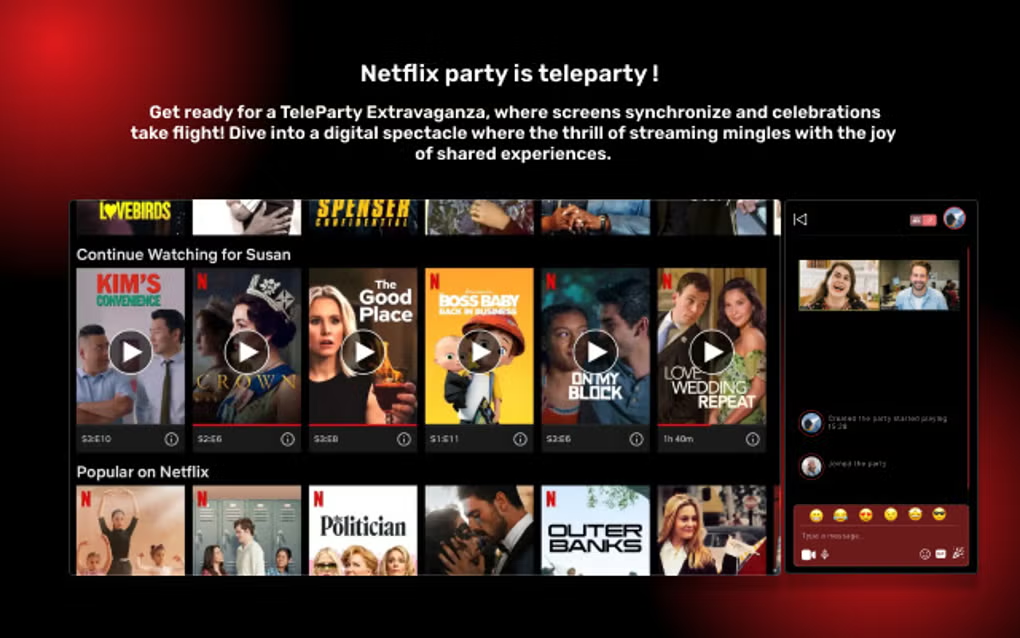
Teleparty is the dominant cross-service co-watching browser extension. Works on Netflix, Hulu, Disney+, Max, Amazon Prime Video, and ESPN+. Syncs playback across all viewers, includes text chat in a sidebar.
Best for groups that span multiple streaming services. The extension is browser-only (Chrome, Firefox, Edge); mobile support requires the host running a browser on a tablet or phone with desktop mode. Free for all users.
- Multi-service support (most US services)
- Free for all users
- Strong syncing reliability
- Active development
Where it falls short: Browser-only; mobile requires desktop-mode browser. Each viewer needs the streaming subscription.
Pricing: Free
2. Discord Watch Together (via Activities)
Best for: Discord-native groups
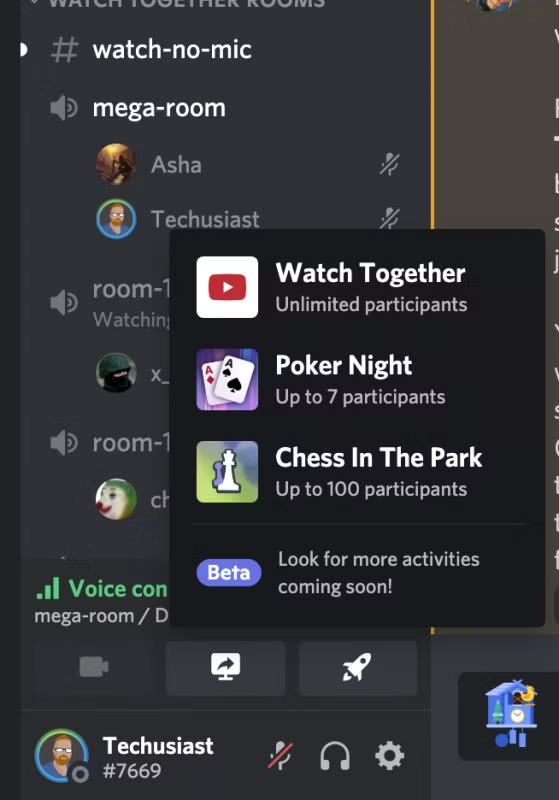
Discord’s built-in Activities feature includes Watch Together, which lets up to 25 people in a voice channel watch a YouTube video synced. Spotify Listening Together is the audio equivalent.
Best for groups already on Discord. The voice chat is built into the channel, the watch sync is part of the activity, no additional tool needed. Free.
- Native to Discord ecosystem
- Voice chat built-in
- Up to 25 participants
- Free with Discord
Where it falls short: YouTube only (and Spotify for audio); does not support Netflix, Disney+, etc.
Pricing: Free with Discord
3. Disney+ GroupWatch
Best for: Disney+ subscribers
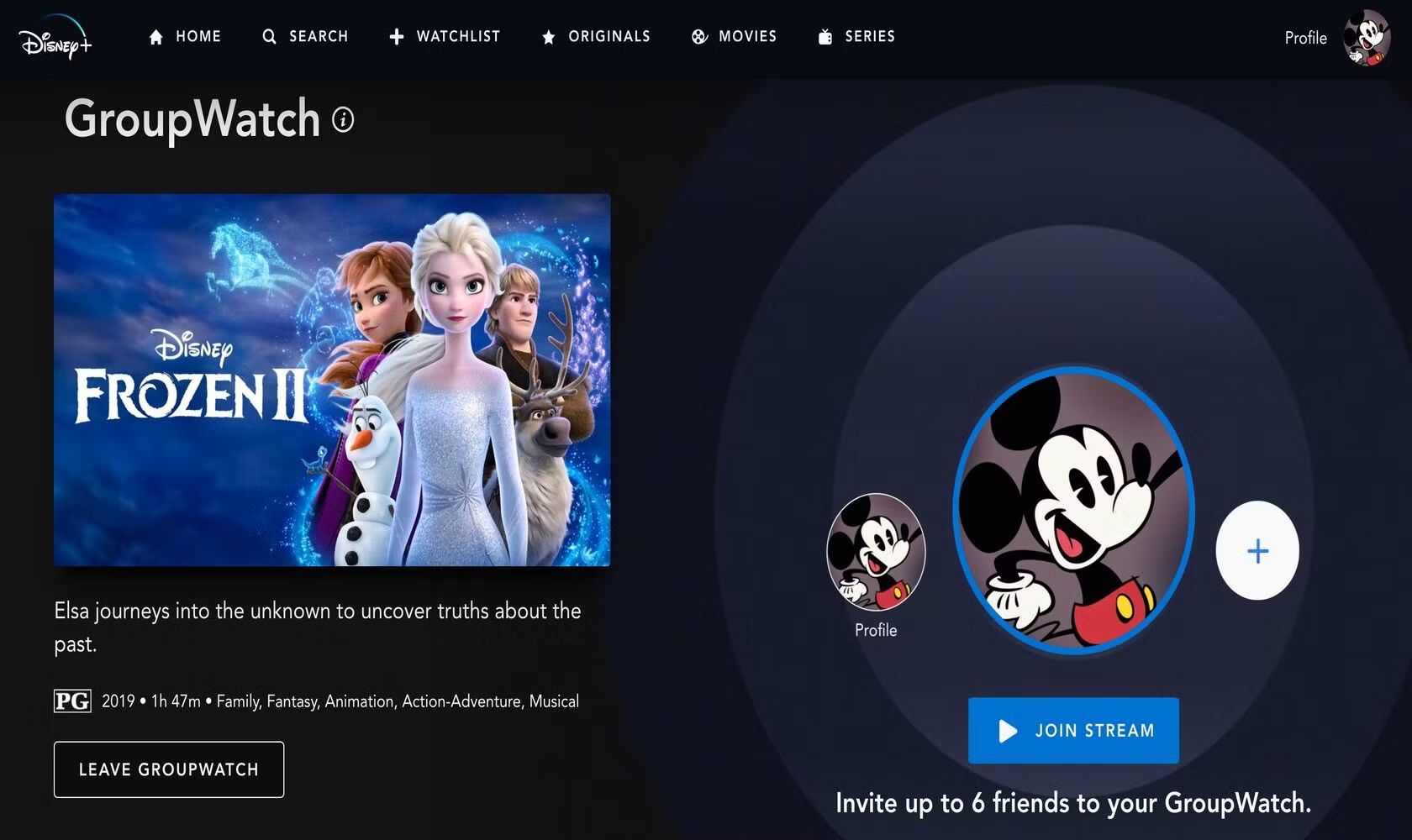
Disney+ GroupWatch is built into the Disney+ app. Tap the GroupWatch icon on any show or movie, invite up to 7 friends, and watch in sync. Each viewer needs their own Disney+ subscription. The chat is reaction-based (emojis) rather than full text.
Best for Disney+ subscribers who want a low-friction co-watching experience. Available on web, mobile, and TV apps.
- Native to Disney+
- Up to 7 participants
- Works on mobile and TV
- Free with Disney+ subscription
Where it falls short: Disney+ catalog only; reaction-based chat instead of full text.
Pricing: Free with Disney+ subscription
4. Apple SharePlay

Best for: All-Apple groups
Apple SharePlay lets Apple device users watch movies, listen to music, or share screens during a FaceTime call. Built into iOS, iPadOS, and macOS. Works with Apple TV+, Apple Music, and supported third-party apps (Disney+, Paramount+, Max, etc.).
Best for all-Apple groups. The voice and video chat happens through FaceTime; the watch sync is integrated. The downside is the platform lock-in; non-Apple users cannot join.
- Native to Apple ecosystem
- Integrated video and voice chat
- Supports many streaming services
- Free with Apple devices
Where it falls short: Apple only; non-Apple users cannot join.
Pricing: Free with Apple devices
5. Watchparty.com
Best for: Web-based watching with multiple sources
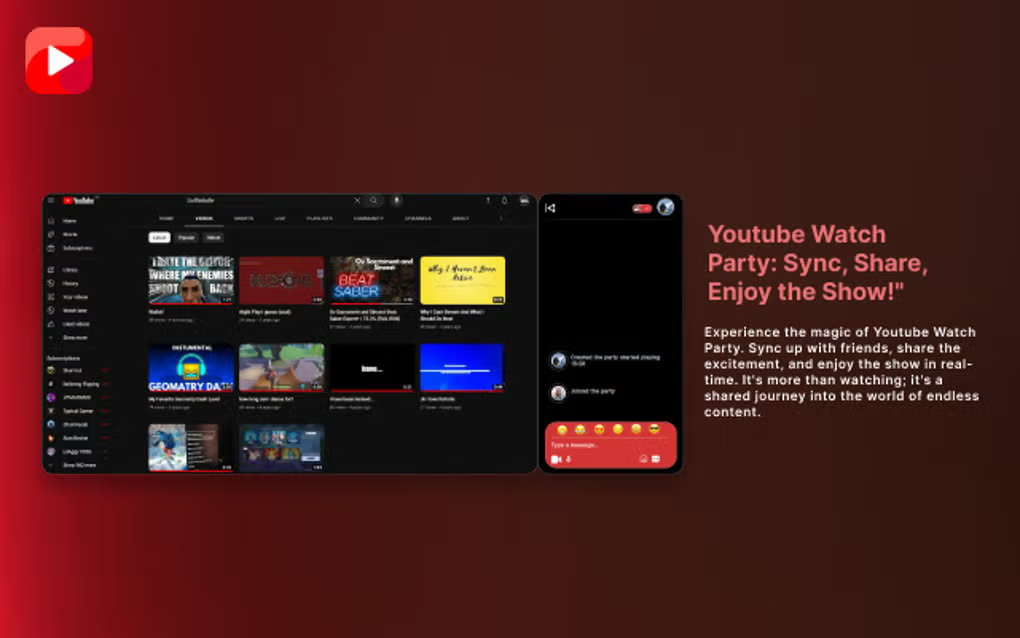
Watchparty.com is a browser-based service that lets you create a room and share any video URL (YouTube, Vimeo, direct MP4 URL, etc.) for synced watching with chat. No subscription required.
Best for groups watching public content or self-hosted videos. The voice chat is text-only; pair with a separate Discord or Zoom call for voice.
- Works with any video URL
- No subscription required
- Browser-based, no install
- Free
Where it falls short: Does not work with Netflix/Disney+/HBO (those require their own services).
Pricing: Free
6. Amazon Prime Video Watch Party
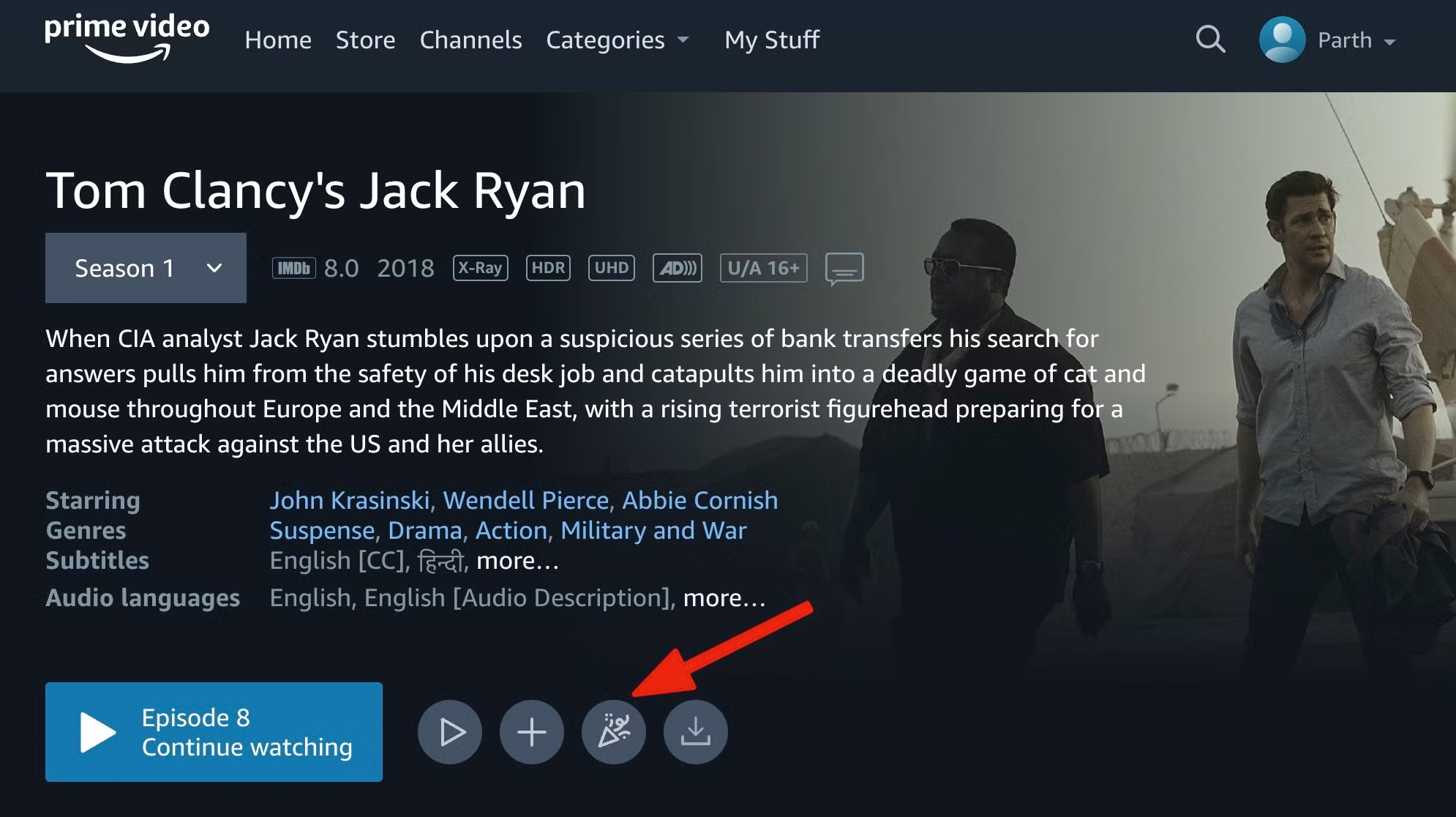
Best for: Prime Video subscribers
Amazon Prime Video Watch Party is built into the Prime Video app and web client. Up to 100 participants per party, text chat, synced playback. Each participant needs their own Amazon Prime subscription.
Best for Prime Video subscribers with larger groups. The 100-person cap is the largest of any native streaming-service co-watch feature.
- Up to 100 participants
- Native to Prime Video
- Free with Prime subscription
- Strong text chat
Where it falls short: Prime Video catalog only; each participant needs a Prime subscription.
Pricing: Free with Amazon Prime
At a glance
| Service | Works on | Max participants | Voice chat? |
|---|---|---|---|
| Teleparty | Netflix, Hulu, Disney+, Max, Prime, ESPN+ | Unlimited | No, separate call needed |
| Discord Activities | YouTube, Spotify | 25 | Yes, native |
| Disney+ GroupWatch | Disney+ catalog | 7 | No, separate call needed |
| Apple SharePlay | Apple TV+, many third-party | 32 | Yes via FaceTime |
| Watchparty.com | Any video URL | Many | No, separate call needed |
| Prime Video Watch Party | Prime Video catalog | 100 | No, separate call needed |
| Hulu Watch Party | Hulu catalog (no kids) | 8 | No, separate call needed |
FAQ
Do all participants need to pay for the streaming service?
Yes for the native streaming-service co-watch features (Disney+, Hulu, Prime Video). Each viewer streams from their own account. The co-watch feature just synchronizes the playback timestamp.
Can I co-watch with international friends?
Yes if the catalog is available in their region. Netflix, Disney+, Prime Video, and Apple TV+ have different catalogs by region. The co-watch sync still works but each participant sees their region’s version, which may have different content.
Is voice chat built into any of these?
Apple SharePlay (via FaceTime) and Discord Activities (via Discord voice channels) have built-in voice chat. The others require a separate Discord, Zoom, or WhatsApp call for voice.
Does Teleparty work on phones?
Teleparty is a browser extension; the host machine needs Chrome, Firefox, or Edge. Mobile participants typically use desktop mode in Chrome on Android or iOS. Mobile-native co-watching uses the streaming service’s native feature instead.
Can I host a watch party for free without subscriptions?
Yes via Discord Activities (YouTube) or Watchparty.com (any public video URL). The native streaming-service features require each viewer to have a paid subscription. For broader streaming-app picks see our best Android streaming apps.
The verdict
Watching movies together online has more options than ever. The native streaming-service features (Disney+ GroupWatch, Hulu Watch Party, Prime Video Watch Party) cover single-service groups. Teleparty covers multi-service groups. Discord Activities covers YouTube groups. Apple SharePlay covers all-Apple groups.
Pick by the group composition first. If everyone has Disney+, use GroupWatch. If your group spans services, Teleparty. If everyone is on Discord already, Discord Activities. If everyone is on Apple devices, SharePlay.
Voice chat is usually separate. Discord and Apple SharePlay include built-in voice; everything else requires a parallel Zoom, Discord, or WhatsApp call. The combination works fine but adds a small friction. For broader streaming app picks see our best Android streaming apps hub.
How we put this guide together
We tested each service on Pixel 8a (Android 16), Galaxy S24 (One UI 7), and OnePlus 12 (OxygenOS 15) over a one-month period in early 2026. Pricing reflects May 2026 published rates. Each service tested in groups of 2-5 participants across Pixel 8a, Galaxy S24, OnePlus 12, MacBook Air, and Windows 11 PC. Sync reliability measured by manual observation of playback drift over 90-minute movies. We refresh this guide quarterly because the streaming landscape continues to evolve.





