In This Article
![[2026 Latest] 10 Best Spotify Playlist Downloaders for Android](https://bestforandroid.com/guide/wp-content/uploads/2025/12/image-56.png)
If you’re someone who plays music on your phone all day long, you already know the struggle: weak signals, slow internet, songs stuck on “loading”… and your mood dropping with every buffer. It gets frustrating way too quickly.
That’s why so many people start searching for a Spotify playlist downloader that actually works. When streaming fails, having your music saved offline feels like a lifesaver.
The good news? There are plenty of Android apps built to make this easier. Some focus on fast downloads, some deliver crystal-clear audio, and others let you save full playlists with just one tap.
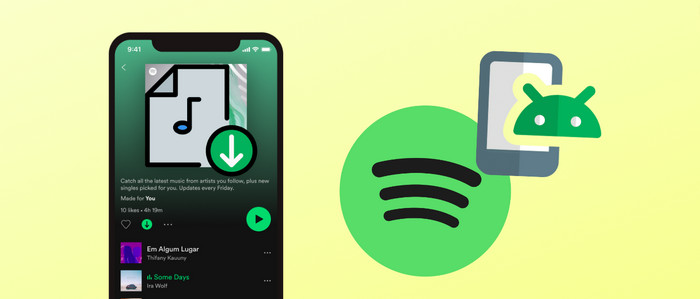
In this guide, I’ll walk you through the 10 best Spotify playlist downloaders for Android that are genuinely worth using in 2026. No complicated setups. No confusing steps. Just simple, reliable tools that let you take your music anywhere.
1. FliFlik UltConv for Android
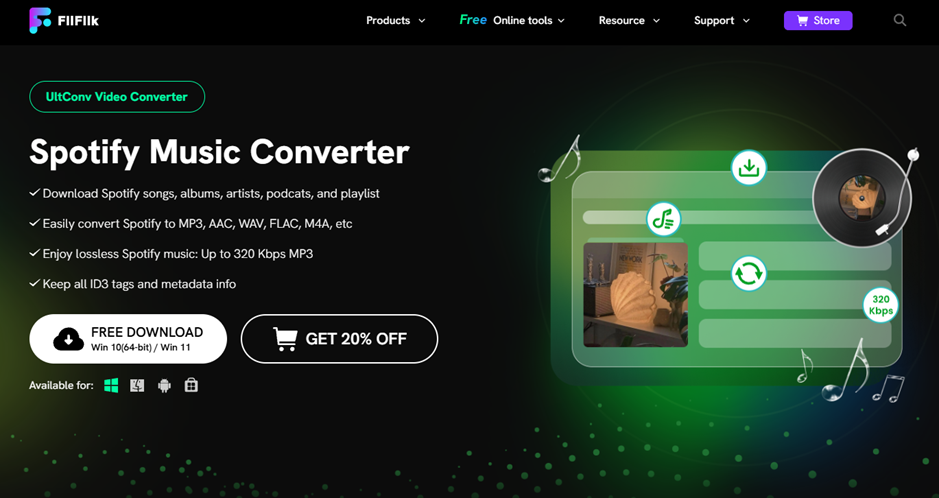
FliFlik UltConv is one of the most powerful and user-friendly Spotify playlist downloaders for Android. It lets you save music or videos directly to your phone, without annoying ads or confusing menus. It handles high-quality downloads and supports thousands of platforms.
Bonus: If you also download music on Windows or Mac, FliFlik UltConv provides desktop versions that let you download Spotify playlists in MP3 320kbps with a single click.
Key Features
- Save videos in 1080p, 2K, 4K
- Supports 10,000+ streaming platforms
- Download playlists and channels with one tap
- Batch downloads
- Background downloading + auto-resume
- Built-in browser
- Music/video output: MP3, MP4, AAC, M4A
How to Download Spotify Songs with UltConv
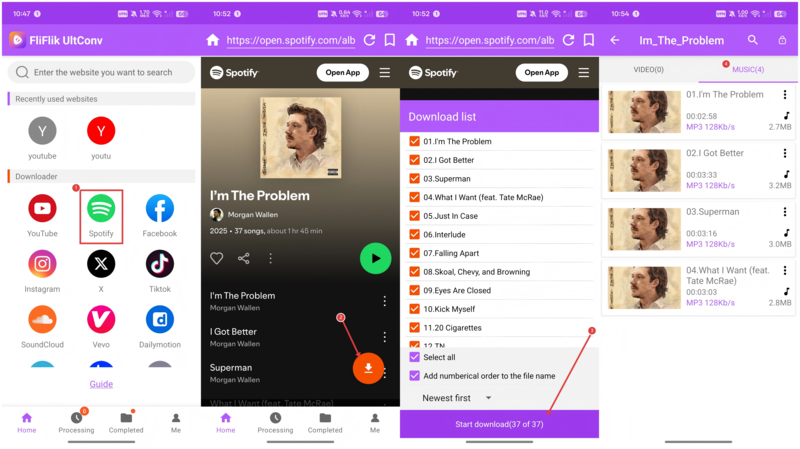
- Install UltConv for Android and open the app.
- Use the built-in browser to open Spotify.
- Select the playlist, song, or video → tap Download.
- Choose format and quality.
- Tap Start Download and save files offline.
2. SpotiFlyer
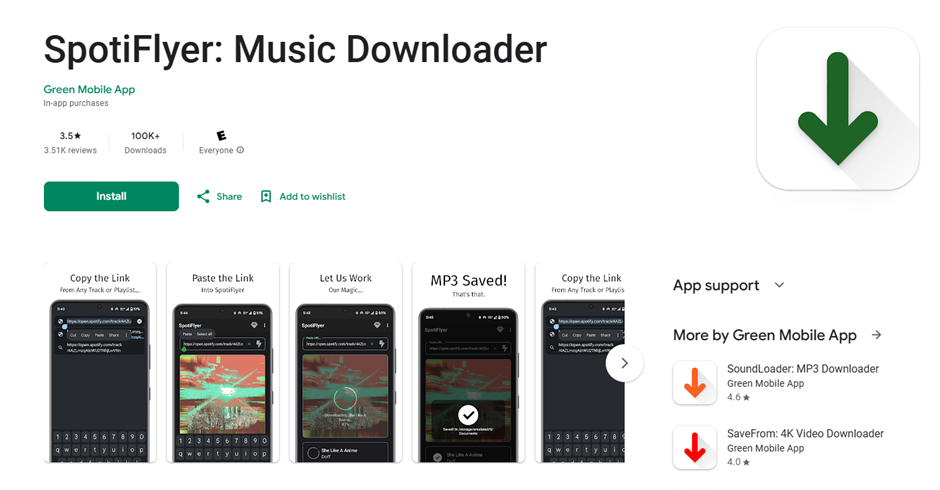
SpotiFlyer converts playlists into MP3 files right on your phone. It’s lightweight, clean, and preserves basic metadata, great for quick playlist-to-MP3 conversions.
Pros
- Supports Spotify, YouTube & others
- Converts to MP3 with metadata
- Works on low-end devices
- Free core features
- Works offline after download
Cons
- Limited to Spotify
- Occasional playlist failures
- Only MP3 output
3. SpotDown
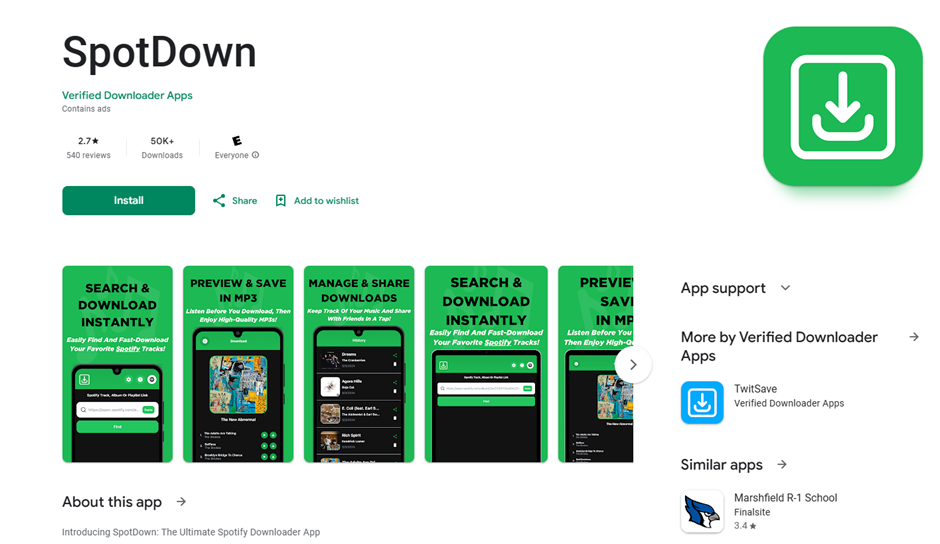
SpotDown focuses solely on fast Spotify playlist-to-MP3 downloads. Simple, clean, and great for beginners.
Pros
- Minimal interface
- Fast MP3 conversion
- Preserves metadata
- Beginner-friendly
Cons
- Mostly Android
- Limited features
- Can struggle with large playlists
4. Spotisaver (Web-based)
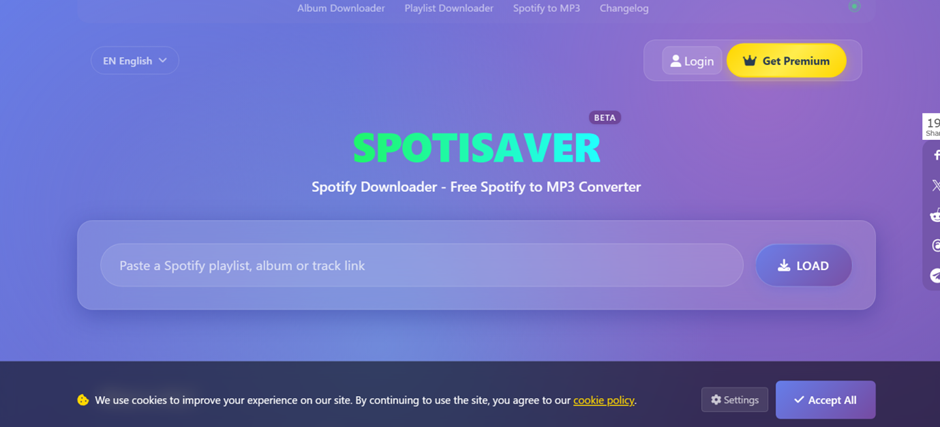
Spotisaver works in your browser, no installation required. Perfect for quick downloads.
Pros
- High-quality audio
- No software installation
- Free to use
Cons
- Limited features
- Internet required
- Restricted batch downloads
5. SpotifyPlaylistDownloader (Open Source)
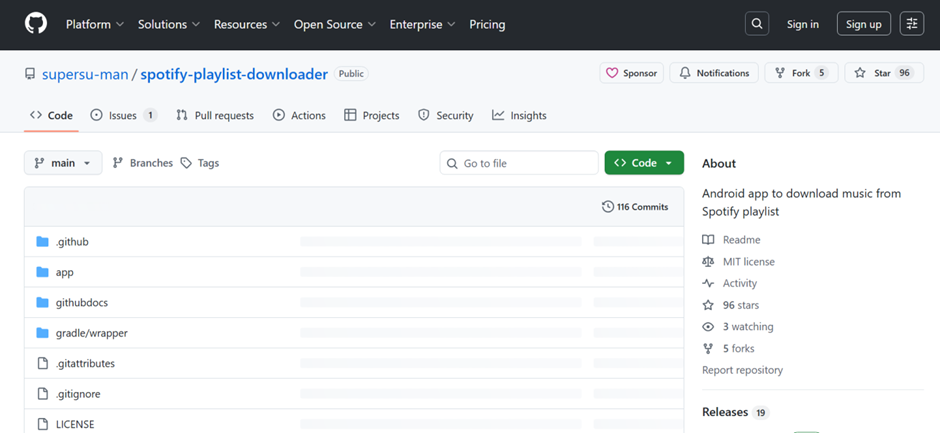
A transparent, open-source tool that supports playlist downloads on Android (with some setup).
Pros
- Fully free
- Batch downloads
- Configurable for advanced users
Cons
- Requires technical setup
- No polished GUI
- No official support
6. Spowlo
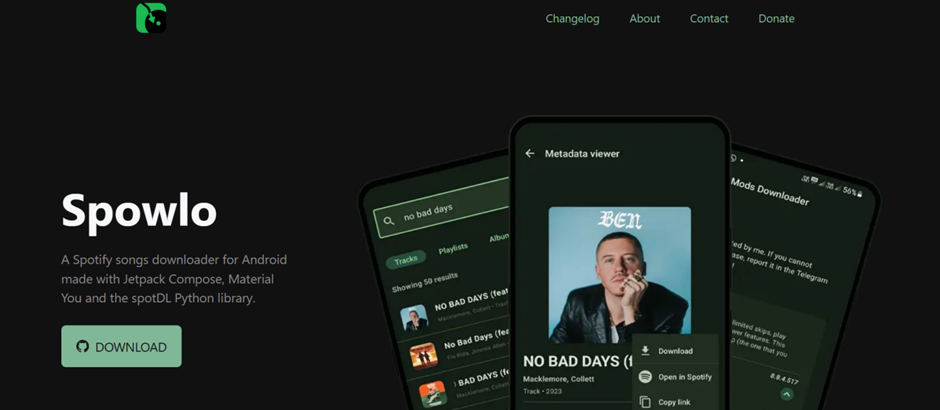
Lightweight app made for clean MP3 output and organized metadata.
Pros
- High-quality MP3
- Simple workflow
- Good metadata support
- Lightweight
Cons
- Limited export formats
- Android-focused
- Issues with large batches
7. Fildo
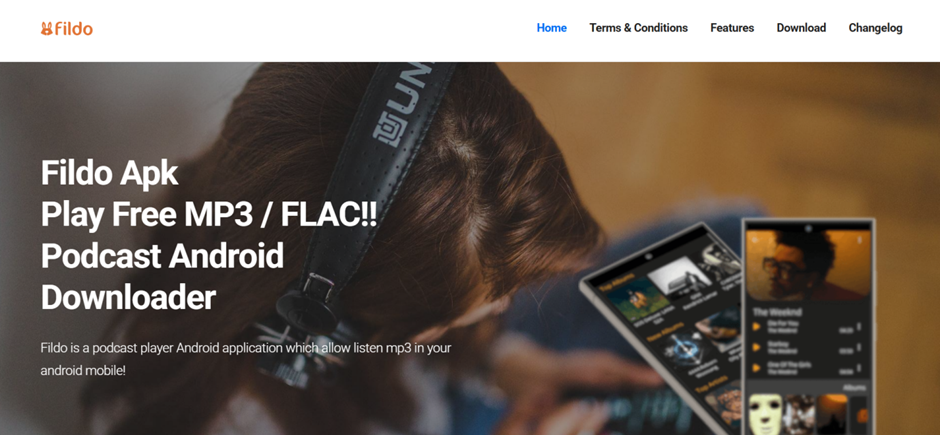
Known for finding rare tracks via multiple sources.
Pros
- Aggregates songs from various sources
- Playlist + single-track download
- Format flexibility
Cons
- Dated UI
- Stability varies
- Some sources may be questionable
8. Sidify Music Downloader Android
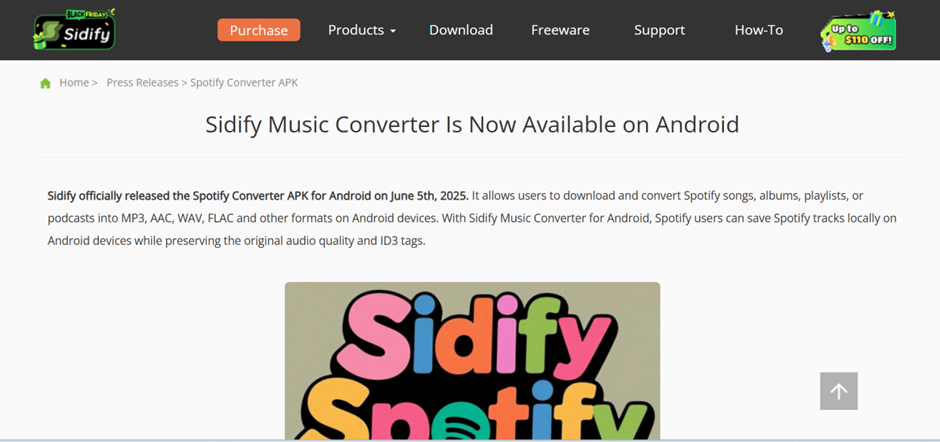
A polished, reliable downloader with strong metadata preservation.
Pros
- Preserves ID3 tags + artwork
- Clean UI
- Batch downloads
- Multiple formats
Cons
- Full features require payment
- Less customizable than open-source options
- Music-only tool
9. SpotMate
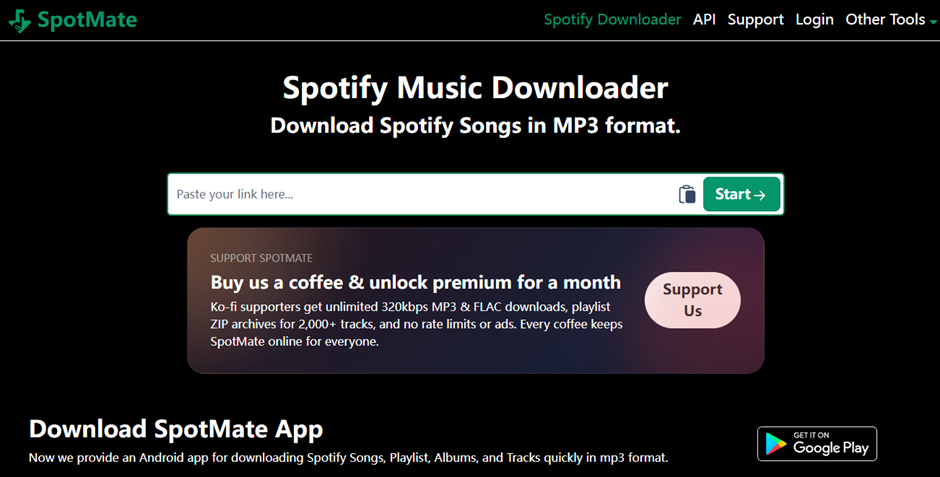
Designed for fast playlist-to-MP3 conversion without extra features.
Pros
- Fast conversion
- Keeps album art and metadata
- Organized file structure
- Also supports web download
Cons
- Limited output options
- Android-first
- Music-only
10. Telegram Bot (Spotify Music via Bot)
A simple chatbot-based method, send a link, get MP3 files.
Pros
- No extra app installation
- Works on Android, iOS, desktop
- Playlist ZIP support
- Great for quick single tracks
Cons
- Reliability varies
- Security concerns
- Features differ across bots
How It Works
- Open Telegram → search a trusted music bot.
- Send the Spotify playlist or track URL.
- Choose quality (if asked).
- Download MP3s or ZIP files.
Comparison Of Best Spotify Playlist Downloaders
| Downloader | Supported Platforms | Max Quality | Batch Support | Speed | Best For |
| FliFlik UltConv | Spotify + 10,000+ sites | 320kbps audio / 1080p–8K video | Yes | High (10x) | All-in-one music + video downloading |
| SpotiFlyer | Spotify | 320kbps | Yes | Medium–High | Simple MP3 downloads |
| SpotDown | Spotify | 320kbps | Limited | Medium–High | Fast playlist downloads |
| SpotifyPlaylistDownloader (Web) | Spotify | 129kbps | Limited | Medium | Tech-savvy users |
| Spowlo | Spotify | 320kbps | Limited | Medium | Clean MP3 + metadata |
| SpotiSaver | Spotify | 320kbps | Yes | High | Alternative to SpotiFlyer builds |
| Fildo | Spotify | 320kbps | Limited | Medium | Hard-to-find tracks |
| Sidify Android | Spotify | MP3 320kbps, AAC | Limited | High | High-quality metadata output |
| SpotMate | Spotify | 320kbps | Limited | Medium | Straight MP3 conversion |
| Telegram Bot | Spotify links | 128kbps | Limited | Varies | No-install method |
Offline Playback Tips
When you download Spotify playlists on Android, the next step is making sure they play smoothly offline. Many users forget about simple settings and habits that improve audio quality, save battery, and keep playlists organized. These tips help you get the best experience from your downloaded songs, no matter which tool you use.
- Enable Airplane Mode: Switch to Airplane Mode during offline listening to save battery and avoid background data usage.
- Turn Off Background Apps: Close extra apps so your music player uses less RAM and runs without lag.
- Use High-Quality Headphones: Better headphones or earphones will make your 320kbps MP3s sound noticeably clearer.
- Create Themed Folders: Group downloaded playlists by mood or activity (gym, study, travel) for quick access.
- Check File Quality: Some downloaders save files at lower bitrates. Always confirm that the output is 320kbps if you prefer higher quality.
- Back Up Your Music: Save playlists to a cloud folder or SD card so you don’t lose them if your phone resets or storage gets full.
Final Words

If you want to enjoy Spotify tracks offline on your Android device, choosing the right downloader makes all the difference. With so many tools available, it can be overwhelming, but the best choice depends on your needs: speed, audio quality, simplicity, or advanced control.
Among all options, UltConv for Android stands out for its versatility, fast 320kbps MP3 downloads, playlist support, and compatibility with thousands of platforms. It’s a great all-around choice for music lovers who want an organized offline library without hassle.