In This Article
Time tracking has evolved from a basic record of hours into a vital part of everyday work. As hybrid and freelance setups continue to expand, professionals now need tools that keep projects organized and time data trustworthy. The best apps of 2026 stand out for their clarity, accuracy, and thoughtful design, balancing automation, privacy, and control. From AI-assisted trackers to lightweight desktop tools, these platforms show how time management keeps adapting to the changing shape of modern work.
Why Time Tracking Matters in 2026
With teams splitting their time between offices, homes, and shared spaces, tracking work hours has become central to how companies stay coordinated and compliant. Modern tools now go beyond logging hours, they generate reports, automate invoicing, and support documentation for audits and legal checks. For freelancers, time tracking keeps billing fair and transparent; for businesses, it provides a clear view of how projects unfold.
The list below highlights ten dependable apps used worldwide, selected for their balance of practicality, flexibility, and ease of use across different work styles.
1. Fanurio: Privacy and Local Control
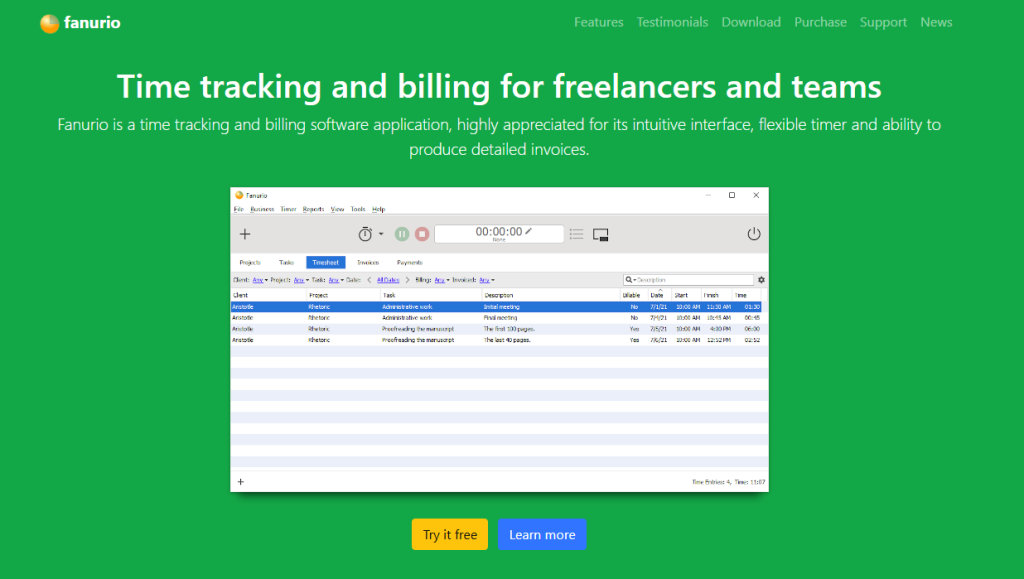
Fanurio is a desktop-based time tracking and invoicing app created for freelancers and small consultancies. It stores all data locally instead of using cloud servers, giving users full control over their records.
Features:
- Manual and automatic time entry
- Built-in invoicing and project tracking
- Export to CSV or XML
- Compatible with Windows, macOS, and Linux
Pros:
- One-time purchase, no subscription
- Local data storage for privacy
- Simple layout for independent professionals
Cons:
- No team collaboration or mobile app
- Fewer integrations than online tools
Pricing: From $59 one-time license
Recommended for: Freelancers and consultants who prefer offline use and local ownership of data
2. Kronjop: Smart Compliance for Small Businesses
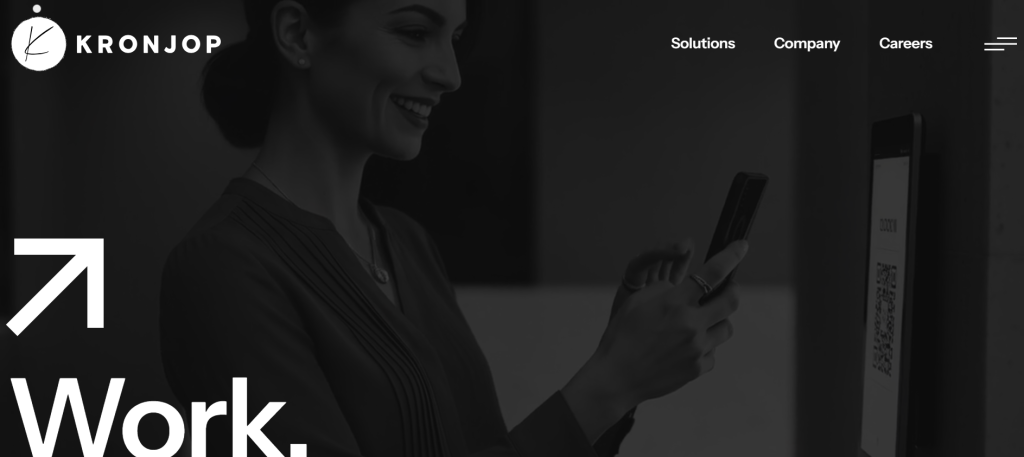
Kronjop combines time tracking with legal compliance. It creates automatic reports that follow European labor regulations and uses AI tools to reduce manual entry mistakes.
Features:
- Digital tracking of working hours and breaks
- Built-in legal and GDPR support
- AI to detect incidents and overtime
- Quick export of reports for audits
Pros:
- Complies with European labor laws
- Simple setup for teams
- Reliable automation for daily tracking
Cons:
- Best suited for EU-based users
- Limited external integrations in basic plans
Pricing: From €2.40 per employee/month
Recommended for: Small businesses and self-employed professionals who want a practical, legally aligned solution
3. TimeTiger: For Data-Focused Teams
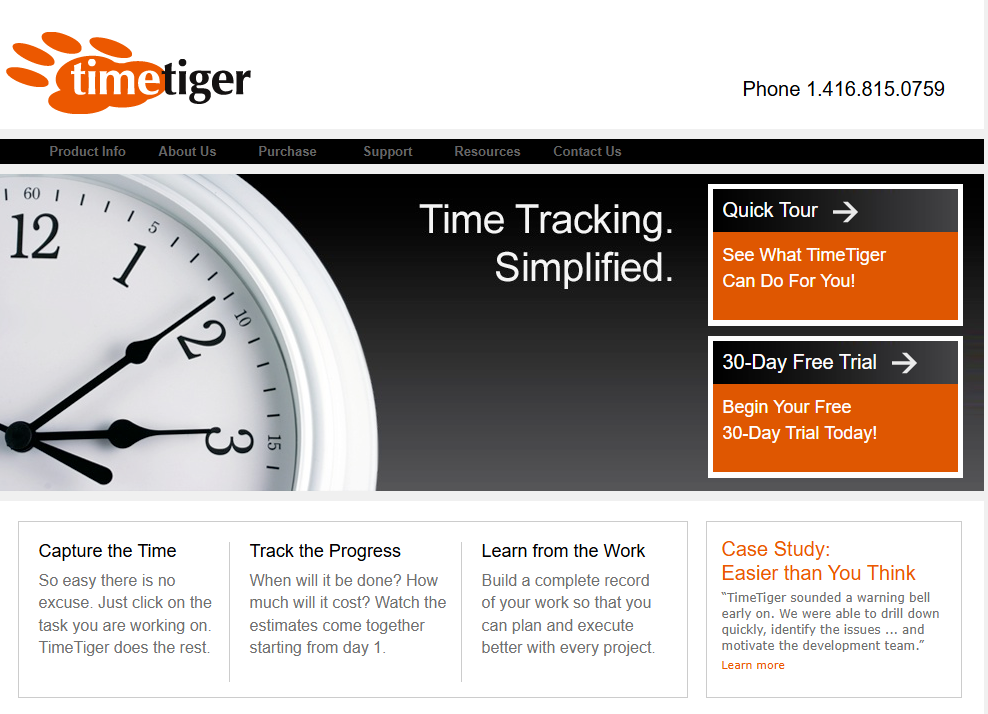
TimeTiger is one of the older names in time tracking and remains popular with project-based teams. It emphasizes analysis and reporting that help companies see how time is spent across multiple projects.
Features:
- Task and project-based tracking
- Weekly and project performance dashboards
- Integrations with Outlook and Excel
Pros:
- Strong reporting and analytics
- Stable system used in professional environments
Cons:
- Interface feels dated
- Limited mobile use
Pricing: $15 per user/month
Recommended for: Consultants, engineering teams, and project managers who need clear reporting
4. Memtime: Automatic Tracking Without Timers
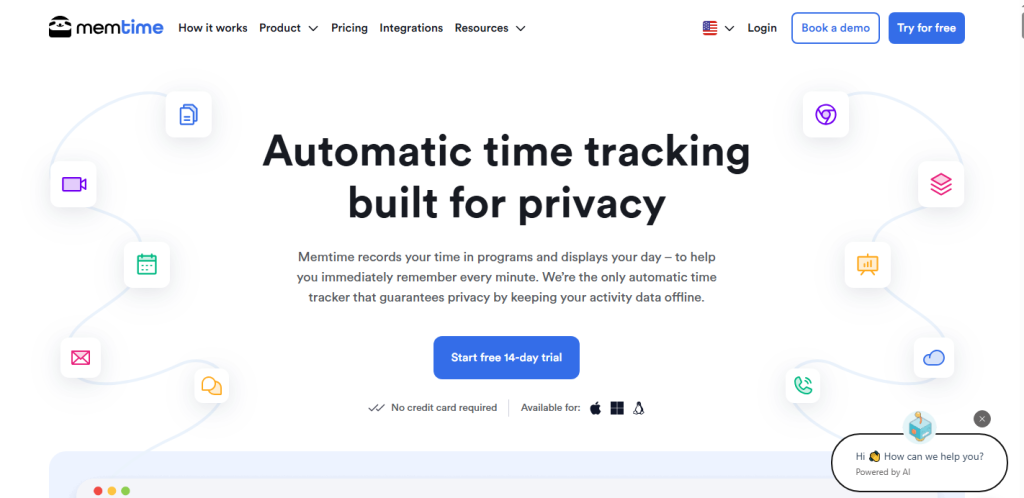
Memtime records all the applications and files used throughout the day, creating a timeline of activity. It removes the need to manually start or stop timers.
Features:
- Automatic recording of app and file usage
- Categorization by project or client
- Timeline view of daily activities
- GDPR-compliant data storage
Pros:
- No manual time entry required
- Accurate record of work sessions
Cons:
- Can feel invasive without clear privacy rules
- Data can become large without filters
Pricing: €10 per user/month
Recommended for: Digital professionals and consultants who want automatic tracking with detailed logs
5. My Hours: Simple Project Management
My Hours is a straightforward app designed for freelancers and small teams. It provides project-based tracking and client reporting in a clean interface.
Features:
- Task and project time tracking
- Rate and budget management
- Visual and exportable reports
- Client summaries for billing
Pros:
- Easy to set up and use
- Generous free plan
- Clear layout for daily work
Cons:
- Fewer automation options
- Basic offline capabilities
Pricing: Free up to 5 users, and Pro at $8 per user/month
Recommended for: Freelancers and microbusinesses who need project tracking and client reporting
6. actiTIME: Team Tracking and Project Cost Control
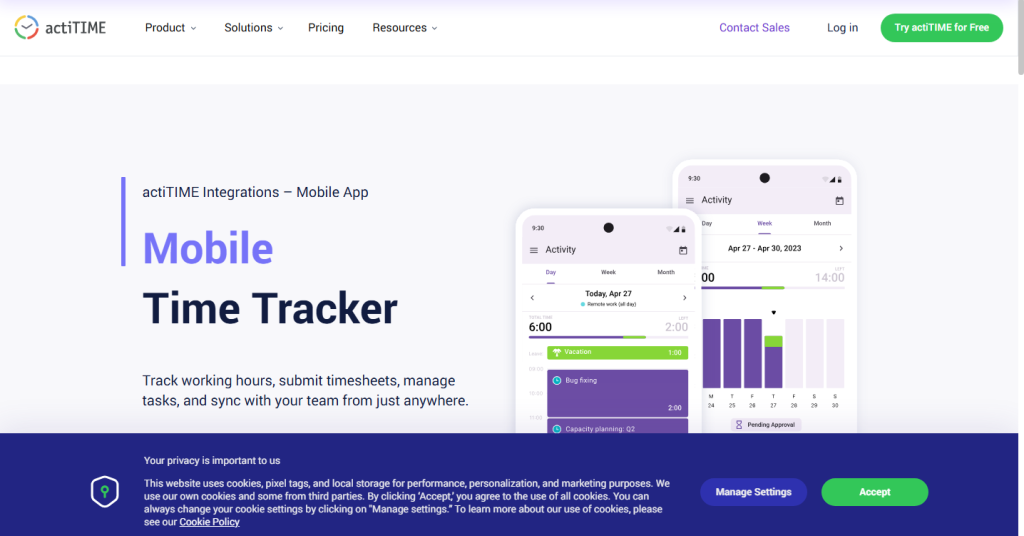
actiTIME is a collaborative platform that helps teams record working hours, manage absences, and track project costs. Its free plan is a good entry point for small teams.
Features:
- Time and leave tracking
- Project cost management
- Dashboards and performance alerts
- Custom permissions for teams
Pros:
- Detailed reporting options
- Flexible setup for small to mid-size teams
- Free version for up to three users
Cons:
- Learning curve for new users
- Complex setup for advanced features
Pricing: Free for up to 3 users, then from $6 per user/month
Recommended for: Startups and growing teams that want a mix of time tracking and project budgeting
7. Time Clock Wizard: Time Tracking with Payroll Basics
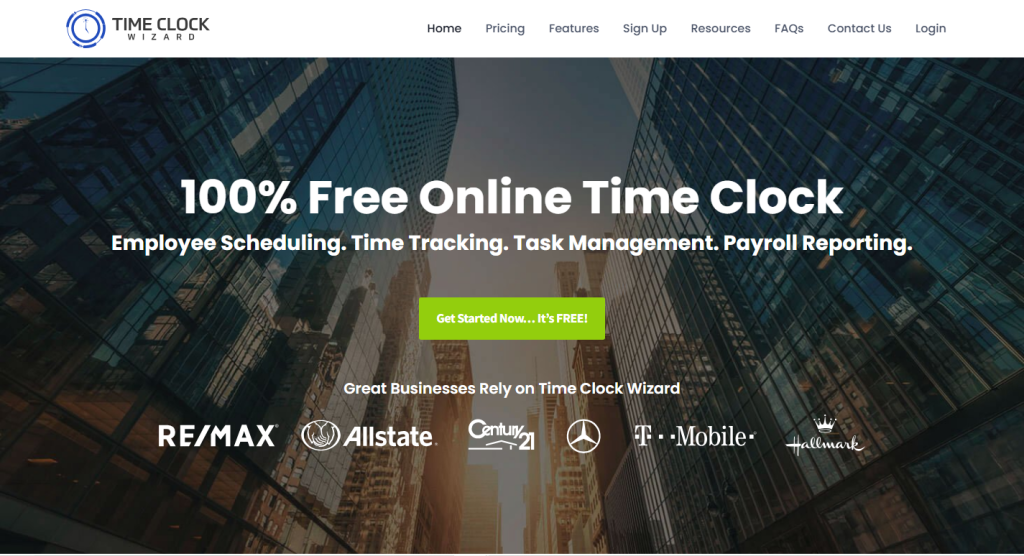
Time Clock Wizard is a cloud-based solution for tracking clock-ins, shifts, and payroll. It is popular among small shops and service teams.
Features:
- Online clock-in and clock-out
- GPS-based attendance
- Shift scheduling and leave management
- Payroll report generation
Pros:
- Combines time tracking with payroll data
- Good for shift-based work
- Works across devices
Cons:
- Payroll features are limited
- Outdated interface in some areas
Pricing: From $$29.95–$49.95 per month (basic plan)
Recommended for: Small retail teams and businesses with hourly staff
8. Timeular: Tracking with a Physical Device
Timeular includes an eight-sided device that tracks tasks when rotated. Each side represents a project, helping users stay aware of what they’re working on.
Features:
- Physical cube plus digital tracking app
- Automatic charts and statistics
- Integrations with tools like Notion and Zapier
Pros:
- Practical for visual learners
- Helps reduce multitasking fatigue
- Simple way to switch between tasks
Cons:
- Requires separate hardware
- Not built for large teams
Pricing: Hardware from $89 and software from $9/month
Recommended for: Developers, creatives, and freelancers who like tangible tracking
9. RescueTime: Understanding Daily Habits
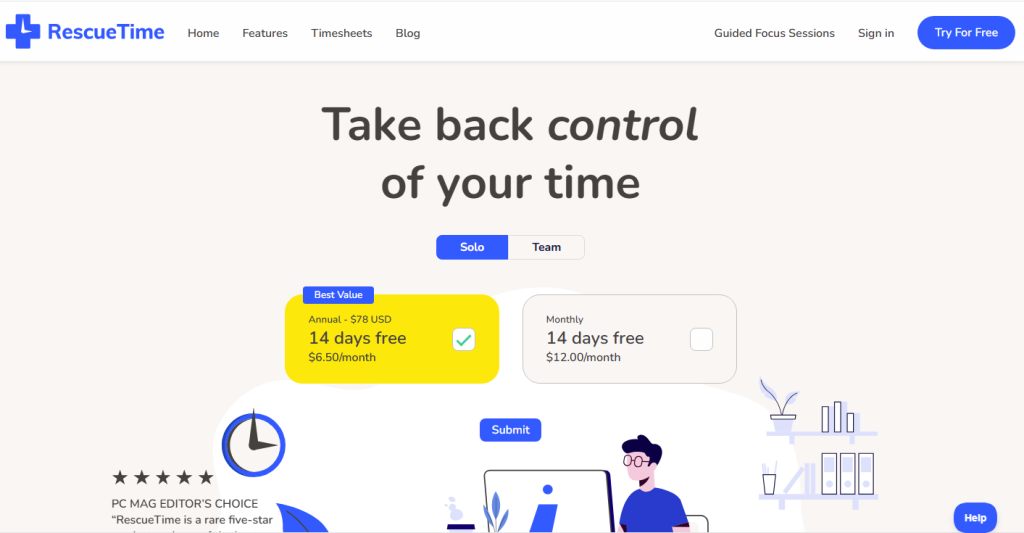
RescueTime is more of a productivity tracker than a clock-in tool. It analyzes how time is spent on digital devices and identifies distractions.
Features:
- Automatic tracking of apps and websites
- Productivity classification
- Focus alerts and daily summaries
- Weekly and monthly reports
Pros:
- Helps build awareness of focus patterns
- Good for self-assessment
Cons:
- Not designed for payroll or team billing
- Can feel intrusive without consent
Pricing: From $12/month
Recommended for: Remote professionals and anyone interested in improving focus and time habits
10. TrackingTime: Visual Layout for Creative Work
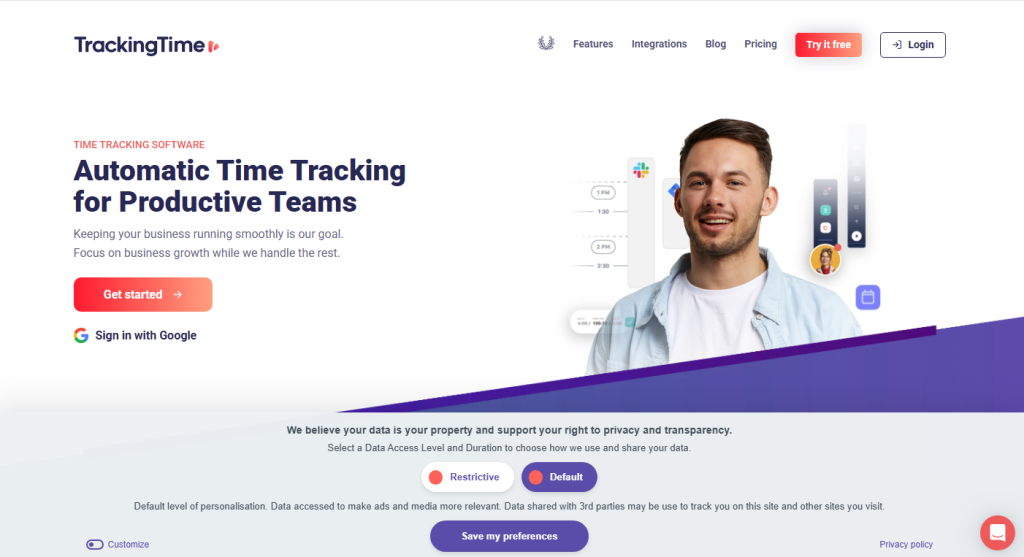
TrackingTime offers a visual approach to time management. Its drag-and-drop interface makes it popular with design studios and marketing teams.
Features:
- Visual time blocks for scheduling
- Integrations with Trello, Slack, and Notion
- Weekly exports and shared reports
- Cloud-based collaboration
Pros:
- Attractive and easy-to-use interface
- Works well for creative workflows
- Free plan available
Cons:
- Fewer compliance or payroll features
- Some functions are paid-only
Pricing: Free plan or from $5 per user/month
Recommended for: Creative agencies and teams that want visual time tracking
What to Look for in a Time Tracking App
When comparing tools, start with what you need most.
- Purpose: Are you tracking for billing, compliance, or personal productivity?
- Team size: Freelancers may prefer local apps, while companies need cloud systems.
- Legal coverage: If you operate under specific labor laws, choose a tool that supports audit-ready exports.
- Integration: Check if the app connects with your accounting or project software.
- Privacy: Know where data is stored and how it’s handled.
- Cost: Compare long-term costs of one-time licenses versus monthly plans.
- Trial period: Test usability with a small group before a full rollout.
The Time Tracking Trends in 2026

The time tracking field is expanding quickly. AI now assists in detecting overtime, and privacy laws are shaping how tools handle user data.
Expect growth in features such as:
- Automatic scheduling suggestions based on workload history
- Context-based tracking that adapts to the tools you use
- Region-specific compliance templates
- Private, offline-first versions for independent professionals
These changes reflect how modern work relies on both flexibility and accountability.
Future of Time Tracking Beyond 2026
Time tracking is moving from manual logs to intelligent systems that understand context, behavior, and goals. The next wave of tools will go beyond counting hours, they’ll anticipate how we work and help us focus better.
- Context Awareness: Trackers will recognize the task or project you’re working on automatically, without switching timers.
- AI-Powered Insights: Smart systems will predict productivity peaks and suggest ideal work schedules based on your habits.
- Voice and Gesture Control: Hands-free tracking through voice commands or subtle gestures will make logging time simple and natural.
- Integrated Well-Being Data: Future apps may blend focus tracking with health metrics like breaks, posture, or stress levels.
- Blockchain for Transparency: Secure, tamper-proof records could enhance trust for billing and compliance.
- Unified Work Hubs: Expect all-in-one dashboards that merge time, tasks, invoices, and communication into a single view.
End Notes

Time tracking isn’t just about logging hours, it’s about working smarter and staying in control. Freelancers, teams, and growing businesses now have tools that fit their pace, from Fanurio’s offline freedom to Kronjop’s AI-powered accuracy. These apps are shaping a new way to balance productivity, privacy, and accountability without the usual hassle. The best one isn’t the flashiest or the cheapest, it’s the one that makes your workday feel clear, focused, and genuinely your own.