In This Article
Short answer: A Progressive Web App is a website you can install from your Android browser. It gets a home screen icon and opens in its own window, with no Play Store listing or APK involved. Crypto platforms such as BiggerZ use PWAs for app-style access, so the safety checks you would run on any website still apply before you sign in.
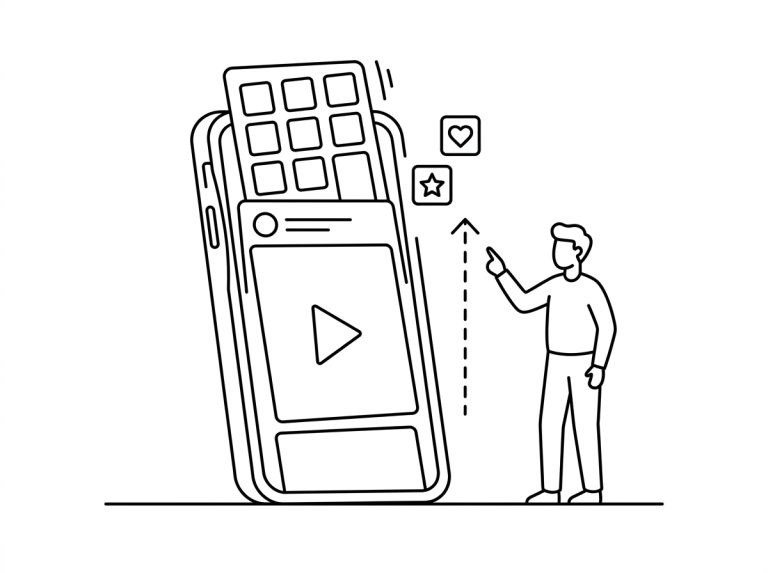
An icon on your Android home screen doesn’t always mean the app came from the Google Play Store. Progressive Web Apps (PWAs) let a platform build an app-style experience out of ordinary web technology. You visit the site in your browser, add it to your home screen, and from then on you tap the icon to open it, the same way you would open an app.
For crypto platforms, that opens a route to mobile access without a traditional Android download. The service is still a website, but most of the browser interface disappears when you launch it from the home screen. Day to day, it feels closer to a standalone app than to an ordinary website.
What Is a Progressive Web App?
A PWA is a website built to behave more like an installed application. It can have its own icon, open in a separate window and use an interface designed for phone screens. Depending on how it is built and which device you use, it may also send notifications and work partly offline.
Unlike a traditional Android app, a PWA doesn’t need an installation package from an app marketplace. The service keeps running on web technology, and the browser supplies what it needs to work. That is how a website can offer app-style access without turning into a native application.
How Installation Works
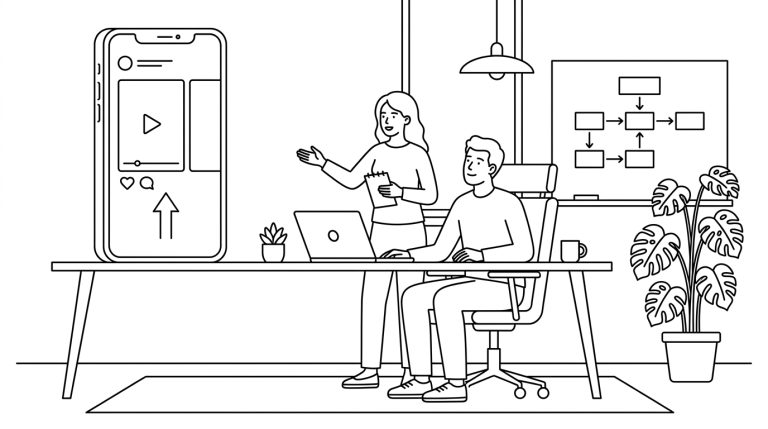
It starts with a visit to the platform in a supported Android browser. If the site is set up as a PWA, the browser offers an option such as “Install app” or “Add to Home screen”. Tap it, and an icon lands on your device for future visits.
Installing a web app in Chrome on Android
- Open the real site. Type the address yourself or use a bookmark you saved earlier.
- Open the menu. Tap the three-dot icon next to the address bar.
- Pick the install option. Chrome shows Install app or Add to Home screen, depending on the site and version.
- Confirm. Tap Install in the prompt, then open the platform from its new icon.
For someone using the online casino BiggerZ platform this way, the PWA opens the same online platform you would reach in the browser; it is not a separate version. Tapping the icon launches the service in its own window, usually with fewer browser controls on show.

BiggerZ
Crypto casino and sportsbook you install from the browser
BiggerZ runs a casino with live dealers, a sportsbook and prediction markets on one web platform. There is no Play Store listing and no APK to sideload. On Android, you add it from Chrome’s menu and it opens in its own window like any other app.
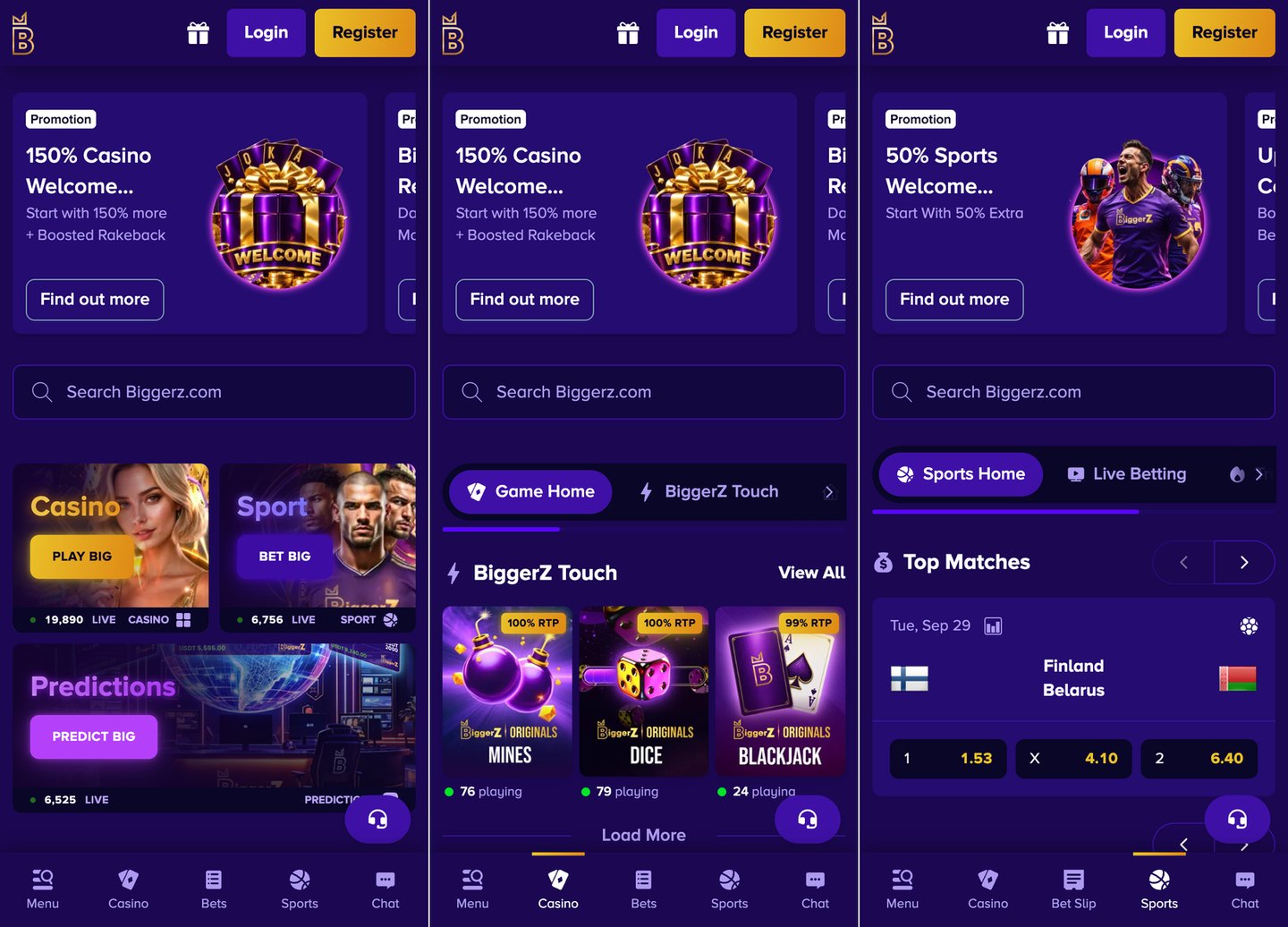
- Best forCrypto players who want app-style access on Android without a Play Store download
- InstallBrowser menu, then Install app; no APK
- PaymentsBTC, ETH, LTC, USDT and more; Visa and Mastercard deposits
- LicenceAnjouan, Union of Comoros (operator-stated)
- Age18+, or the higher local legal age; checked at sign-up verification
The good
- Installs from the browser in a few taps, with no sideloading
- Casino, sportsbook and prediction markets share one account
- Deposit and loss limits, time-outs and self-exclusion are built in
The bad
- Offshore licence from Anjouan, not a UK or EU regulator
- Blocked in many countries, including the US and the UK
- An 8% fee applies if you withdraw a deposit you have not wagered at least once
Why Platforms Use PWAs
App stores have policies that cover cryptocurrency, payments and real-money gaming, and those rules affect how some apps can be distributed. PWAs give platforms another option, because people reach the service through the web instead of relying on an app store listing. The same mobile experience also works on a wider range of compatible Android devices.
Updates are simpler too. Because most of the application stays online, changes go out through the web service, and nobody has to download a new version from an app marketplace.
Making a Website Feel Like an App
A PWA can remove most of the things that make a mobile website feel like a browser page. Standalone layouts, responsive menus and touch-friendly controls bring navigation closer to what people expect from an installed app. The home screen icon also saves you from searching for the site or typing its address on every visit.
Platforms such as BiggerZ use this approach to keep mobile access inside the same web-based environment as the rest of the platform. You still need an internet connection for anything involving live information or online transactions.
What changes when it opens from the icon
- Browser barMostly hidden, because the site runs in a standalone window
- Getting thereOne tap from the home screen, no typing
- Recent appsListed as its own window, separate from Chrome
- Still neededA connection for live odds, balances and payments
Security Still Matters
When you install straight from a website, checking the domain matters. An install option in the browser doesn’t prove that a site is genuine, so confirm where you are before you enter login details or add anything to your device. Treat links from unknown messages or unofficial sources with caution.
Normal account protection matters just as much after installation. Strong passwords, two-factor authentication where available and sensible wallet security all still apply inside a PWA. A new way into the platform doesn’t change the need to protect your account and payment details.
Before you tap Install
- Type the address yourself. Lookalike domains are a common phishing trick, and CISA’s guide to spotting and reporting phishing shows the usual signs.
- Read the install prompt. Chrome shows the app name and the site address; both should match the platform you meant to visit.
- Turn on two-factor sign-in first. Set it up before your first deposit.
- Keep your seed phrase to yourself. No genuine platform or support agent will ever ask for it.
PWA Versus a Native App
Native Android apps are built specifically for the operating system and can reach deeper into some device features. PWAs run on web technology, so some of what they can do depends on the browser, the device and the Android version. The two can look almost identical on screen and still work differently underneath.
For many online services, people just want quick access, simple navigation and an interface that suits a phone. A PWA delivers that without a conventional app store install. It sits between an ordinary mobile website and a full native Android app.
| PWA | Native Android app | |
|---|---|---|
| Where it comes from | The platform’s own website, through the browser | Google Play or an APK file |
| Updates | Arrive when the site changes | Downloaded through the store or a new APK |
| Device access | Whatever the browser allows, such as notifications | Deeper access to system features |
| Offline use | Limited to what the site caches | Can work fully offline if built for it |
| Removing it | Long-press the icon, or uninstall in Settings | Uninstall like any other app |
Frequently Asked Questions
Is installing a PWA safer than sideloading an APK?
In one way, yes. A PWA runs inside the browser’s sandbox and only gets the permissions the browser grants, such as notifications once you allow them. An APK installs code straight onto the phone. Either way, the platform behind the icon still has to be one you trust.
Does a crypto PWA work offline?
Not in any useful sense. A PWA can cache its layout so it opens quickly, but balances, odds, deposits and withdrawals all need a live connection. BiggerZ, for example, caches only its interface files.
How do I remove a web app from my Android phone?
Long-press the icon and choose Uninstall, or open Settings, tap Apps, then See all apps, pick the web app and tap Uninstall. Google’s Chrome Help page on web apps covers the other options.
A Direct Route to Mobile Access
Progressive Web Apps have blurred the line between websites and installed applications. A web service can sit on an Android home screen, launch on its own and give you an interface that feels like an app. For crypto platforms, that is a practical way to offer app-style mobile access without depending on a traditional app store download.
Before you play
- Check the age rule. Real-money play is for adults 18 and over, or older where local law says so.
- Set a deposit limit. Do it before your first session, while the decision is easy.
- Take breaks. A home screen icon puts a casino one tap away. If play stops feeling like fun, GambleAware has advice on gambling more safely.