In This Article
Follow BestForAndroid


Short answer: An enterprise-ready password manager gives a whole team one controlled vault instead of a sprawl of sticky notes and reused logins. The three things that actually move the needle are a central vault with role-based access, phishing-resistant MFA or passkeys on every account, and screening passwords against known breach lists. Rotation schedules and complexity rules are not the win they once seemed.

Stolen credentials are the quiet workhorse of corporate hacking. Verizon’s Data Breach Investigations Report has repeatedly tied a large share of breaches, on the order of 30%, to stolen or compromised passwords, and has found that roughly 80% of basic web-application attacks lean on a login the attacker should never have had. The exact figure shifts from one report to the next. The point is that the front door, not some exotic zero-day, is where most teams actually get hit.
That is the gap an enterprise password manager is built to close. Instead of scattered spreadsheets, shared inboxes, and the same password recycled across a dozen tools, you get one vault the whole team works out of, with rules an administrator can actually enforce. The catch is that not every product means the same thing by “enterprise,” and some of the advice that used to come bundled with these tools has aged badly.
This is a buyer’s guide rather than a sales pitch. Below are the capabilities that separate a real business tool from a consumer app with a team plan bolted on, why each one matters, and how the current security standards have shifted under all of it.
| Capability | Why it matters |
|---|---|
| Central vault with role-based access | One source of truth, scoped so people only reach what their job needs |
| Phishing-resistant MFA and passkeys | Stops a stolen code or password from being replayed against your accounts |
| Breach-list screening | Blocks passwords already known to attackers before they get reused |
| SSO with SAML and SCIM | Cuts password sprawl and removes access the moment someone leaves |
| Audit logs and admin alerts | A record of who accessed what, and a warning when something looks off |
| Compliance reporting | Maps your controls to GDPR, HIPAA, ISO 27001, or SOC 2 without a manual scramble |
Centralize credentials and control access

When credentials live in scattered places, every one of them is a loose end. A password saved in someone’s personal browser, a shared login pasted into a chat thread, a service account nobody remembers setting up: each is a door you cannot see, let alone lock. The first job of an enterprise vault is to pull all of that into one place an administrator can actually manage.
The part that earns the “enterprise” label is access control. A good business tool lets you grant logins by role and team, so a contractor sees only the handful of accounts they need and a finance lead is not one click away from the production database. The principle behind it is least privilege: people get the access their work requires and nothing extra. When someone changes teams or leaves, you revoke their access in one place instead of chasing it across a dozen systems.
Most serious products in this space handle this well, which makes it a baseline rather than a differentiator. Bitwarden, 1Password, Keeper, Dashlane, and Zoho Vault all offer shared collections or folders with granular permissions. The real question is how cleanly those permissions map to how your team is actually organized, because a tidy diagram that nobody can maintain is worse than no policy at all.
Set password policy that matches current standards
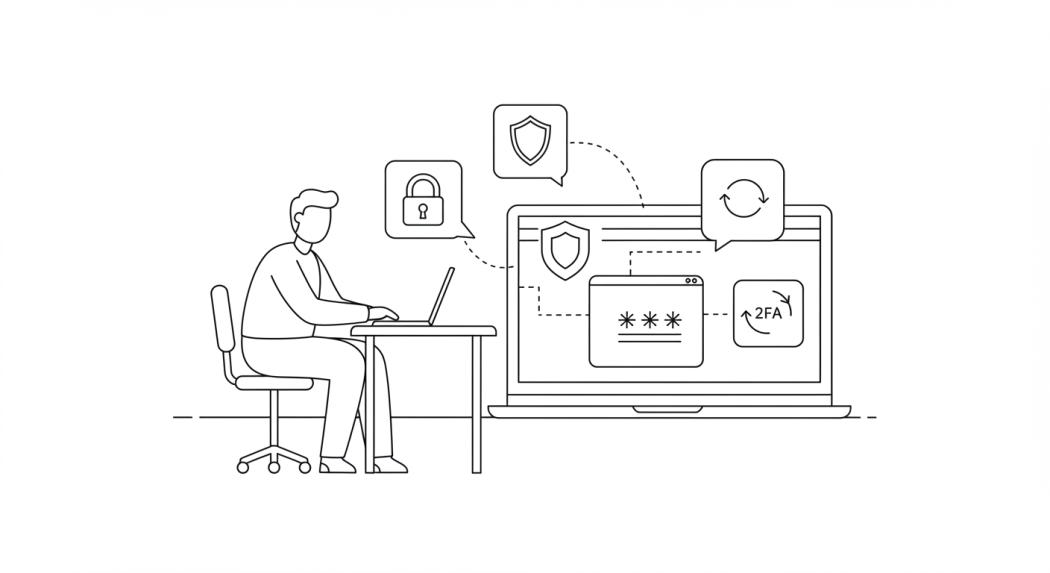
This is the section where a lot of older advice quietly went wrong. For years the standard playbook was force long, complex passwords full of symbols, make people change them every ninety days, and set hard expiration dates. Plenty of password managers still ship with switches for exactly that, and plenty of IT teams still flip them on out of habit.
Current guidance points the other way. NIST SP 800-63B, the US federal standard for digital identity, now tells verifiers not to force periodic password changes unless there is evidence a credential was actually compromised. Routine rotation mostly trains people to pick weaker, more predictable variations of the same password, which is the opposite of what you wanted. The same guidance also backs off rigid composition rules in favor of length, supporting long passphrases and screening new passwords against lists of known breached credentials.
So the policy settings worth using look different than the old defaults. Set a generous minimum length and allow long passphrases. Turn on breach-list screening if the product offers it, so a password already circulating in a leak gets rejected at the moment someone tries to set it. Drop the calendar-based expiration unless a specific account has been exposed. The goal is fewer, stronger passwords that people can actually remember, not a churn of weak ones nobody can keep track of.
SSO and phishing-resistant MFA
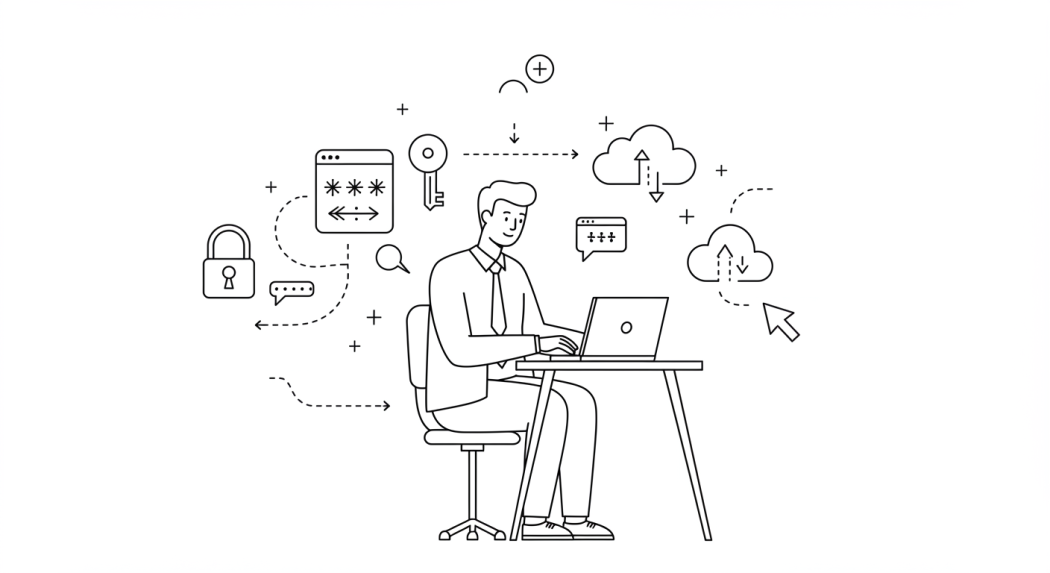
Single sign-on is the other half of cutting password sprawl. Instead of a separate login for every tool, people authenticate once and reach the apps they are allowed to use. For an enterprise buyer the detail that matters is the plumbing: look for SAML 2.0 for the sign-in itself and SCIM for automatic provisioning, so a new hire gets the right access on day one and a departing employee loses it the moment HR flips their status. Without SCIM, that offboarding step turns into a manual checklist that someone will eventually forget.
Multi-factor authentication is where the wording really matters. Adding a second factor is good advice, but not every second factor is equal. A texted code or an app prompt can still be phished, because a convincing fake login page can capture the code in real time and replay it. That is why federal guidance now pushes phishing-resistant MFA: security keys and passkeys built on the FIDO2 and WebAuthn standards, which are tied to the real site and cannot be handed to an imposter. When you evaluate a password manager, check whether it supports passkeys and hardware keys, not just an authenticator app.
Passkeys are also where the consumer and business worlds are converging fast. Most of the major managers now store and sync passkeys, so a team can move toward passwordless sign-in for the apps that support it while keeping the vault as the fallback for everything that does not. It is a slow migration, but it is the direction the whole field is heading.
Monitoring, audit logs, and breach detection
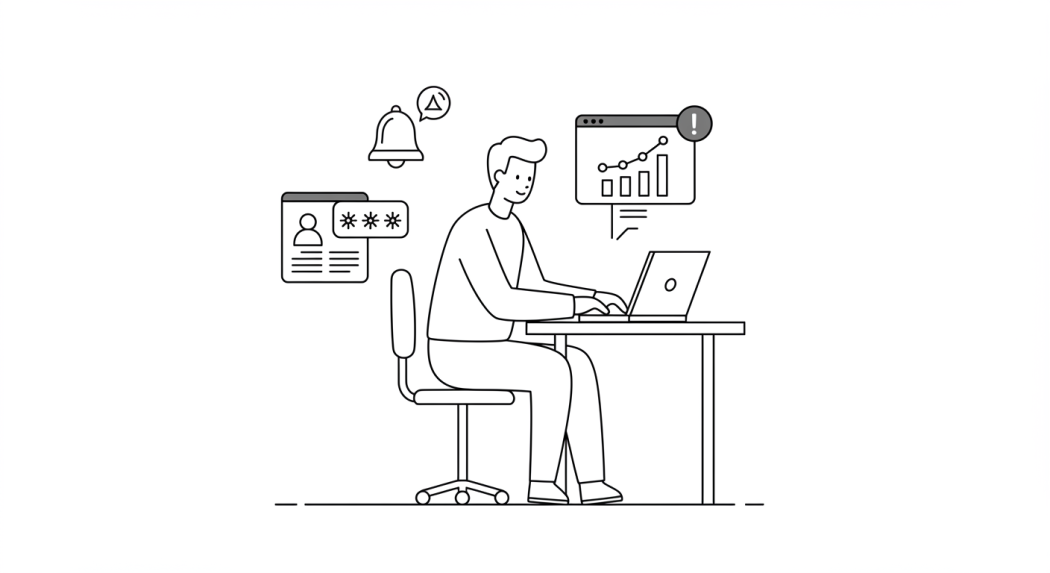
A vault you cannot see into is a vault you cannot trust. Enterprise tools keep an audit log of meaningful actions: a user added or removed, permissions changed, a shared password exported, the master settings touched. When something goes wrong, that trail is how you reconstruct what happened, and during an audit it is the evidence that your controls are real rather than aspirational. Administrator alerts on sensitive events turn that log from a forensic record into something closer to an early warning.
Breach monitoring is worth a closer look, because the marketing blurs together two different things. A password-audit dashboard flags weak, reused, or aging passwords already inside your vault, and most serious products include one. Dark-web or breach monitoring goes further by checking your credentials against known data leaks and warning you when one turns up. The second feature is not universal: Keeper and Dashlane build whole campaigns around it, while other tools lean more on the in-vault audit. Read the feature list rather than assuming, and match it to whether you want active leak alerts or just a hygiene report.
Compliance and audit readiness

If you operate in a regulated field, password management is not just an internal hygiene question. Frameworks such as GDPR for personal data, HIPAA for health records, and the security standards your customers ask about all care about how you store and control credentials. A business password manager helps by giving you the access controls, secure sharing, and audit trails those frameworks expect, plus reports you can hand an assessor instead of assembling by hand.
One detail is easy to get wrong on paper: cite the current edition of the standard. The relevant one is ISO/IEC 27001 in its latest revision, whose control 5.17 covers authentication information directly, which is exactly the credential-management territory a password manager lives in. The previous edition has been retired, so a policy that still references it is out of date. In the US, SOC 2 is the report most customers will actually ask to see, and it overlaps heavily with the same ISO controls, so a tool that produces clean evidence for one usually helps with the other.
How to choose an enterprise password manager

There is no single best tool, only the one that fits how your team works and what you have to prove to auditors. Bitwarden, 1Password, Keeper, Dashlane, and Zoho Vault are all credible options, and they differ more in pricing model, admin experience, and which extras they emphasize than in whether they can do the core job. Run a short pilot with the people who will actually administer it before you commit, because the admin console is where you will spend your time.
A practical shortlist of what to check during that pilot:
- Role-based access and shared collections that map to your real team structure
- Phishing-resistant MFA support, including passkeys and hardware security keys
- Breach-list screening when a password is created or changed
- SAML 2.0 single sign-on and SCIM provisioning for clean onboarding and offboarding
- Detailed audit logs plus alerts on sensitive administrator actions
- Compliance reporting that lines up with the latest ISO 27001, SOC 2, or whatever you answer to
- An admin console your team can actually run day to day without a manual
The takeaway
| Old assumption | Current standard |
|---|---|
| Force a password change every 90 days | Rotate only when a credential is known to be compromised |
| Demand symbols, numbers, and mixed case | Favor length and long passphrases over composition rules |
| Any second factor is good enough | Prefer phishing-resistant MFA such as passkeys and security keys |
| Pick the tool with the longest feature list | Get the vault, MFA, and breach screening right first |
An enterprise password manager is not magic, and it is not a checkbox you tick once. It is the place where your team’s credentials finally live under one set of rules you can see and enforce. Get the basics right, a central vault with sane access control, phishing-resistant sign-in, and breach screening, and you have dealt with the failure mode behind most real breaches.
Just make sure the policy you build on top of it reflects where the standards actually are now, not where they were a decade ago. Length over complexity, passkeys over texted codes, and screening over scheduled rotation. The tool is only as good as the rules you point it at.