In This Article
Whether you’ve got a game app you’ve downloaded, are streaming a game off the internet, or have logged into a casino to play some games, minimal lag is ideal. In fact, there’s nothing worse than trying to play a game only to find that your device is slow, making the game jittery or clunky, resulting in poor gameplay and a horrible overall experience. Importantly, having a slow lag time often results in losing a game, which can be disastrous in many situations.
Which leads us to take a look at how you can optimize your gaming experience when using your Android device. Here are some top tips to ensure a smooth gaming experience.
Update your software
One of the first things to do to improve your Android’s performance is to update its software. If you’ve neglected this, it could be why there is serious lag time when you’re gaming or playing online. Updates ensure your operating system is working at its best which mean all apps will run more smoothly. Not only that, but any compatibility issues you may be having will be removed especially if you’re trying to play newer games, or play games online. You’ll find you avoid having crashes too, and your security will be better as patches will be in place, vital for when you’re playing online.
Use faster internet
While this is not always possible, switching to a faster, more stable internet connection can also remove some of the janky or slow game experiences especially when playing online games or accessing a casino game through Gembet login. If you’re using WiFi data, then switching to your 5GHz is necessary if you want higher speeds and more stability. Bear in mind though, if you’re playing on data, then your speed and strength can fluctuate when using it impacting your gaming.
You can try to optimize the way you use your WiFi too though. It’s a simple process to move your device closer to your router, switch the the 5GHz band if your router and internet connection supports this, or even disconnect devices that aren’t using the internet to improve the bandwidth available.
Set game mode

On Android devices, there is the option to set Game Mode. This means that your system will be optimized for gaming. It helps by allocating more CPU and GPU resources to your game. And, any background processes or notifications will be minimized. It’s easy to enable and will ensure a smoother process no matter what game you’re playing.
Take off battery saver mode
While this is great for preserving battery during the day, it can actually throttle the CPU and GPU ability to conserve power. As such, you will find that your game’s performance is negatively impacted. By turning off the battery saver mode, you will find that your system is not slowing down essential processes needed for your game. It will also mean that your game is able to use the maximum performance of your phone available. Make sure you regularly power down your device for better long-term performance though.
Add game-boosting apps

Perhaps surprisingly, there are some apps you can install that will actually boost and optimize your performance for a game. This is because they clear RAM and shut down the background processes. This can help to free up memory and other system resources, enabling them to be used for gaming instead. Additionally, it means that unnecessary processes which can slow down your device’s performance are removed.
Remove unused apps
Speaking of apps, you should also take a careful look at everything you have on your phone or device. If you’re prioritizing gaming, take a look at the other apps you have on your phone and see if you even near them. You can remove unused apps which will help to free up storage on your device and consequently improve the performance. You can also clear the cache, which ensures storage isn’t too cluttered and read/write speeds will be improved for a better app performance.
Responsible Gaming
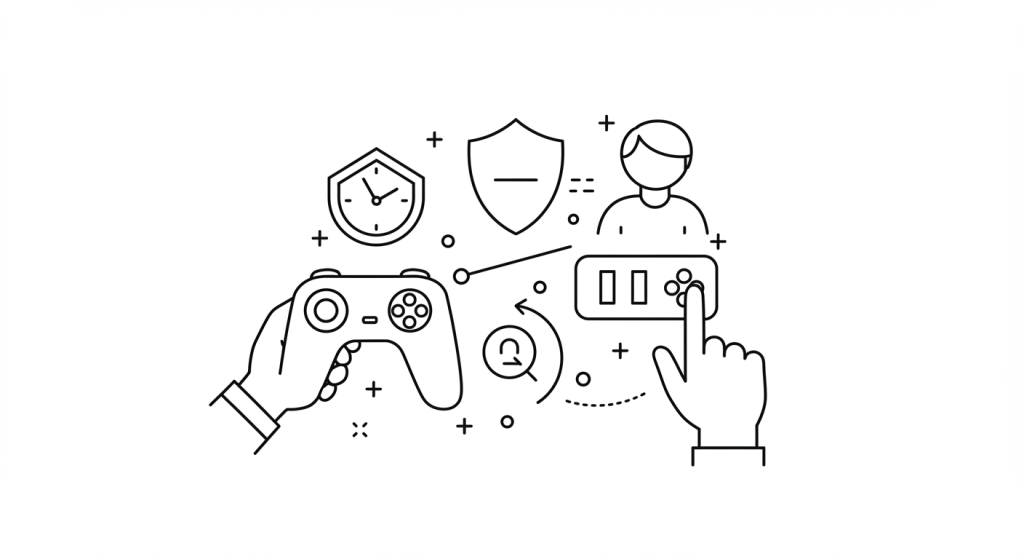
Responsible gaming is all about enjoying the thrill of the game without letting it take over your life. By setting clear boundaries and being aware of your personal limits, you can ensure that gambling remains a fun pastime and not a source of stress or financial trouble. Below are a few straightforward but effective tips to keep your gambling habits healthy:
- Limit Your Time: Allocate a specific timeframe for gambling and stop once the clock runs out.
- Avoid Chasing Losses: Accept losses as part of the experience, and avoid the temptation to recover them by betting more.
- Gamble Responsibly: for fun and entertainment, and understand the basics of responsible gambling.
- Know the Rules: Familiarize yourself with the rules and odds of the games you play. This knowledge can improve your understanding of the game and enhance your experience.
- Be aware of the signs of problem gambling. If you find that you are gambling more than you can afford to or that gambling is causing problems in your life, seek help.
- Stay Informed: Understand the odds of the games you’re playing, and learn about house edges and payout rates.
Final thoughts

There are many other steps you can take for a truly smooth game experience. Other options you can consider involve keeping your device cool and avoiding heat buildup. You can also disable animations, overclock the phone CPU, or enable the Do Not Disturb mode. However, even be implementing just a few of these tips, you will quickly find that your device is running smoother, and the gaming experience is vastly improved.