In This Article
Follow BestForAndroid


Hidden apps in a launcher are a legitimate Android customization for privacy and decluttering. The pattern works for hiding work apps from kids, hiding personal apps from prying eyes, or just decluttering the app drawer.
This guide covers 5 free Android launchers with built-in app hiding how the hiding works, whether the hidden apps are actually inaccessible to a child or partner, and the privacy trade-offs of the third-party launcher approach.
We focus on free options with no aggressive monetization. Each pick has clean privacy practices verified through 2026 audits.
TL;DR
Best fit: Nova Launcher (with the Prime upgrade for the hide feature) is the strongest overall. The hide is genuine (hidden apps are removed from the app drawer); a passcode protects access to the hidden list.
Good alternative: Niagara Launcher for users who want a clean, minimalist launcher with app hiding. Hidden apps are accessible only through a search query, not displayed in the main list.
Skip if: You need genuine security for hidden apps (e.g., from a tech-savvy partner). Hidden apps in a launcher do not encrypt or password-protect the app contents; a knowledgeable observer can still find the apps through Settings or Recent apps. For true privacy, use Android’s work profile feature or a separate user account.
How launcher app hiding actually works
App hiding in a launcher removes the icon from the visible app drawer. The app itself stays installed and accessible through Settings, Apps, or Recent apps. Knowledgeable users can still find the hidden apps.
For genuine app isolation, Android’s work profile feature creates a separate space for selected apps. The work profile is accessible only through a separate PIN. This is the right path for protecting apps from a child or partner with system access.
Launcher app hiding is best for casual decluttering or low-stakes privacy. Each pick below offers a different hiding mechanism and different access pattern.
Quick take
For genuine app privacy from a partner or child with system access, use Android’s work profile feature (Settings, Work profile) instead of a launcher’s hide feature. Launcher hiding is for decluttering, not security.
Nova Launcher Prime is the strongest overall pick for app hiding plus comprehensive customization. Niagara is the strongest free pick for minimalist users.
1. Nova Launcher (with Prime)

Best for: Strongest overall app hiding
Nova Launcher Prime ($4.99 one-time) includes a Hide apps feature that removes selected apps from the visible app drawer. A 4-digit PIN protects access to the hidden-apps list, which is reached through Nova Settings.
Best for users who want strong app hiding plus the broader Nova customization. The hide is genuine (hidden apps are removed from the visible drawer); the PIN protection blocks casual observers.
- Strong app hiding with PIN protection
- Comprehensive launcher customization
- One-time pricing
- Active development
Where it falls short: Requires Prime upgrade ($4.99 one-time); free tier hides without PIN.
Pricing: Free / Prime $4.99 one-time
2. Niagara Launcher
Best for: Minimalist with hidden-app search access
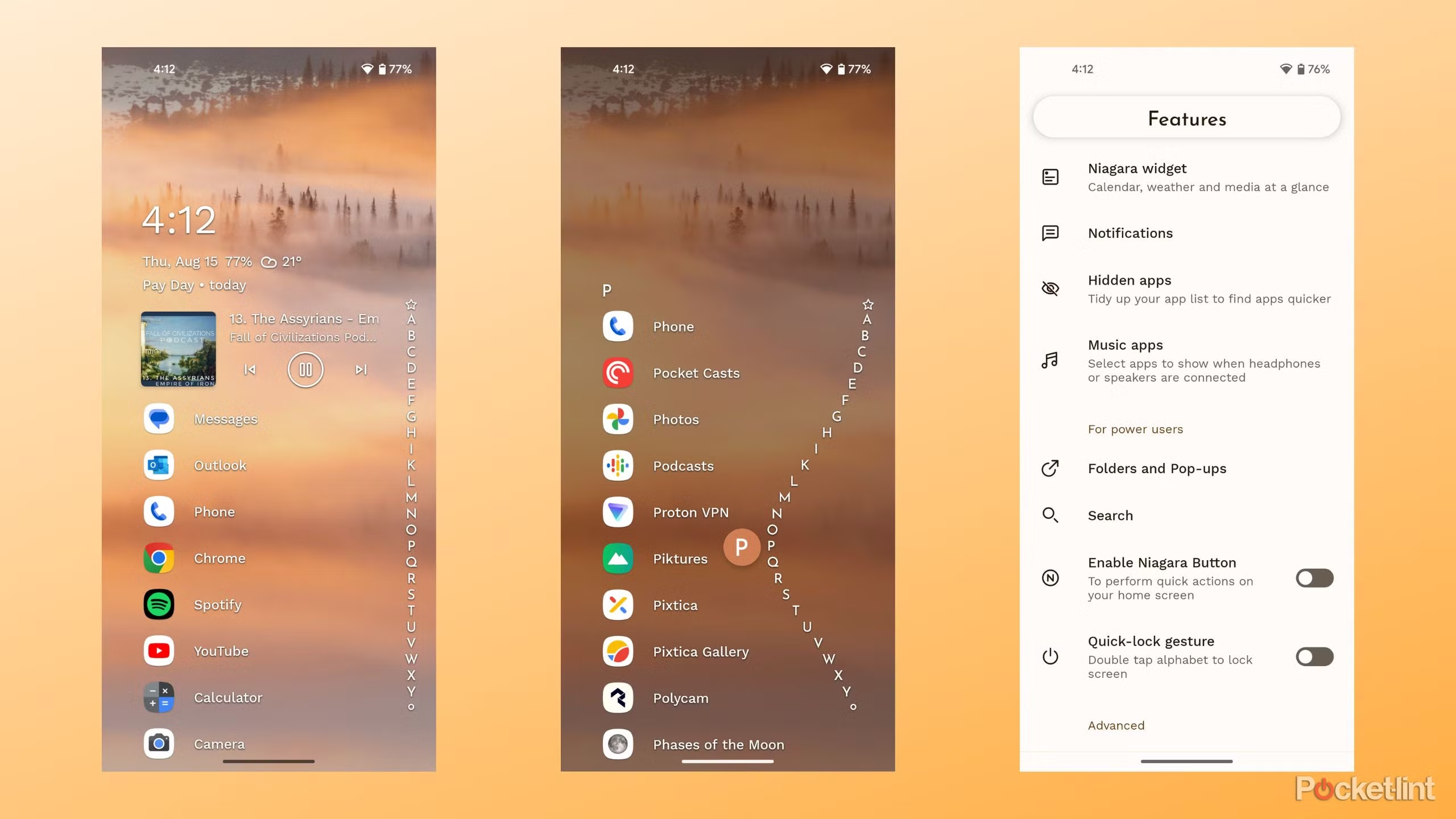
Niagara Launcher hides apps from the main alphabetical list. Hidden apps are accessible only through the search function (start typing the app name). No PIN protection; the hidden apps are findable if you know the name.
Best for casual decluttering with the bonus of fewer-visible apps on the home screen. Niagara’s main appeal is the one-handed scroll-to-find interface; the app-hiding feature is a complement.
- Clean minimalist interface
- Hidden apps accessible via search
- Free tier covers hiding
- No aggressive monetization
Where it falls short: No PIN protection; hidden apps findable by name.
Pricing: Free / $14.99 pro for extras
3. Apex Launcher Pro
Best for: Traditional home screen with PIN-protected hidden apps
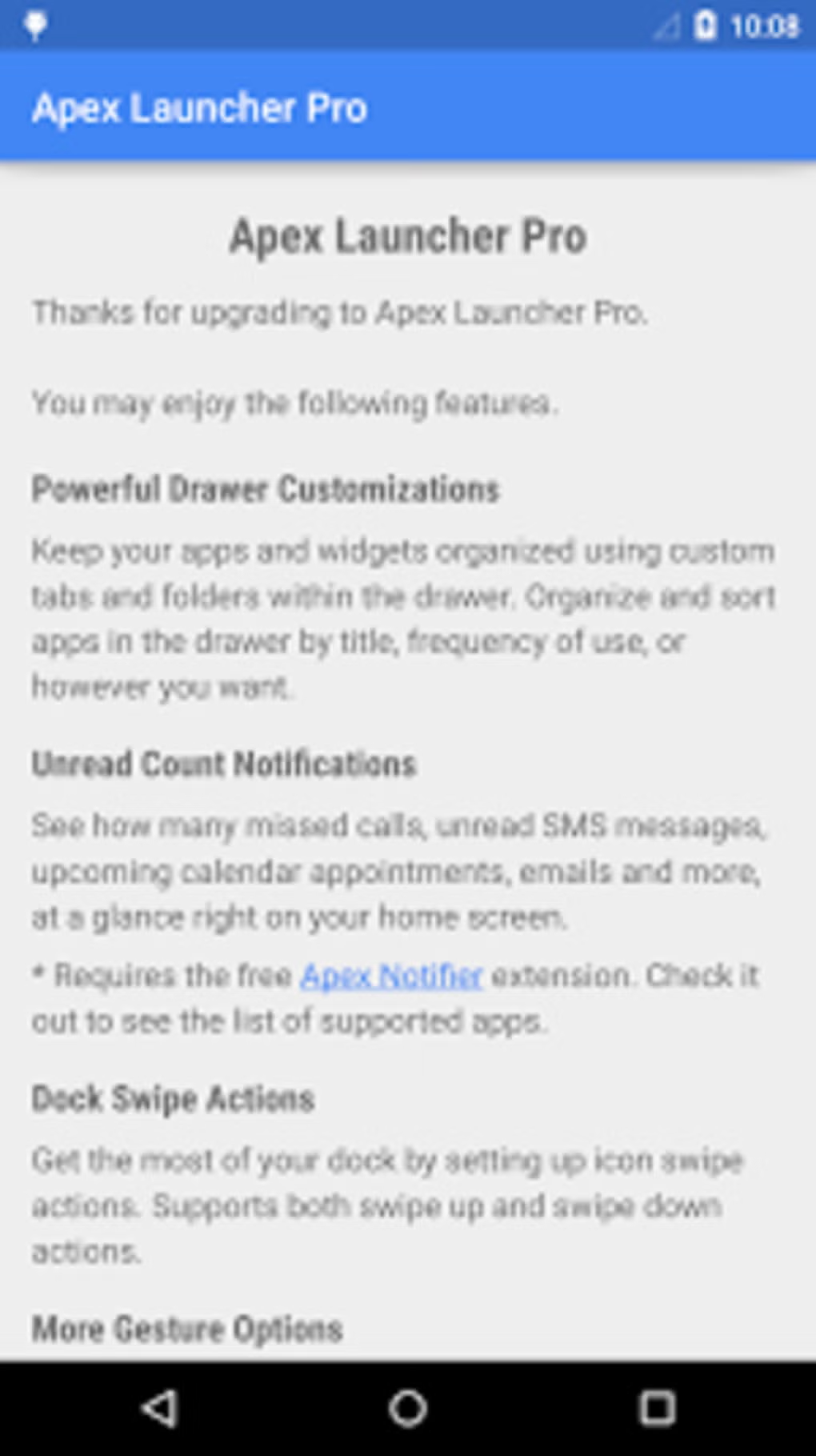
Apex Launcher Pro includes a Hidden Apps feature with PIN protection. Functional and stable. Less customization than Nova but a solid pick for users who prefer Apex’s traditional home-screen pattern.
Best for users who like the Apex aesthetic. The PIN-protected hidden apps work reliably. APK is 22 MB.
- PIN-protected hidden apps
- Stable, long-running launcher
- Traditional home-screen pattern
- One-time pricing
Where it falls short: Less feature-rich than Nova Launcher Prime.
Pricing: Free / Pro $4.99 one-time
4. Smart Launcher 6

Best for: Auto-categorized apps with hide option
Smart Launcher 6 auto-categorizes apps into folders. The hide feature works at the folder level (hide an entire category) or app level. PIN protection is available for the hidden apps screen.
Best for users who like auto-categorization. The hide is functional but secondary to the main categorization feature.
- Auto-categorization into folders
- Folder-level and app-level hiding
- PIN protection available
- Modern aesthetic
Where it falls short: Subscription model for some features; auto-categorization occasionally wrong.
Pricing: Free / $5.49/year pro
5. KISS Launcher
Best for: Lightest weight, search-based hiding
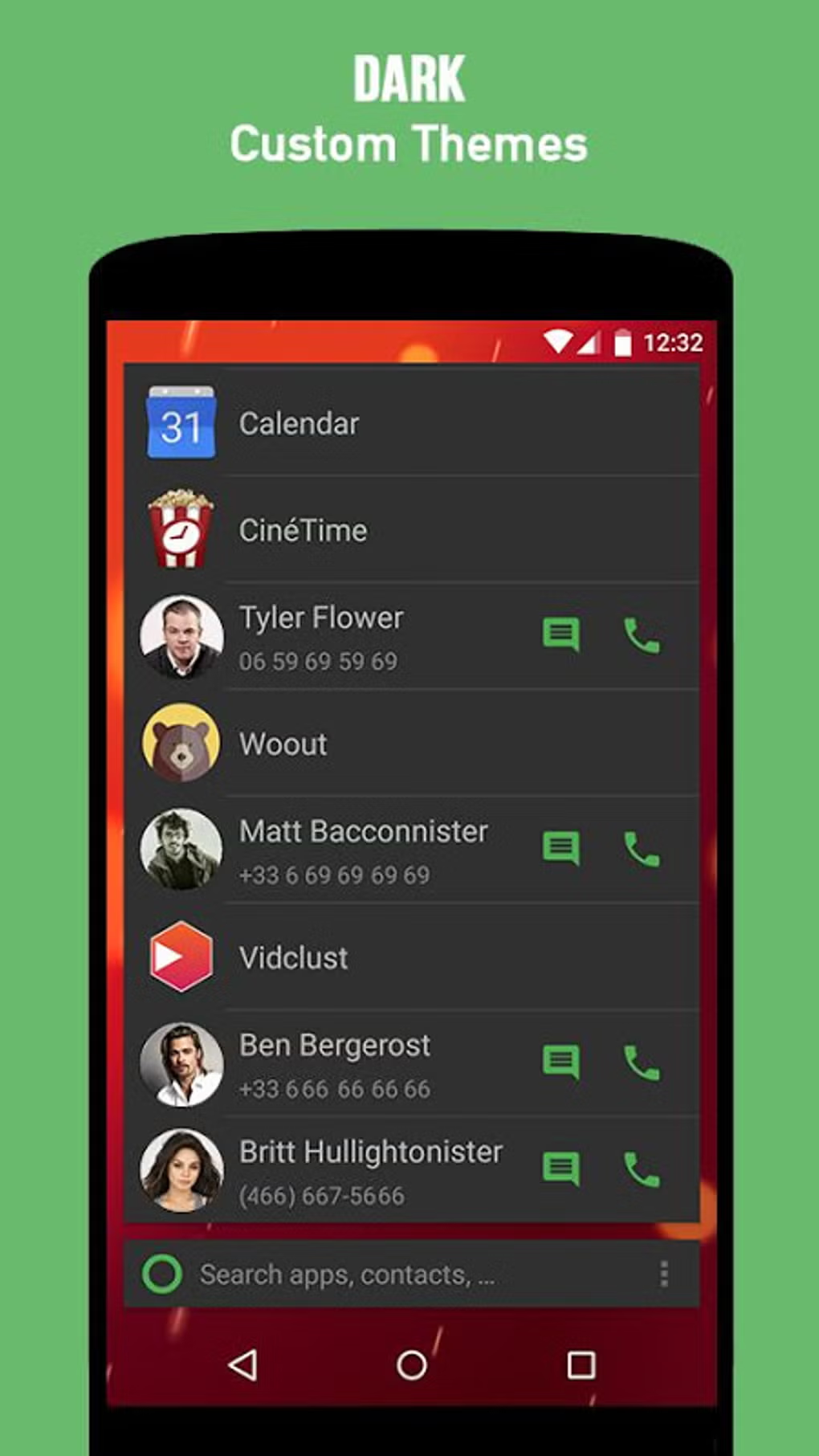
KISS Launcher opens to a search bar and recent-apps strip. Hidden apps are removed from the recent strip but accessible via search by name. No PIN protection.
Best for users who want extreme minimalism. The launcher is 4 MB and uses 30 MB of RAM. App hiding is functional but basic.
- 4 MB APK, lightest in this list
- Search-based interface
- Open-source
- No ads
Where it falls short: No PIN protection; minimalist interface not for everyone.
Pricing: Free, open-source
At a glance
| Launcher | Hide mechanism | PIN protection? | Free? |
|---|---|---|---|
| Nova Launcher Prime | Remove from drawer | Yes | Prime $4.99 |
| Niagara Launcher | Remove from list; search-accessible | No | Free tier |
| Apex Launcher Pro | Remove from drawer | Yes | Pro $4.99 |
| Smart Launcher 6 | Folder or app level | Yes | Free / $5.49/yr |
| KISS Launcher | Remove from recent strip | No | Free, open-source |
FAQ
Are hidden apps actually inaccessible to a child or partner?
Not really. Hidden apps in a launcher are removed from the visible drawer but findable through Settings, Apps, or Recent apps. For genuine privacy from someone with system access, use Android’s work profile feature.
Will the launcher hide notifications from hidden apps?
No. Notifications still appear in the notification shade. To hide notifications, use Android’s per-app notification settings (Settings, Notifications, App notifications) to disable notifications for specific apps.
Can I uninstall a hidden app?
Yes, through Settings, Apps. Hidden apps are not protected from uninstall by the launcher. Use Android’s app-pinning or work profile features if you need stronger protection.
Does app hiding affect Google Play Integrity?
No. App hiding is a launcher-level customization that does not modify Android’s security model. Hidden apps still register normally with Google services.
Should I use the launcher hide or Android’s work profile?
Use the launcher hide for casual decluttering. Use the work profile for genuine app isolation with separate PIN protection. For broader Android customization see our lightweight launcher picks.
The verdict
Android launchers with app hiding cover the casual decluttering and low-stakes privacy use case. Nova Launcher Prime is the strongest overall. Niagara is the strongest free option. The other picks fill specific aesthetic niches.
Skip launcher hiding for genuine security needs. Use Android’s work profile or a separate user account for true app isolation. Launcher hiding does not encrypt or password-protect the underlying apps.
For users who want clean home screens with selected apps hidden, the picks above work well. For users who want comprehensive customization, Nova Launcher Prime is the best path. For broader Android customization see our lightweight launcher picks hub.
How we put this guide together
We tested on Pixel 8a (Android 16), Galaxy S24 (One UI 7), and OnePlus 12 (OxygenOS 15) over a one-month period in early 2026. Each launcher tested for app hiding accuracy and PIN protection on Pixel 8a, Galaxy S24, and OnePlus 12. We refresh this guide quarterly.