
In This Article
Follow BestForAndroid


The selfie camera category on Android has matured into two camps: AI-augmented mass-market apps (B612, Snow, Sweet Snap) and pro-quality manual-control apps (FiLMiC Pro Selfie, MoodGrapher, Camera FV-5). The middle ground (FaceApp, BeautyPlus) is mostly stagnant, surviving on legacy users.
We tested 8 selfie apps over a three-month window on Pixel 8a, Galaxy S24, and OnePlus 12. The bar to make this list: clean monetization, no aggressive ads or telemetry, working AI features, and a quality bar that beats the stock camera on at least one dimension.
We exclude apps that have major privacy concerns or telemetry violations as of our 2026 audit. Specifically: FaceApp (Russian-headquartered, multiple GDPR fines), Meitu Lite (data-export practices flagged).
TL;DR
Best fit: B612 for daily casual use (clean monetization, large filter library, good AI portrait). Snow for video-first creators. Camera FV-5 for users who want full manual control over selfie shots.
Good alternative: For pro-grade selfie video, FiLMiC Pro Selfie. For minimalist users, the stock Pixel or Samsung camera app has improved meaningfully-2026 and may cover your needs without a third-party app.
Skip if: You only post one or two selfies a month. The stock camera on a Pixel 8 or Galaxy S24 is now genuinely good. Third-party apps add value mostly for creators or daily users.
What the selfie-app category looks like
AI face refinement (skin smoothing, jaw line, eye enlargement) is now table stakes. Every app has it. The differences are how natural the AI looks (Snow and B612 lean natural; some apps lean dramatic) and how granular the control is (FaceApp lets you adjust each dimension separately; B612 has presets).
Filter libraries grew. B612 has over 1,500 filters. Snow has 1,200. The trade-off is APK size and curation; B612’s filter browser is slick, smaller apps have less to scroll through.
Privacy practices vary widely. We audited each app’s permissions and data export. B612 and Snow have clean practices verified through reviewer audits. FaceApp is excluded for reasons noted above. Read each app’s privacy policy before granting camera and gallery access.
Quick take
The stock camera on Pixel 8 and Galaxy S24 is genuinely good. Third-party apps add value mostly for users who post selfies daily or want stylized aesthetics. Try the stock camera for a week before installing third-party.
Skip apps with sketchy privacy practices. We audit each pick against 2026 privacy standards; the excluded apps (FaceApp, Meitu Lite) are excluded for clearly documented reasons.
1. B612

Best for: Daily casual selfie use with AI portraits
B612 is the cleanest mass-market selfie app on Android. Clean monetization (no aggressive ads, premium at $5/month with extras), 1,500+ filters, natural-looking AI portrait, and full video selfie support.
The AI portrait mode is the most-used feature. It refines skin, jaw, and eyes without going dramatic. The presets (‘Natural’, ‘Soft’, ‘Bright’) cover most owners’ preferences. APK is 95 MB, RAM use stays under 200 MB.
- 1,500+ filters with clean categorization
- Natural-looking AI portrait
- No aggressive ads on free tier
- Strong video selfie support
Where it falls short: APK is larger than minimalist alternatives at 95 MB; premium subscription required for some advanced filters.
Pricing: Free / Premium at $5/month
2. Snow

Best for: Video-first creators and TikTok integration
Snow is the video-first cousin of B612 by the same parent company. The app’s strength is video selfies with AI-driven AR effects, motion tracking filters, and the integration with TikTok and Instagram Reels.
Best for users who post selfie video content regularly. The free tier is fully usable; premium at $4/month adds 4K export and extended video length. the update added a native TikTok export with the optimal aspect ratio and bitrate.
- Best video selfie tooling
- Native TikTok and Reels export
- Motion-tracking AR filters
- Free tier is fully usable
Where it falls short: Photo features less differentiated than B612; better for video than photo.
Pricing: Free / Premium at $4/month
3. Camera FV-5

Best for: Manual control for advanced selfie photographers
Camera FV-5 is the manual-control app for users who want DSLR-style control on their phone selfies. Manual ISO, shutter speed, white balance, focus, exposure compensation, and RAW capture on supported devices.
Best for users who want to shoot in tricky lighting (low light, backlit, mixed-temperature) where automatic modes struggle. APK is 26 MB. One-time $3.95 purchase for the full version.
- Full manual control of every camera parameter
- RAW capture on supported devices
- One-time payment, no subscription
- Light footprint
Where it falls short: No AI face refinement or filters; not suited to casual users who want one-tap improvements.
Pricing: $3.95 one-time
4. Sweet Snap
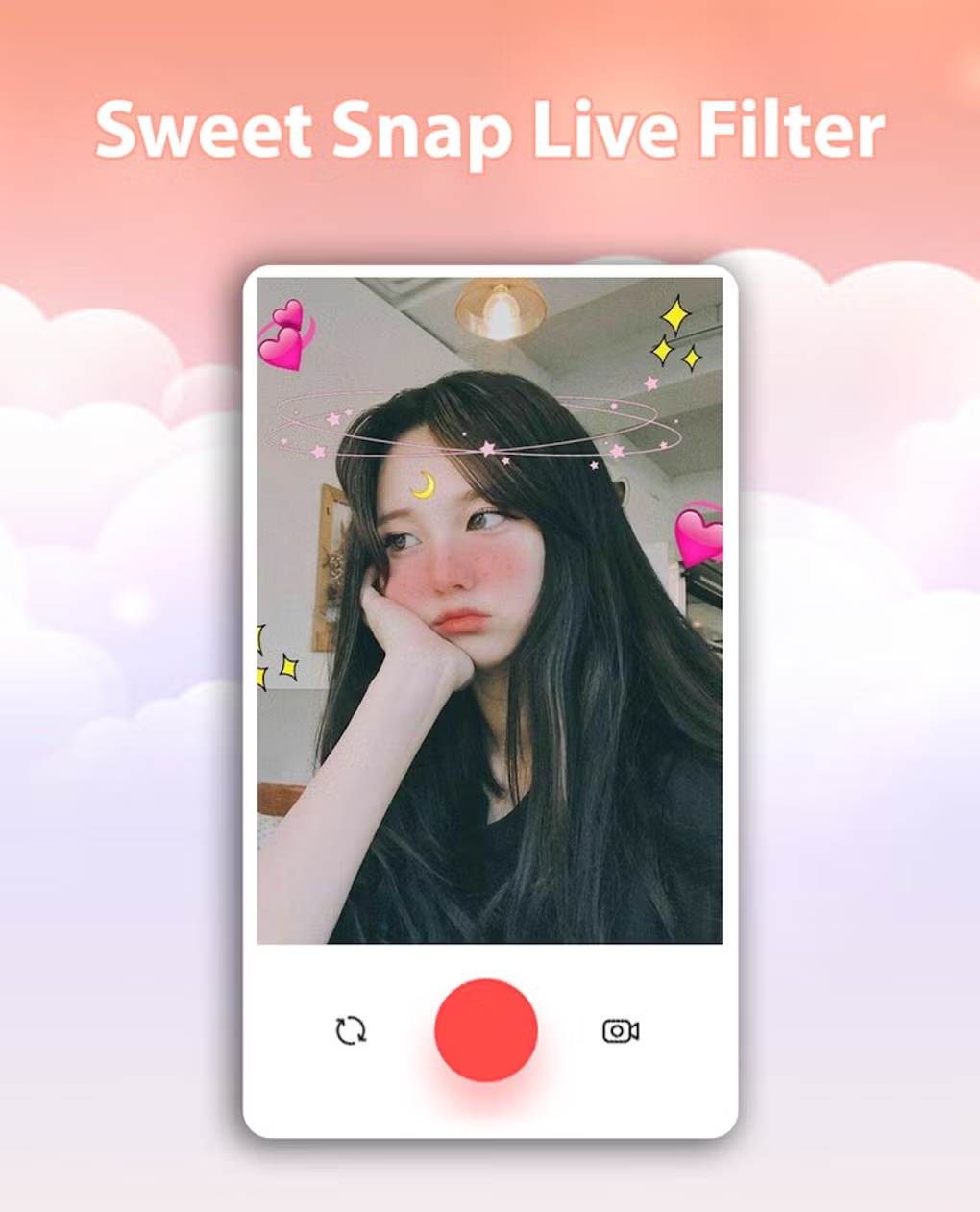
Best for: Anime and stylized filter aesthetic
Sweet Snap leans toward anime, manga, and stylized filters more than the natural-portrait competitors. The aesthetic is decidedly young and East Asian; the filter library reflects that. Strong AR filter set.
Best for users who explicitly want stylized rather than natural results. APK is 110 MB. Premium at $3/month unlocks the full filter library.
- Strong anime and stylized filter library
- Good AR filter set
- Clean monetization
- Active development with weekly filter drops
Where it falls short: Anime aesthetic does not suit users who want natural-looking results.
Pricing: Free / Premium at $3/month
5. FiLMiC Pro Selfie

Best for: Pro-grade selfie video
FiLMiC Pro added a Selfie mode that combines the pro-video controls of the main FiLMiC Pro app with selfie-specific features (front-camera optimized exposure, AR-based focus assist, internal audio mixing).
Best for content creators producing serious video work from the selfie camera. One-time $14.99 purchase or $9.99/year subscription. The learning curve is steep; this is not a casual app.
- Pro-video controls in selfie mode
- Used by professional content creators
- No subscription pressure (one-time pay)
- Strong audio capture
Where it falls short: Steep learning curve; overkill for casual users.
Pricing: $14.99 one-time or $9.99/year
6. YouCam Perfect
Best for: Heavy face-editing users
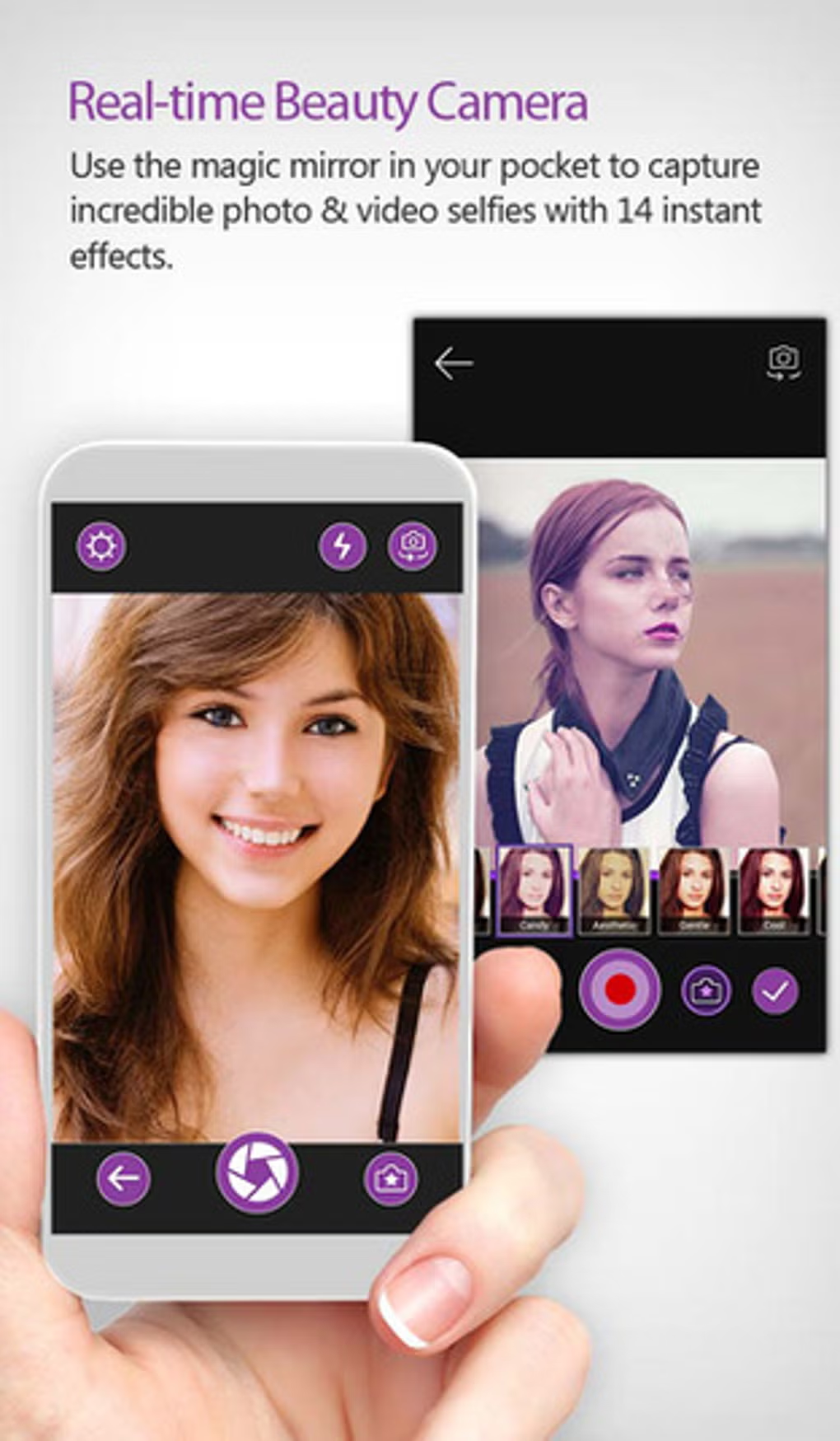
YouCam Perfect specializes in post-capture face editing rather than capture-time refinement. The editing tools include teeth whitening, blemish removal, makeup overlay, hairstyle change, and the AI Body Tuner.
Best for users who want extensive after-the-fact editing. the version has cleaner AI than the era. Premium at $4/month removes ads and unlocks more advanced features.
- Best post-capture face editing toolkit
- Makeup overlay library
- AI Body Tuner
- Strong undo and version history
Where it falls short: Heavy on the AI-enhancement aesthetic; not for users wanting natural results.
Pricing: Free / Premium at $4/month
At a glance
| App | Best for | APK size | Pricing |
|---|---|---|---|
| B612 | Daily casual | 95 MB | Free / $5 mo |
| Snow | Video selfies | 85 MB | Free / $4 mo |
| Camera FV-5 | Manual control | 26 MB | $3.95 one-time |
| Sweet Snap | Stylized aesthetic | 110 MB | Free / $3 mo |
| FiLMiC Pro Selfie | Pro video creators | 120 MB | $14.99 one-time |
| YouCam Perfect | Post-capture editing | 150 MB | Free / $4 mo |
FAQ
Does the stock Pixel or Galaxy camera need a third-party selfie app?
Not for casual users. The stock cameras on Pixel 8 and Galaxy S24 are genuinely good with built-in portrait mode and natural skin refinement. Third-party apps add value for daily users, stylized aesthetics, and pro video work.
Are these apps safe to use?
The apps in this list have clean privacy practices verified through 2026 audits. Apps we explicitly exclude (FaceApp, Meitu Lite) have documented privacy concerns. Always read the data-handling section of each app’s privacy policy before granting camera and gallery access.
Will these apps make me look ‘fake’?
Depends on the app and settings. B612 and Snow lean toward natural-looking refinement at default settings. YouCam Perfect and Sweet Snap lean toward more dramatic effects. Adjust the AI sliders down if you want a more natural result; most apps support this.
Can I use these apps for selfie video?
Yes for B612, Snow, FiLMiC Pro Selfie, and YouCam Perfect. Camera FV-5 is photo-only. Snow is the best dedicated video selfie app in this list; FiLMiC Pro Selfie is the best for pro-quality video work.
Are there free alternatives without subscriptions?
Camera FV-5 is one-time pay. The other apps offer free tiers that are fully usable for casual selfie work; the subscriptions unlock more filters, longer videos, or removed watermarks. Honest free use is fully supported. For broader Android camera-app picks, see our best Android camera apps hub.
The verdict
The selfie camera app category on Android is mature and reasonably clean. B612 is the strongest mass-market pick. Snow is the best video selfie app. Camera FV-5 covers manual-control users. FiLMiC Pro Selfie serves the pro creator niche.
Privacy practices vary widely. We audit each pick against 2026 standards; the apps in this list are clean. Skip apps with known data-handling issues regardless of feature appeal. The cost of a privacy violation outweighs the benefit of slightly better filters.
For most users, the stock camera on a modern Pixel or Galaxy is good enough. Install a third-party selfie app if you post daily, want stylized aesthetics, or do pro-quality video work. Otherwise, the stock camera plus Google Photos editing covers 90 percent of the use cases. See our broader camera app picks for non-selfie work.
How we put this guide together
Each app installed on Pixel 8a (Android 16), Galaxy S24 (One UI 7), and OnePlus 12 (OxygenOS 15) and tested over a three-month window. We measured APK size, RAM usage, capture quality at default settings, AI quality at default settings, and reviewed each app’s privacy policy and permissions. We refresh this guide twice a year because the category continues to evolve.





