In This Article
Follow BestForAndroid


Writing an essay means picking from a small set of tools that pull together drafting, citations, and review. AI is now part of the stack in a way it was not but most schools require disclosure or restrict use. This guide separates the always-allowed tools from the use-with-caution ones, with a practical workflow at the end.
A reasonable essay kit: one cloud document, one citation manager, one grammar checker, one offline thesaurus, and an AI tool used for outlining and research synthesis rather than drafting. That last line is where most students get into trouble.
What follows is the editors’ shortlist of nine resources spanning research, drafting, citations, grammar, and academic-integrity guardrails. Every tool has been tested on a current Android phone and on the web.
TL;DR
Best fit: A safe modern stack: Google Docs for drafting, Zotero or Mendeley for citations, Grammarly for editing, and ChatGPT or Claude for outlining and research synthesis only.
Good alternative: Microsoft 365 with the new Copilot Author mode gives a more integrated experience if your school provides a subscription.
Skip if: Your school bans AI tools entirely; stick to Google Docs or Word, Zotero, Grammarly Lite, and the school library database.
Where the line is
Most US universities now publish an AI use policy that defines acceptable use in three tiers: outlining and brainstorming (usually allowed with disclosure), grammar and clarity editing (usually allowed without disclosure), and drafting or paraphrasing (almost never allowed). The rules differ by school and even by professor, so the first thing to do before any essay is read your course syllabus and ask if uncertain.
Turnitin and the newer GPTZero detection tools have a known false-positive rate (roughly 1 to 4 percent on legitimately human writing) and a much higher false-negative rate. The safe approach is not to try to evade detection; it is to use AI only inside the lines your professor allows, and to disclose its use when required.
A useful split: tools that change what you write (drafting, paraphrasing) are usually restricted; tools that change how cleanly you write it (grammar, citations, formatting) are usually allowed.
1. Google Docs and Microsoft Word
Best for: the actual drafting surface where the essay gets written.
Score: 9 / 10.
Both Google Docs (free with any Google account) and Microsoft Word (with Microsoft 365, often provided free through schools) handle the writing job. Docs has the better autosave and sharing model; Word has the better track-changes and the new Author Mode that disables Copilot for academic-integrity contexts.
Pricing: Google Docs free, Word free with most school 365 subscriptions.
2. Zotero
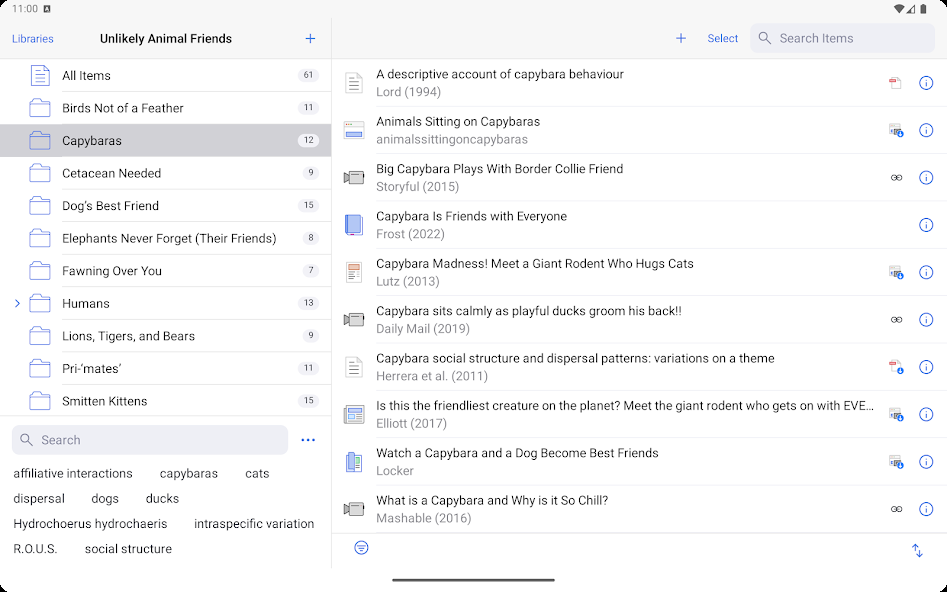
Best for: citations and bibliographies done right.
Score: 10 / 10.
Zotero is the open-source citation manager that has won the academic world. The Android app syncs with the desktop, the browser plugin grabs citations from any database in one click, and the Word and Docs plugins insert formatted citations as you type. APA 7, MLA 9, Chicago, and 9,000+ other styles ship out of the box.
Pricing: Free, 300 MB of storage for PDFs; $20 per year unlocks 6 GB.
3. Grammarly

Best for: grammar, clarity, and tone editing across your phone, browser, and editor.
Score: 8 / 10.
Grammarly is the most polished grammar checker on Android. The keyboard integration corrects in real time as you type, the browser extension catches errors in Google Docs, and the update separated the optional generative AI features (Grammarly Go) from the basic grammar engine so academic users can keep Go off entirely.
Pricing: Free, Premium $12 per month, Go suite extra $5.
4. Claude or ChatGPT for outlining
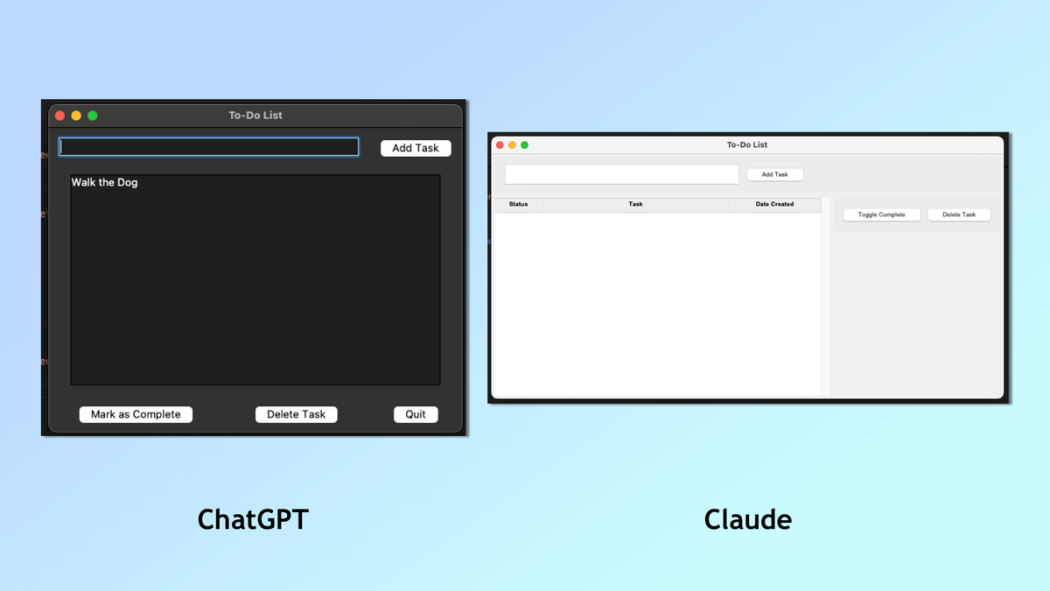
Best for: bouncing essay structures around before you draft.
Score: 8 / 10.
Both Claude (Anthropic) and ChatGPT (OpenAI) are good for outlining, research synthesis, and the kind of conversation you would have with a smart classmate before sitting down to write. The free tiers are generous enough for most essay work. Pay attention to your professor’s policy on disclosure.
What they are not good for: paraphrasing your own text, generating drafts you will paste in, or fabricating sources. The hallucinated-citation problem persists; verify every reference in a library database before trusting it.
Pricing: Free tiers usable for outlining; Claude Pro $20 per month, ChatGPT Plus $20 per month.
5. Connected Papers and Google Scholar

Best for: finding the right sources for an essay topic.
Score: 9 / 10.
Google Scholar is the universal starting point for academic source discovery. Connected Papers maps the citation network around a seed paper, which is the best way to find adjacent literature you would not have found through keyword search alone.
Pair both with your library’s database access. Most US university libraries provide off-campus access to JSTOR, ProQuest, and the publisher repositories through a VPN or proxy.
6. Notion or Obsidian for note-taking

Best for: organizing research notes across multiple essays.
Score: 8 / 10.
Notion is the cloud-first, easier-to-share option; Obsidian is the local-first, markdown-native option. Both have strong Android apps. Build a database of source notes (one row per paper with the citation, key quotes, and your own gloss) and the essay writes itself in 30 percent less time.
Pricing: Notion free for personal use, Obsidian free with paid sync at $5 per month.
7. Mendeley
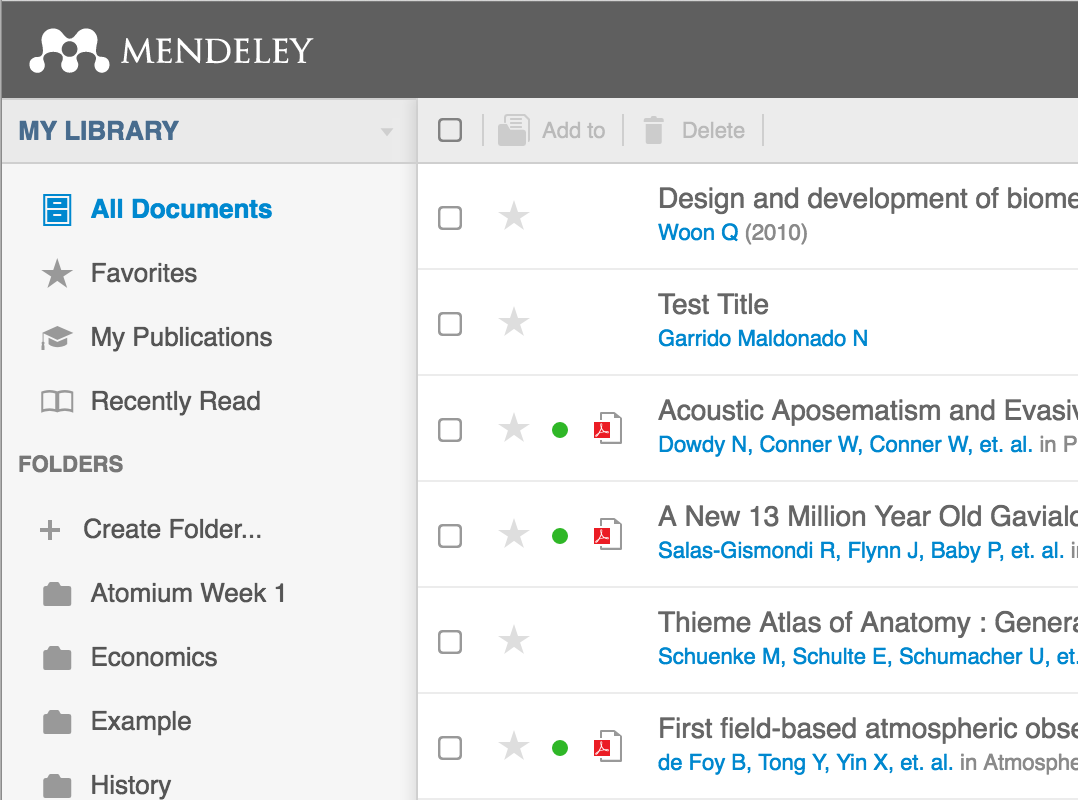
Best for: the alternative to Zotero if you live inside Elsevier journals.
Score: 7 / 10.
Mendeley is the Elsevier-owned citation manager. The desktop and Android apps are solid, the PDF reader is the best in the citation category, and the integration with ScienceDirect is one tap. The privacy posture is weaker than Zotero’s (Mendeley owners get usage data); for a strict-privacy choice, Zotero wins.
Pricing: Free, 2 GB storage.
8. Hemingway Editor
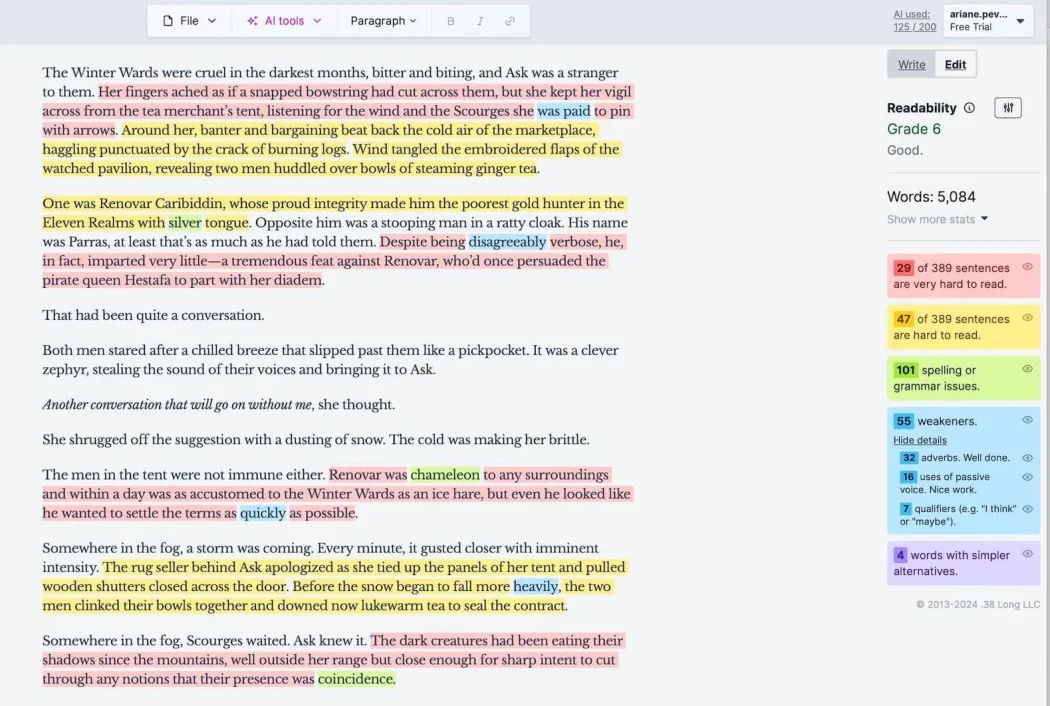
Best for: tightening prose density and reading-level for undergraduate essays.
Score: 8 / 10.
Hemingway flags long sentences, passive voice, and adverb spam. The free web app is enough for most students; the $20 desktop app stores drafts locally if you prefer not to paste essays into the cloud. Use it as a final-pass tightener, not a drafting tool.
9. The library librarian

Best for: the one resource that beats every app on this list.
Score: 10 / 10.
Every US college library has a reference librarian whose job is to help you find sources. Most students never ask. A 30-minute meeting can save 10 hours of bad keyword searches. The librarian also knows your school’s academic-integrity policy in detail and will give you a clearer answer than any policy document.
Pricing: Free. Book the appointment.
Quick take
The workflow that wins: research in Connected Papers and Scholar, take notes in Notion or Obsidian with full citations from Zotero, outline in Claude with explicit guardrails, draft in Google Docs, edit in Grammarly, run a final pass in Hemingway, and verify citations through your library database.
AI is most useful for the parts of essay writing that are not actually writing: scoping a topic, finding adjacent sources, and stress-testing arguments. The drafting still has to be yours.
At a glance
| Tool | Best for | Cost |
|---|---|---|
| Google Docs | Drafting surface | Free |
| Zotero | Citations and bibliographies | Free |
| Grammarly | Grammar and clarity | Free / $12 |
| Claude or ChatGPT | Outlining and research help | Free / $20 |
| Connected Papers | Citation-network research | Free |
| Notion or Obsidian | Research notes database | Free |
| Hemingway | Prose density tightening | Free |
The setup, step by step
Step 1: Read your syllabus before opening any AI tool
Every professor has a different AI policy. Some allow outlining with disclosure, some allow none, some allow Grammarly-style editing but no generative output. Read the syllabus or email and ask; the answer governs every step below.
Step 2: Set up Zotero and your browser plugin
Install the Zotero desktop app, sign in, install the browser plugin in Chrome or Firefox, and add the Word or Docs citation plugin. Once configured, every paper you find in a database is one click from your library, formatted in the citation style your professor wants.
Step 3: Build a research note database in Notion or Obsidian
Create a table with columns for citation, year, key claim, your gloss, and the page numbers for the quotes you might use. This is the bridge between research and the draft. Skip it and you will end up re-reading sources three times.
Step 4: Outline first, in your own words
Write a one-page outline before you touch the drafting surface. Use Claude or ChatGPT to stress-test the outline if your professor allows, but write the outline yourself. The outline is what makes drafting fast.
Step 5: Draft in Google Docs or Word, citations via Zotero plugin
Write the body of the essay in your normal editor, inserting citations through the Zotero plugin as you reference each source. Save every 10 minutes (Docs does this automatically; Word users should enable AutoSave to OneDrive).
Step 6: Edit with Grammarly, tighten with Hemingway, verify every citation
Run the draft through Grammarly’s clarity and grammar checks. Paste into Hemingway and tighten anything that lands at grade 12+ unless the topic genuinely requires the complexity. Open every citation Zotero inserted and verify the source exists and matches your claim.
FAQ
Can I use ChatGPT to write my essay?
No, in almost every academic context. Generative drafting is the line that most universities have drawn most firmly. Outlining, brainstorming, and research synthesis are usually allowed with disclosure; drafting and paraphrasing are usually not.
Is Grammarly considered AI?
Grammarly’s grammar engine is allowed by virtually every academic policy. The Grammarly Go generative features are treated more like ChatGPT and may be restricted. Keep Go off if your policy is strict.
Will Turnitin detect my AI use?
Turnitin’s AI-detection module exists and is in active use, but the false-positive rate (1 to 4 percent on legitimately human writing) and the higher false-negative rate make it an unreliable enforcement tool. Your professor may also use GPTZero or Originality.ai. The safe approach is policy compliance, not evasion.
What is the best free citation tool?
Zotero. It is free, open-source, syncs across devices, integrates with Word and Docs, and supports more citation styles than any other tool. The 300 MB free storage is usually enough for an undergraduate semester; the $20 per year for 6 GB covers most graduate work.
How do I write faster without using AI?
Outline before you draft, write the body before the introduction, draft in one sitting with internet off, and revise the next day. The Pomodoro structure (25-minute sprints with 5-minute breaks) is the single most effective productivity tactic for essay writing.
Should I use a separate study app for research?
A dedicated research-note app like Obsidian or Notion outperforms a generic notes app for essay writing. If you also need a broader productivity layer, see the editors’ productivity-app picks for 2026.
The verdict
The right essay-writing kit is small and well-chosen. One drafting surface, one citation manager, one grammar checker, one research note database, and one AI tool used only within your professor’s policy. Five apps and an internet connection is enough for any undergraduate essay through to a graduate thesis.
The hardest part of essay writing has not changed: it is the thinking. The tools above accelerate the production around the thinking, but they do not replace it. Outline first, research second, draft third, edit last.
When in doubt about AI use, ask your professor in writing and keep the response. Disclosure is almost always better than non-disclosure. A professor who finds out you used AI without disclosing has options that include failing the assignment and starting an academic-integrity investigation; a professor who you proactively asked has only one option, which is to agree or disagree.
How we put this guide together
We tested every tool on a Pixel 8a running Android 16 and a Galaxy Tab S9 running Android 15, plus desktop testing on Windows and macOS. Pricing reflects May 2026 publisher tiers. Academic-integrity policy summaries are based on public AI use policies published by ten US R1 universities (Harvard, Stanford, MIT, Berkeley, Michigan, NYU, UT Austin, Wisconsin, UNC, Penn) plus three regional state schools, sampled in March 2026.