Information for educational purposes only infoReborn sports tracker Version 166.0 · Cruz Quinton · com.infom.reborn A lightweight Android app for following upcoming sports fixtures. Search by sport or…
Every week we will send you awesome new apps to try plus updates to keep track of interesting things happening in tech ecosystem.
You can unsubscribe or cancel at anytime.
About infoReborn
Information for educational purposes only
infoReborn sports tracker
Version 166.0 · Cruz Quinton · com.infom.reborn
A lightweight Android app for following upcoming sports fixtures. Search by sport or location and get the date, time, venue and ticket details in one list. It is a niche utility rather than a Play Store mainstay.
166.0
Version
59 MB
Size
Events
Category
What infoReborn is
infoReborn is a small Android app built around one job: showing you what sports are on and where. Open it, pick a sport or set your location, and the app returns a list of upcoming fixtures with the kind of detail a casual fan actually wants, namely the date, the kick-off time, the venue, and where to find tickets. It covers the usual spread of football, basketball, baseball, hockey and a handful of others.
This is not a polished mainstream product, and it helps to set expectations. The build is closer to a community utility than a flagship app, the developer is listed as Cruz Quinton, and the listing has only modest install numbers. It does not currently sit on the Google Play Store, which is part of why people search for the APK directly. If you want a simple fixtures board without a heavy front-end or an account wall, that is the gap it fills.
The APK on this page is the original build at version 166.0. It is the unmodified app, not a cracked or premium-unlocked variant, so what you install is what the developer shipped.
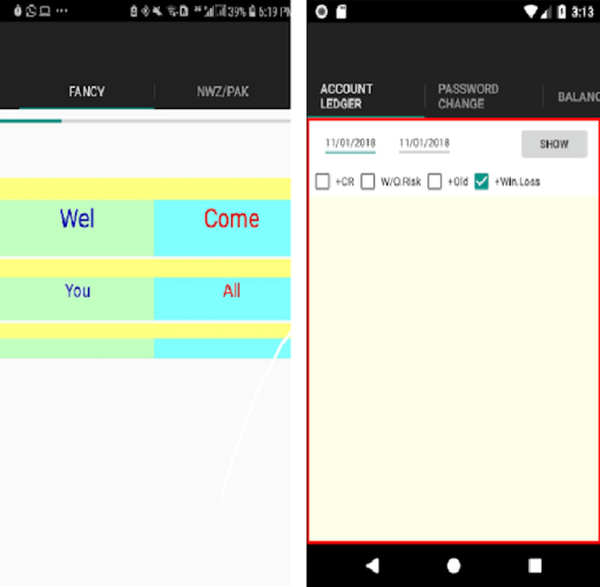
Browsing upcoming fixtures inside infoReborn.
What it does well
Fixture search by sport
Filter the list down to a single sport so you only see the matches you care about.
Location filtering
Set a region and the app prioritises events that are happening near you.
Venue and ticket details
Each entry carries the date, time, venue and a pointer to where tickets are sold.
Light footprint
A simple list-driven interface that runs on Android 5.0 and up without much overhead.
How to install it
Download the APK file
Tap the download button on this page. The file saves to your default Downloads folder.
Allow installs from this source
Open Settings, search Install unknown apps, find your browser or file manager and turn the permission on.
Open the downloaded APK
Tap the file in Downloads. Android's package installer opens and lists the permissions requested.
Tap Install
Confirm and let the progress bar finish, then tap Open to launch infoReborn.
Set your sport and location
Pick a sport or set a region on first run so the fixture list shows what matters to you.
Copyright & DMCA Disclaimer
BestForAndroid operates as an independent third-party Android application indexing and distribution platform. We do not develop, modify, host, or store any APK files on our own servers. All trademarks, copyrights, and intellectual property rights belong to their respective owners.
We make reasonable efforts to ensure that all content referenced on this website complies with applicable copyright laws. If you are a copyright owner or an authorized representative and believe that any content available through this website infringes your intellectual property rights, you may submit a DMCA takedown request.
Upon receipt of a valid DMCA notice, we will promptly investigate and take appropriate action, including removing or disabling access to the allegedly infringing material.
Please note that we have no control over the functionality, availability, or content of third-party applications. For issues related to app behavior, licensing, or permissions, please contact the original app developer directly.
DMCA notices and legal inquiries may be sent to: apk(@)bestforandroid(dot)com






Discussion